 PledgeBox
Real Time Notifications for Crowdfunding Creators
Learn how real time notifications work across email, SMS, push, and webhooks, and how crowdfunding creators can automate backer updates, shipping alerts
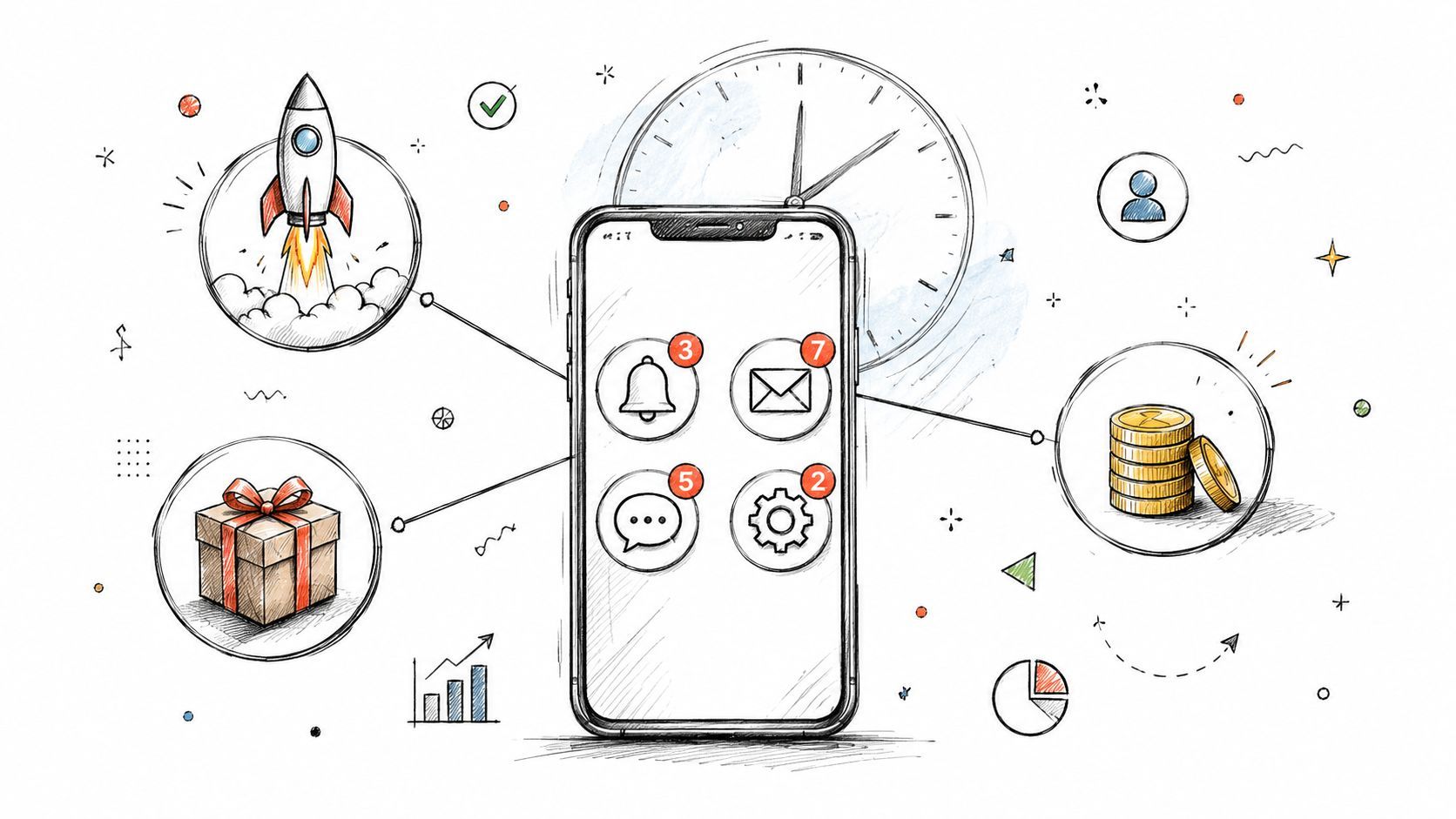
Learn how real time notifications work across email, SMS, push, and webhooks, and how crowdfunding creators can automate backer updates, shipping alerts
Your crowdfunding campaign has just funded, and the celebration is still fresh. Then the practical questions arrive: Did every backer receive an order confirmation? Who has completed the survey? Which addresses are missing? When will each person get a shipping update?
Post-campaign fulfillment is a communication operation. A creator can have a reliable product and a capable warehouse, yet still create anxiety with slow, unclear updates. Real time notifications give backers timely answers at the moments they need them, from survey completion through delivery, while helping you coordinate the work behind the scenes.
The funding announcement feels like the finish line, but it's really the point when your backers start waiting for evidence that the project is moving. A backer completes checkout in your pledge manager and expects confirmation. Another opens the survey on a phone, pays shipping, and wants reassurance that the information was saved. Someone else checks their inbox because the estimated delivery window is getting close.
If those updates depend on a creator remembering to send a batch email, small gaps appear quickly. A missing confirmation can look like a failed payment. An address reminder sent weeks late can delay fulfillment. A shipping notification that arrives after the package has already appeared creates confusion instead of confidence.
Practical rule: Every important backer action should have a clear next message, and that message should arrive as close to the event as the channel allows.
The channel matters because mobile users already receive a crowded stream of alerts. The average U.S. smartphone user receives 46 app push notifications per day, while one benchmark cites an 8.4% Tuesday push reaction rate and a global push click-through average of around 2.25%. Those figures show why timing and relevance influence whether a notification earns attention, rather than merely reaching a device. Business of Apps' push notification benchmarks provide the underlying figures.
Backers don't need a message for every internal warehouse action. They do need useful signals at meaningful milestones:
That sequence makes the campaign feel organized. It also reduces repetitive support questions, because backers can find the status of their own order instead of waiting for a reply.
A useful way to think about the next phase is as a series of events. A backer submits a survey, an event occurs. A payment clears, another event occurs. A tracking code is uploaded, another event occurs. The notification system connects each event to the right message and recipient.
The rest of the workflow depends on choosing the right channel, designing sensible triggers, and controlling frequency. Speed helps, but speed without context can turn a helpful service into an inbox burden.
Event-driven notifications differ from scheduled emails in their timing and trigger logic, not only their speed. For a crowdfunding creator, the difference appears after funding: a backer submits a survey, pays shipping, or receives tracking information, and the system responds to that specific event.
The basic process has four parts:
A system is generally treated as real time when the delay from event to display stays under 500 milliseconds. That usually requires a persistent connection such as WebSockets or server-sent events, instead of repeatedly asking the server whether anything changed. With an open connection, published guidance places WebSocket delivery latency in the roughly 10 to 50 millisecond range. SuprSend's real-time notification architecture guide explains the distinction.

Fast delivery does not make a notification useful. The message must answer the backer's immediate question and point to the next action.
“Your information was saved” fits a completed survey. “Your address is still missing” fits incomplete fulfillment data. “Your reward has shipped” fits the moment tracking becomes available. A generic campaign announcement after each event may arrive quickly, but it adds noise instead of clarity.
That distinction matters for creators managing surveys, shipping, and post-campaign offers. A pledge manager should behave less like a loudspeaker and more like a store assistant, responding when an order needs attention. Every unnecessary alert increases the chance that backers mute notifications or ignore the useful ones.
Scheduled email still has a clear role. Use it for a weekly production update, a broad announcement, or information that does not depend on one backer's immediate action. Real time delivery suits moments where delay creates uncertainty or prevents the next step.
The difference is straightforward: scheduled messages communicate a plan, while event-driven messages confirm what just happened. Strong post-campaign operations use both. A creator might send a scheduled manufacturing update to everyone, then send an event-driven confirmation when an individual backer completes a survey or receives tracking information.
Choosing a channel starts with the job, not the technology. Email reaches people across devices and remains useful for detailed instructions. SMS feels urgent, but it should be reserved for situations where the recipient has clearly agreed to receive it. Push notifications provide a direct mobile prompt when the backer has enabled them. Webhooks work behind the scenes, carrying an event from one system to another rather than speaking directly to a backer.
Think of the four channels as different couriers. Email is the formal letter, SMS is the urgent text, push is the tap on the shoulder, and a webhook is the courier moving paperwork between your pledge manager, store, warehouse, or support system.
| Channel | Speed | Best For | Key Trade-off |
|---|---|---|---|
| Fast to near real time, or scheduled | Survey confirmations, detailed instructions, tracking updates, production news | It can be missed in a crowded inbox | |
| SMS | Immediate when delivered | Time-sensitive delivery or payment prompts, with consent | More intrusive and dependent on permission and carrier delivery |
| Push notification | Immediate when enabled | Short reminders, app activity, status changes | The backer must allow notifications, and too many alerts cause fatigue |
| Webhook | Near immediate between systems | Sending order, payment, or shipping events to another tool | It doesn't directly notify the backer and requires integration work |
Transactional push messages can perform strongly because they relate to an action the recipient just took. Benchmarks report open rates as high as 69%, with some transactional studies reaching 90%, while contextual campaigns are reported at 14.4% versus 4.19% for generic campaigns. The cited push notification benchmark summary supplies those comparisons.
Use email when the backer needs a link, a receipt, several instructions, or a record they can search later. Use push for a brief prompt such as “Your survey is ready” or “Your tracking information is available.” SMS belongs on the narrowest path, such as a delivery issue that needs attention, and only where the recipient has provided appropriate consent.
Webhooks deserve special attention for creators connecting multiple systems. A shipping platform can receive an order event, a payment tool can receive a status change, and an internal dashboard can record a fulfillment milestone without anyone manually copying information. Developers who need a practical example of event streams and persistent connections can build on Solana with websockets through Solana Tracker, although the same underlying pattern can support many kinds of event-driven applications.
For the creator-facing workflow, a well-planned email workflow automation system can handle detailed messages, while real-time channels handle short, urgent prompts. The rule of thumb is clear: use the fastest channel that adds real value, and use email when the recipient needs durable detail.
The post-campaign calendar has a natural notification sequence. Each message should follow a specific action, not an arbitrary marketing schedule.
A backer clicks “Complete Order” in the pledge manager. The first message should confirm that the order was received and explain what happens next. If payment or shipping charges still need to be completed, the message should make that action unmistakable.

Order confirmation should arrive immediately after checkout. A useful message might say, “Your reward selection is saved. Review your order details here.” That reassurance prevents the backer from submitting the form again or contacting support to ask whether the order went through.
Survey reminders should target people who still have an incomplete action. Instead of sending the same reminder to everyone, separate backers who haven't opened the survey from those who opened it but haven't submitted it. The wording can then address the actual obstacle.
Survey tools can have fragmented setup and daily limits. For example, some platforms support up to 20 instant notifications a day across surveys, with configuration handled separately for each survey. That helps explain why creators often consolidate post-campaign communication in a dedicated pledge manager. SurveyMonkey's instant notification documentation describes this kind of setup.
Shipping notifications should fire when tracking information becomes available, not when the creator hopes the warehouse will ship soon. “Your reward has shipped. Track it here” gives the backer a concrete next step and reduces uncertainty during the delivery window.
An add-on prompt works best after the backer has completed the essential survey information. The backer has already chosen a reward, confirmed an address, and demonstrated purchase intent. A message such as “Add the matching accessory before fulfillment closes” is more relevant than an upsell shown before the required survey steps are complete.
A structured automated reminder system can separate required actions from optional offers. That distinction protects the fulfillment workflow, because a backer shouldn't mistake an optional add-on prompt for a missing requirement.
Finally, delivery confirmation closes the loop. It can invite the backer to review the reward, report a problem, or find support without forcing every recipient into another promotional sequence. The goal is a complete chain of useful acknowledgments, from order completion to final delivery.
You don't need to build a distributed messaging platform to understand the decisions behind one. The architecture usually develops in stages as the number of active users, connected systems, and simultaneous events grows.
At the simplest level, polling means the client asks the server, “Is there anything new?” That approach can be adequate for a small backer list or a low-priority status page, but it introduces delay and repeated requests. It also makes the client work even when nothing has changed.
WebSockets take a different approach. The client opens a persistent connection, and the server sends an event when a change occurs. This is useful when a backer is actively viewing a survey or order page and the interface needs to update without a refresh. Server-sent events can support a similar server-to-client pattern for suitable use cases.

A single server can manage direct connections while the workflow is small. As more servers join, a new problem appears: the event may reach server A, while the backer's active WebSocket connection is held by server B.
A pub/sub backbone such as Redis or Kafka solves that coordination problem. The application publishes an event to the shared bus, every connection server learns about it, and only the server holding the relevant active connection performs the final delivery. Teams can measure latency from “publish to client acknowledgment” in a histogram, which helps reveal tail-latency spikes and dropped deliveries. This Redis and WebSockets architecture example describes the pattern.
A useful mental model is a warehouse with several loading docks. The shared event bus tells every dock that a package exists, but only the dock serving the right address hands it to the courier.
For a creator, the practical question isn't whether Redis or Kafka is used internally. Ask whether the platform can connect events reliably, retry failed deliveries, distinguish required reminders from marketing messages, and show delivery status when something goes wrong.
Here is a visual explanation of how persistent connections fit into an event workflow:
Your payment path also affects notification reliability. If a payment gateway changes an order state, the pledge manager needs to receive that event and turn it into the correct backer-facing message. A clear payment gateway integration workflow helps you ask whether payment, survey, and fulfillment events stay synchronized.
More alerts don't automatically create better service. A backer who receives a useful confirmation feels supported. A backer who receives repeated reminders, overlapping promotions, and status messages with no new information may disable notifications entirely.
Coverage of a Reuters Institute study reported that 79% of respondents globally didn't receive any news alerts in an average week, while 43% of those who opted out said they intentionally turned alerts off because of overload or lack of usefulness. The Guardian's report on alert fatigue provides those figures.
The crowdfunding lesson is straightforward: relevance, frequency limits, and utility matter more than raw speed. A survey reminder should stop when the survey is submitted. A shipping alert shouldn't repeat merely because an internal record was edited. An upsell should never interrupt a required fulfillment action.
Collect only the information needed for the stated fulfillment task. A shipping notification may need an order reference and tracking link, but it shouldn't expose unrelated backer details. Give recipients a clear way to manage optional communications and honor opt-outs consistently across channels.
Creators should also ask how a platform isolates campaign data, handles access permissions, and supports deletion requests. Privacy-first data isolation and one-click data erasure reduce the risk of retaining information that no longer serves fulfillment.
Track a small set of operational measures:
Healthy performance doesn't mean maximizing every metric. A slightly lower send volume with fewer opt-outs and better survey completion may be the stronger result for a creator preparing thousands of rewards.
A pledge manager is the storefront where the campaign becomes an order operation. Kickstarter's pledge manager is like Amazon, a standardized environment with rules and a familiar buying path. PledgeBox is like Shopify, giving the creator a more flexible, branded storefront for surveys, shipping, taxes, add-ons, and post-campaign communication.
The cost model matters when you compare those options. PledgeBox is free to send the backer survey and only charges 3% of upsell revenue if there's any. PledgeBox states that its 3% platform fee applies to revenue collected through backer surveys, including shipping fees, taxes or VAT, and add-on products, and that a survey generating no additional revenue is completely free. By comparison, Kickstarter's pledge manager applies a 5% platform fee, plus roughly 3% to 5% card processing on payments. See PledgeBox's pricing details for the stated fee structure.
Set the survey confirmation first. Make the completion message clear, mobile-friendly, and specific about what the backer should expect next.
Automate reminders by status. Separate incomplete surveys, unpaid shipping, and missing address information. Stop each reminder as soon as the backer completes the required action.
Enable shipment tracking notifications. Upload tracking codes when the warehouse provides them so the system can send the backer the relevant status and tracking information.
Place upsells after the survey. Let backers complete required reward and address details before presenting optional add-ons. This keeps revenue prompts from obstructing fulfillment.
Write for a phone screen. Put the action, order reference, and primary link near the top. Long explanations belong in the email body or linked help page, not in the notification preview.
Review reports before closing a milestone. Downloadable reports can help you compare survey completion, payment status, shipping data, and outstanding actions, so a missed notification doesn't remain invisible.

PledgeBox offers creator-branded backer surveys, fulfillment updates, shipping status notifications, automated reminders, add-on upsells, and connected payment and shipping workflows. Visit PledgeBox to set up a post-campaign notification flow that keeps backers informed without turning every fulfillment event into noise.
PledgeBox
The All-in-One Toolkit to Launch, Manage & Scale Your Kickstarter / Indiegogo Campaign