 PledgeBox
Crowdfunding Payment Gateway Integration: A Creator's Guide
Master crowdfunding payment gateway integration. Our guide covers setup, VAT, security, and using pledge managers like PledgeBox for Stripe & PayPal.
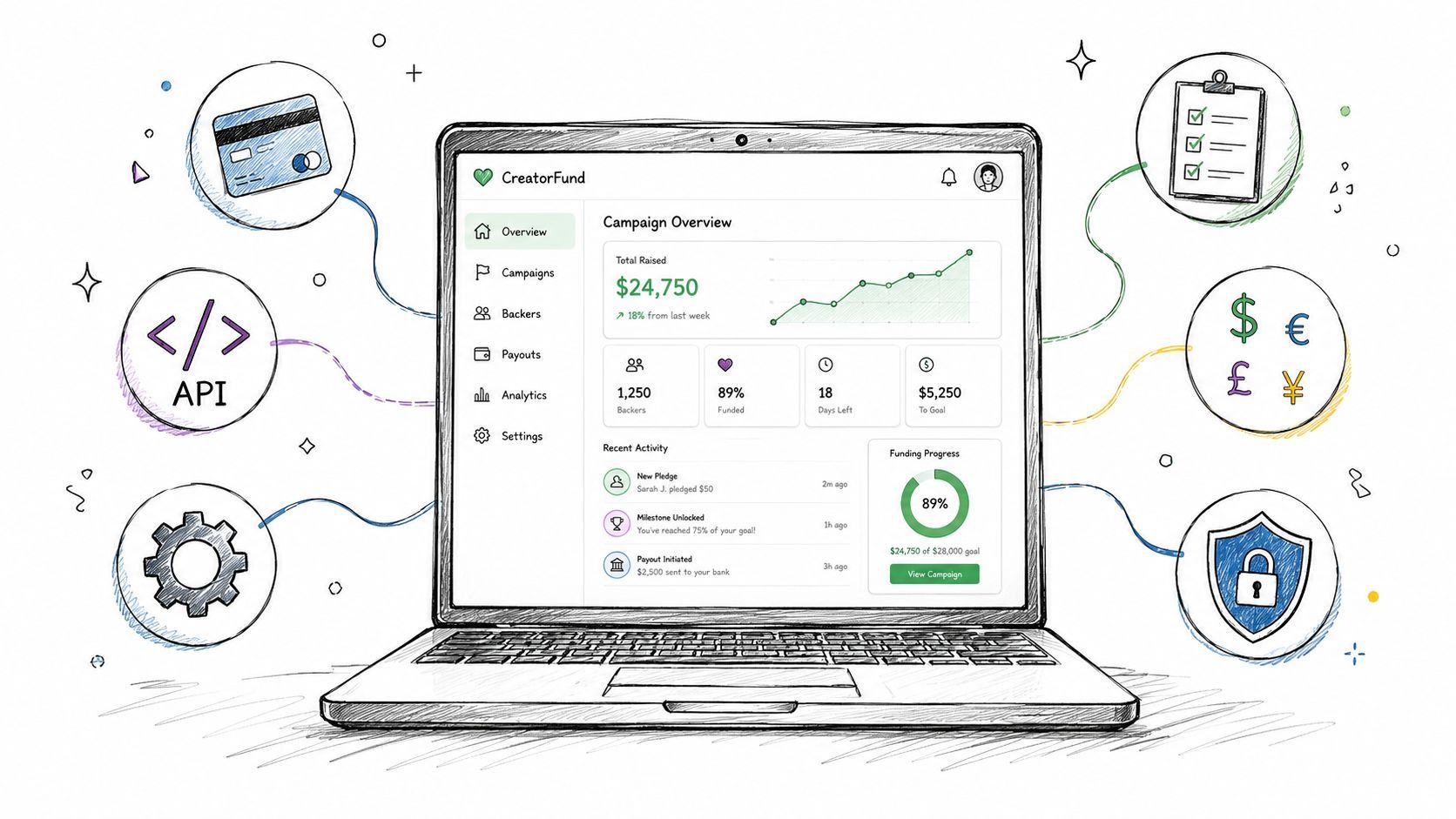
Master crowdfunding payment gateway integration. Our guide covers setup, VAT, security, and using pledge managers like PledgeBox for Stripe & PayPal.
Your campaign ended. The funding total looks great. Then the true work starts.
Backers need surveys. Shipping has to be collected by region. VAT and tax rules don't wait. Some cards fail. Some backers want add-ons. Others need to update addresses, split payments, or use a different payment method than the one they used during the campaign. Amidst these complexities, payment gateway integration stops being a technical checkbox and becomes a revenue operation.
Most creators learn this late. They think the campaign platform handled the hard part. It didn't. The campaign captured intent. Post-campaign finance is what turns that intent into collected money, clean records, and fulfilled orders.
A funded campaign can still lose money after the applause ends. The trouble usually isn't one catastrophic mistake. It's a pile of smaller issues: failed charges, missing shipping collection, messy currency handling, manual reconciliation, and backers who drop off when checkout feels confusing.

The broader market shows why this matters. The global payment gateway market generated USD 31.0 billion in 2023 and is projected to reach USD 161.0 billion by 2032, with a 20.5% annual growth rate according to payment gateway market statistics from Electro IQ. That growth is tied to digital commerce and cashless payment habits. Crowdfunding sits right inside that shift, but creators deal with a more awkward version of it than a normal online store does.
A standard ecommerce store asks for payment, confirms the order, and ships. Crowdfunding rarely works that cleanly.
Creators often need to:
That changes the job of payment gateway integration. You're not just connecting Stripe or PayPal to a checkout form. You're building the collection layer for the entire post-campaign workflow.
Practical rule: If your payment setup can't handle pledge changes after the campaign, it isn't finished.
Creators usually feel the pain in three places first. Revenue leaks through incomplete collections. Support tickets pile up because backers don't understand what they're being asked to pay for. Fulfillment slows down because finance data and shipping data don't match.
If you're still lining up your campaign pipeline, a resource like this directory of US crowdfunding sources can help you think more broadly about where campaigns get traction and capital, but once the campaign closes, operational discipline matters more than exposure.
The creators who handle post-campaign finance well treat payment gateway integration as infrastructure. The ones who don't end up with spreadsheets, edge cases, and avoidable revenue loss.
Creators usually don't ask whether Stripe or PayPal is better in the abstract. They ask which one will create fewer support problems, handle international backers more cleanly, and work better with late add-ons, surveys, and post-campaign charges.
That framing is the right one.

| Feature | Stripe | PayPal |
|---|---|---|
| Integration style | Strong for API-driven and embedded flows | Strong for familiar wallet-style checkout |
| Currency and reach | Supports processing in more than 135 currencies | Available in over 200 countries and regions, supporting 25 currencies |
| Best fit | Custom post-campaign flows, subscriptions, structured automation | Recognition, trust, and fast buyer adoption |
| Creator concern | Requires a cleaner technical setup | Can create fragmented reporting if handled separately |
The strongest market signal here isn't brand recognition. It's buyer preference. 76% of international consumers prefer paying in their local currency, and that makes currency support a conversion issue, not a nice-to-have, based on payment gateway market analysis from Grand View Research.
Stripe tends to fit creators who want tighter control over checkout behavior and post-campaign logic. If you're collecting shipping later, running add-ons, or charging recurring items, Stripe's integration model is usually easier to shape around a custom workflow.
That's one reason many creators use a deeper comparison before choosing. This Stripe and PayPal integration breakdown for crowdfunding workflows is useful because it looks at the decision through the lens of pledge management instead of generic ecommerce.
Stripe also helps when your team wants payments to feel native inside the survey or pledge manager flow instead of sending backers through an external-feeling handoff.
PayPal often wins on familiarity. Many backers already trust it, especially in international campaigns where card hesitation is common. When a backer sees a payment option they already know, support friction drops.
It also helps to study real-world payment outcome pages outside the crowdfunding space. This wholesale headwear transaction status example is a small but useful reminder that the post-payment experience matters too. Backers need clear confirmation, not ambiguity about whether a charge went through.
Backers don't care how elegant your backend is if they aren't sure whether they just paid you.
For crowdfunding, the best answer is often not Stripe or PayPal. It's Stripe and PayPal, connected in a way that keeps reporting, retries, and fulfillment data aligned.
Use Stripe when you want more control over embedded flows and structured payment logic. Use PayPal when audience trust and geographic familiarity are decisive. If your campaign has a global backer base, giving people both options usually matches how they already buy online.
The mistake isn't choosing one brand over another. The mistake is choosing gateways without planning how backer data, payment status, shipping charges, and upsells will stay synchronized after the campaign.
Most payment gateway integration problems start before any code is written. The failure usually happens in setup order. Teams rush to connect a checkout before they define what they're trying to collect.
A reliable workflow follows a clear sequence. Define business requirements, select a provider, create a merchant account, obtain API credentials, integrate through a plugin or API, configure settings, and test in sandbox mode. That process typically takes one to seven days according to ConnectPay's payment integration workflow guide.
Before you touch Stripe or PayPal, answer a few operational questions:
If those answers aren't clear, the integration won't stay clean for long.
The merchant account step is where many creators get impatient. Don't. Verification affects whether you can receive funds smoothly once live charges begin. If your legal entity, banking details, or ownership information don't match platform records, holds and delays become much more likely.
Keep your campaign entity, bank account, and tax information aligned before launch. That avoids the worst kind of post-campaign delay: money collected from backers but slowed down by account review.
Payment gateways usually provide two sets of credentials. Test keys are for sandbox mode. Live keys are for production. Mixing them up is a classic mistake.
Use a simple rule set:
A surprising number of payment issues are really credential issues wearing a different costume.
If you're using a pledge manager or ecommerce platform, a built-in connector is usually the faster path. It reduces custom work and lowers maintenance burden. A direct API route makes sense when your team has custom checkout logic, unusual bundling rules, or a broader internal system to sync.
For most creators, simpler wins. The gateway should support the workflow, not become its own project.
Standard ecommerce advice becomes insufficient. Crowdfunding doesn't end at one payment event. It turns into a series of collections tied to shipping reality, tax exposure, and changing backer intent.
Backers often choose a reward during the campaign before shipping is finalized. Later, you need their address, region, and sometimes product selections before you can calculate the true amount owed.
The clean approach is to treat post-campaign collection as a structured sequence:
Creators get into trouble when they combine all those jobs into one vague invoice. Backers are much more likely to pay when they can see exactly what changed and why.
Post-campaign collections create more failure points than campaign-day charges. Cards expire. banks block international transactions. Some backers ignore reminders until the last minute.
That means failed payments shouldn't be treated as isolated exceptions. They need a process. A useful reference is this failed payment recovery guide for pledge collections, which focuses on the operational side of retries and follow-up.
What works in practice:
Some campaigns sell memberships, content clubs, refill packs, or subscription-style rewards after the campaign closes. Others lean heavily on add-ons and late backer sales. Both require a gateway setup that can handle repeatable collection logic without confusing the original pledge amount.
The main discipline is separation. Keep the original campaign pledge, post-campaign shipping, tax, and any recurring charge distinct in your records. When creators don't do this, refunds become messy and customer communication gets worse fast.
Creators sometimes treat testing like polish. It isn't. It's revenue protection.
In mature markets, transaction success rates average 85–92%, but they can drop to 70–78% in emerging regions. Inadequate error handling accounts for 28% of integration failures, according to Cellmobs data on payment gateway integrations. For crowdfunding, that means every untested edge case can hit real backers in real countries at the worst possible moment.

A launch-ready setup should prove more than one happy-path charge.
The cleanest security posture is the one that avoids touching sensitive card data directly whenever possible. If your gateway provides tokenization and hosted handling, use it. That lowers exposure and keeps your team focused on operations instead of storing data it shouldn't be responsible for.
For a more focused look at that side of launch prep, this payment gateway security guide for crowdfunding teams is worth reviewing before you switch from sandbox to production.
Treat go-live like fulfillment. If one dependency is wrong, the whole chain feels it.
Use this checklist before sending a single backer to a live payment page:
| Check | What to confirm |
|---|---|
| API keys | Production keys are installed in the live environment only |
| Payment methods | Stripe, PayPal, or both appear exactly as intended |
| Error handling | Failed charges show clear next steps |
| Retry logic | Unpaid balances can be retried without manual patchwork |
| Notifications | Backers and your team receive the right payment events |
| Reporting | Finance status matches fulfillment status |
Skipping these checks creates a false sense of readiness. The integration may look complete while quietly failing on retries, refunds, or regional payment edge cases.
The technical problem isn't only Stripe. It isn't only PayPal either. It's the handoff between systems.
A creator might have pledge data on Kickstarter, payments in two gateways, shipping rates in spreadsheets, tax notes in email, and add-on sales in a separate tool. That setup breaks reporting first, then customer service, then fulfillment. A 2025 NMI report notes that 30% of global e-commerce failures stem from fragmented reporting across multiple providers, cited in this Boston Fed reference covering the reporting problem.
A pledge manager isn't just a survey form with payment fields attached. It becomes the operating layer that connects backer identity, order contents, payment status, tax, shipping, and fulfillment export in one place.

That matters because crowdfunding has delayed decisions. Backers upgrade rewards, add extras, change addresses, and switch payment methods after the campaign. A unified system handles those changes as part of one record instead of forcing your team to reconcile three versions of the truth.
Kickstarter pledge manager is like Amazon and PledgeBox pledge manager is like Shopify.
That comparison lands because the difference is control. An Amazon-style environment is standardized and constrained. It works, but the workflow belongs mostly to the platform. A Shopify-style environment gives the creator more ability to shape the branded experience, collection logic, and post-campaign merchandising.
For teams managing upsells, shipping collection, VAT, and late backers, that flexibility usually matters more than convenience on day one.
When evaluating a pledge manager, focus on whether it can do these jobs inside one flow:
PledgeBox is one example of this model. It supports Stripe and PayPal, handles surveys and post-campaign charges, and is free to send the backer survey, with only a 3% charge on upsell revenue if there is any. That pricing structure matters because it changes the risk profile for creators. You can organize post-campaign finance without taking on an upfront survey cost, and the fee only applies when extra sales happen.
The best post-campaign workflow is the one your team can still trust when thousands of backers start making changes at the same time.
If you're sorting out surveys, shipping collection, VAT, upsells, and payment gateway integration after your campaign, PledgeBox is a practical place to start. It connects post-campaign backer management with Stripe and PayPal support, keeps collection and fulfillment data aligned, is free to send the backer survey, and only charges 3% on upsell revenue when there is any.
PledgeBox
The All-in-One Toolkit to Launch, Manage & Scale Your Kickstarter / Indiegogo Campaign