 PledgeBox
Backup and Recovery Systems: A Crowdfunding Guide
Learn how backup and recovery systems safeguard your crowdfunding campaign from data loss, ensuring your project survives any technical failure.
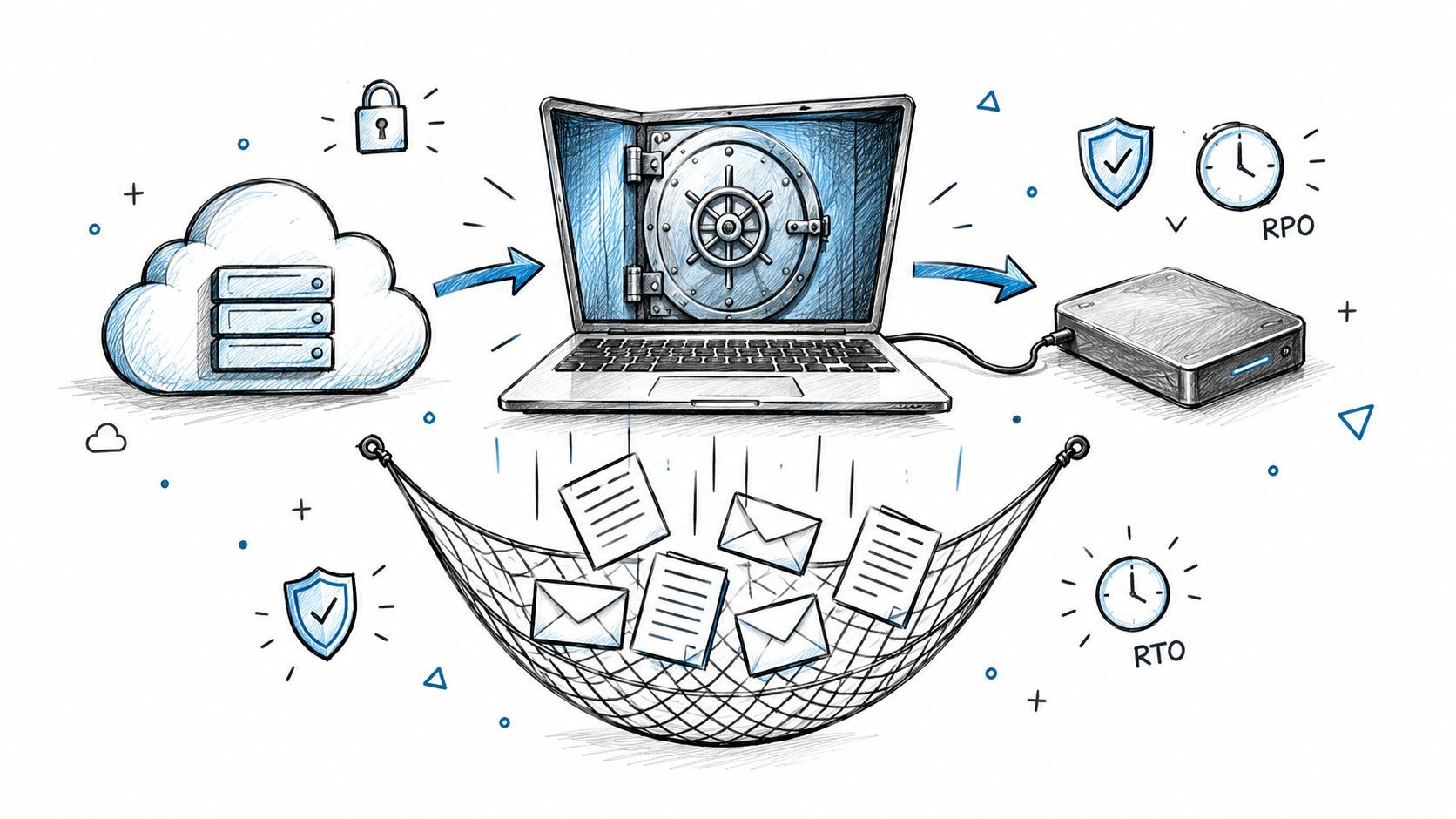
Learn how backup and recovery systems safeguard your crowdfunding campaign from data loss, ensuring your project survives any technical failure.
The survey is live, backers are submitting addresses, and add-on orders are coming in. Then a vendor sync fails, a collaborator deletes a folder, or the pledge manager becomes unavailable. You need to know which records are safe, what's missing, and how to get fulfillment moving again without sending duplicate charges or incomplete shipping files.
That's what backup and recovery systems are for. They're not just a place to store extra copies. They're the practical steps that help you restore campaign assets, pledge records, vendor exports, and survey responses when something goes wrong. A thoughtful recovery plan protects both your operations and the trust backers place in you.
Start with a familiar post-campaign problem: you're preparing a shipping export, but the survey data you expected isn't there. Maybe a sync stopped partway through, an address file was overwritten, or the platform you rely on is temporarily down. Even if most campaign information still exists, uncertainty about which copy is current can delay fulfillment and create avoidable mistakes.
The exposure isn't hypothetical. Uptime Institute's 2024 data-center resiliency research found that 53% of data-center operators had experienced an outage during the preceding three years. While that was an improvement from earlier surveys, outages remained financially significant: 54% of respondents said their most recent significant, serious, or severe outage cost more than $100,000, and 16% reported costs exceeding $1 million. The point for a creator isn't that your campaign will suffer an outage. It's that a disruption can carry a real business cost, even when outages become less frequent.
Crowdfunding work creates information across multiple places. Campaign videos and prototype images may live on a laptop; pledge details may sit in a manager; shipping information might be held in a survey tool; and vendors may have their own copies of fulfillment exports. If one copy disappears or is out of date, you could lose the materials needed to promote the project, verify an order, or get a package to the right address.
Payment and pledge records deserve particular care. If you can't confirm what a backer selected or what a payment provider processed, you may struggle to resolve a dispute or reconcile an order. A damaged vendor file can be just as disruptive as a lost database if a fulfillment partner uses it to pack and ship rewards.
Recovery starts with the work you need to resume. Decide which creator tasks must continue after a failure before you choose where to store copies.
A useful plan connects each important artifact to a recovery action. For example, restoring a campaign video is different from restoring a survey tool or rebuilding a vendor export. The first may require a file copy. The others may require access credentials, settings, integrations, and a way to verify the restored records.
The practical goal is to treat recovery as a creator-facing business capability. When you know what matters, how much information you can lose, and how quickly you need to resume work, storage decisions become easier to make.
A pledge export saved yesterday may not include today's address changes. A backup gives you another copy of the information; a restore puts that copy back into usable form. Like keeping a spare shipping list, the copy helps only if you can retrieve it and confirm it is current enough for the task.
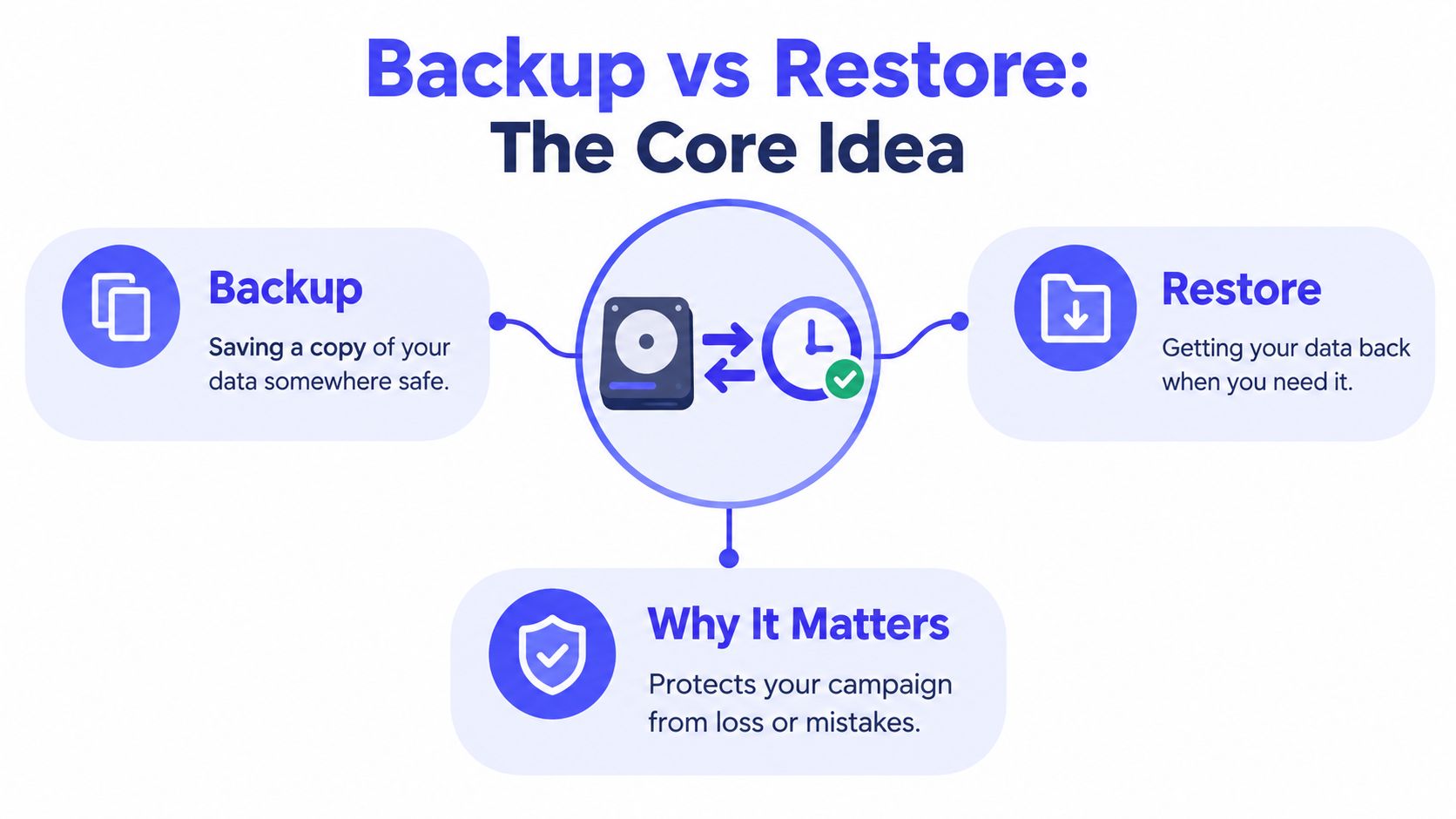
Two measures help creators decide how much data loss and delay a workflow can tolerate:
AWS describes conventional backup-and-restore systems with RPOs measured in hours and RTOs of 24 hours or less. Automated or continuous point-in-time backups can reduce RPO to approximately five minutes in some workloads. These figures illustrate possible architectures, not a guarantee for a creator's setup. AWS's recovery planning guidance explains the trade-off: capturing changes more often can limit potential data loss, while faster restoration generally calls for prepared infrastructure, automation, and tested procedures.
A backup protects copies of data. Disaster recovery is the broader process of restoring a service or workflow so work can resume. Recovering a deleted campaign image may mean restoring one file. Getting a survey tool back into use may also require secure account access, restoring records, reconnecting integrations, and checking that the survey works as expected.
Campaign assets, pledge records, vendor exports, and backer survey responses each have different recovery needs. A video file may be usable once it is restored. A vendor export may need comparison with current pledge records before fulfillment resumes. A survey workflow may depend on account settings and integrations as well as the response data.
Retention is how long you keep protected copies. Version history lets you select an earlier copy when a newer one was corrupted or overwritten. Encryption helps protect information while stored or transferred, but it does not confirm that a copy is usable or that you have the right version. Each feature addresses a different risk.
| Concept | The question it answers | A creator's example |
|---|---|---|
| Backup | Do I have another copy? | Is there a separate copy of the reward artwork? |
| Restore | Can I retrieve the copy and use it? | Can I recover the current shipping export? |
| RPO | How much recent work could I lose? | How many recent pledge or survey changes can be recreated? |
| RTO | How long can this workflow stay unavailable? | How soon must the team access fulfillment records? |
| Disaster recovery | How do I resume the wider operation? | Can the team restore the survey workflow and its dependencies? |
These definitions connect technical choices to the work creators need to do. A copy existing somewhere is only part of the answer. Recovery readiness also means knowing which version to use and being able to restore it in time to handle orders, answer backers, or continue fulfillment.
Backup architecture is where copies live and how they're protected. An external drive or local server can make a restore convenient when your computer fails, but it won't help if the same location is inaccessible. Cloud storage keeps a copy away from your work device, though restoring it depends on account access and an internet connection. A hybrid approach combines local convenience with an off-site copy, at the cost of managing more than one destination.
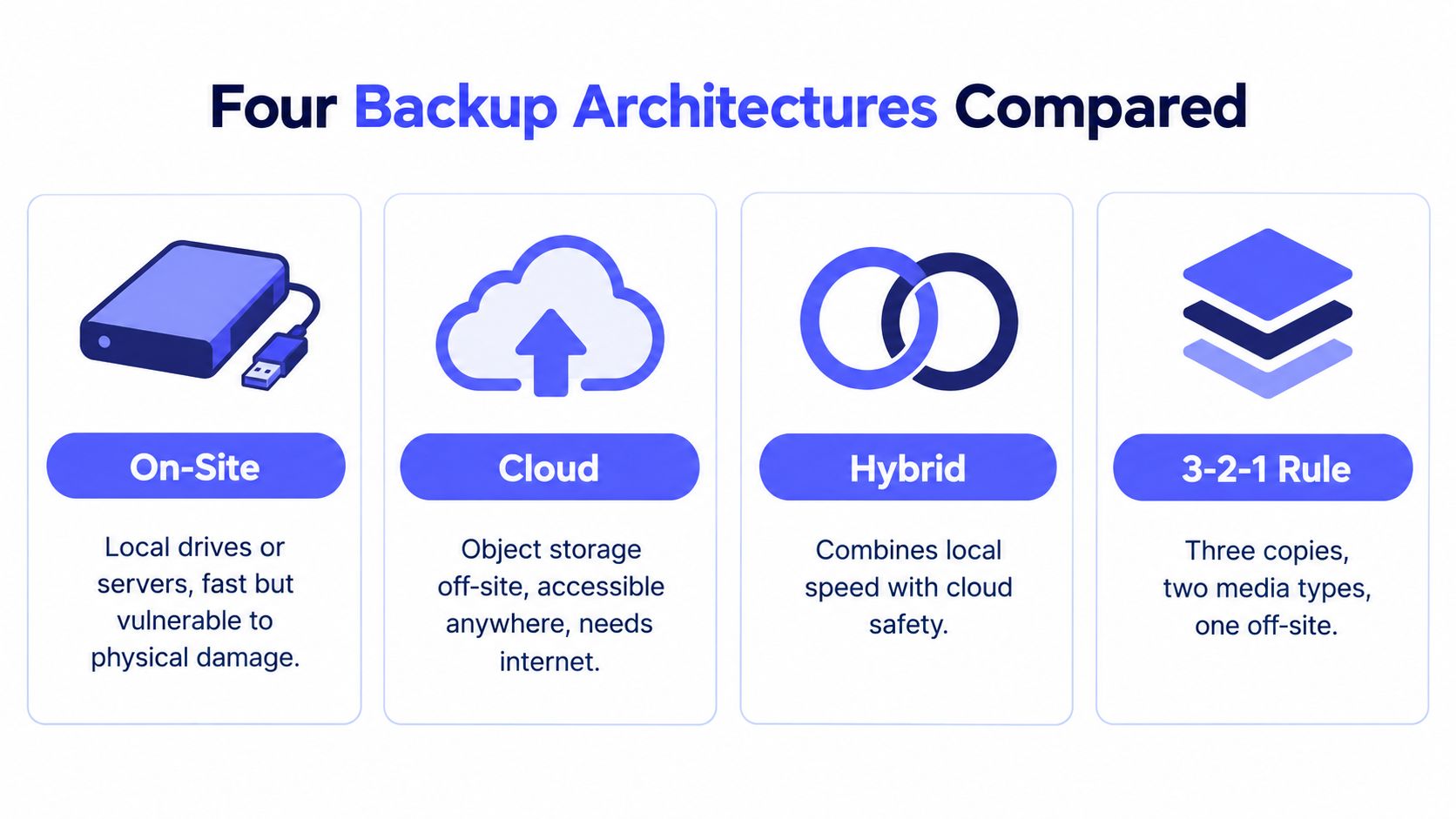
Versioning and encryption are layers, not separate locations. Versioning gives you a choice of earlier copies if a collaborator overwrites a file or an attacker changes it. Encryption protects copies from casual or unauthorized access, but someone still needs the right credentials to restore them. An immutable or write-once copy is designed to prevent changes or deletion during a defined retention period. That can help when an attacker gains access to production credentials, but it doesn't automatically recover your account, encryption keys, or the application that uses the data.
IBM describes immutable snapshots as copies protected from encryption, alteration, or deletion. Its overview of immutable snapshots also emphasizes why an isolated copy must be tested: you still need to recover the information and use it safely. The following comparison is a decision aid, not a universal ranking.
| Architecture | Cost | Restore Speed | Ransomware Resilience | Best Fit |
|---|---|---|---|---|
| On-site | Hardware and upkeep; cost depends on what you own | Often convenient for local file restores | Limited if the backup shares production access or location | A solo creator who wants a nearby copy and can keep it separate |
| Cloud | Usually tied to storage and service needs | Depends on internet access and restore volume | Stronger when access is isolated and copies are protected against changes | A distributed team or creator protecting data off-site |
| Hybrid | More moving parts to maintain | Local recovery can be quick, with an off-site option for wider incidents | Can reduce reliance on one location, but only if accounts and copies are separated | A team protecting both working files and fulfillment records |
| Versioned, immutable copies | Depends on the storage service and retention design | Depends on the restore workflow | Can limit damage from compromised production credentials | Campaigns with sensitive records or high disruption costs |
Use a simple decision path. If you need convenient access to working files, consider how a local copy fits. If the main concern is a lost device or location, think about an off-site copy. If ransomware or account compromise is part of your risk assessment, look beyond location and ask whether an attacker could delete or alter every copy.
Creators who want a more detailed discussion of off-site options can consult this cloud backup guide for Australian businesses. The useful takeaway is not to select one architecture by default. Match the design to the sensitivity of the data, the team's ability to manage access, and the time available to restore.
A campaign can lose more than its launch page. Its files and records move from pre-launch assets to pledge changes, surveys, shipping details, and vendor exports. Protect each part of that lifecycle, and make sure the people who need to restore or use the data can access it.
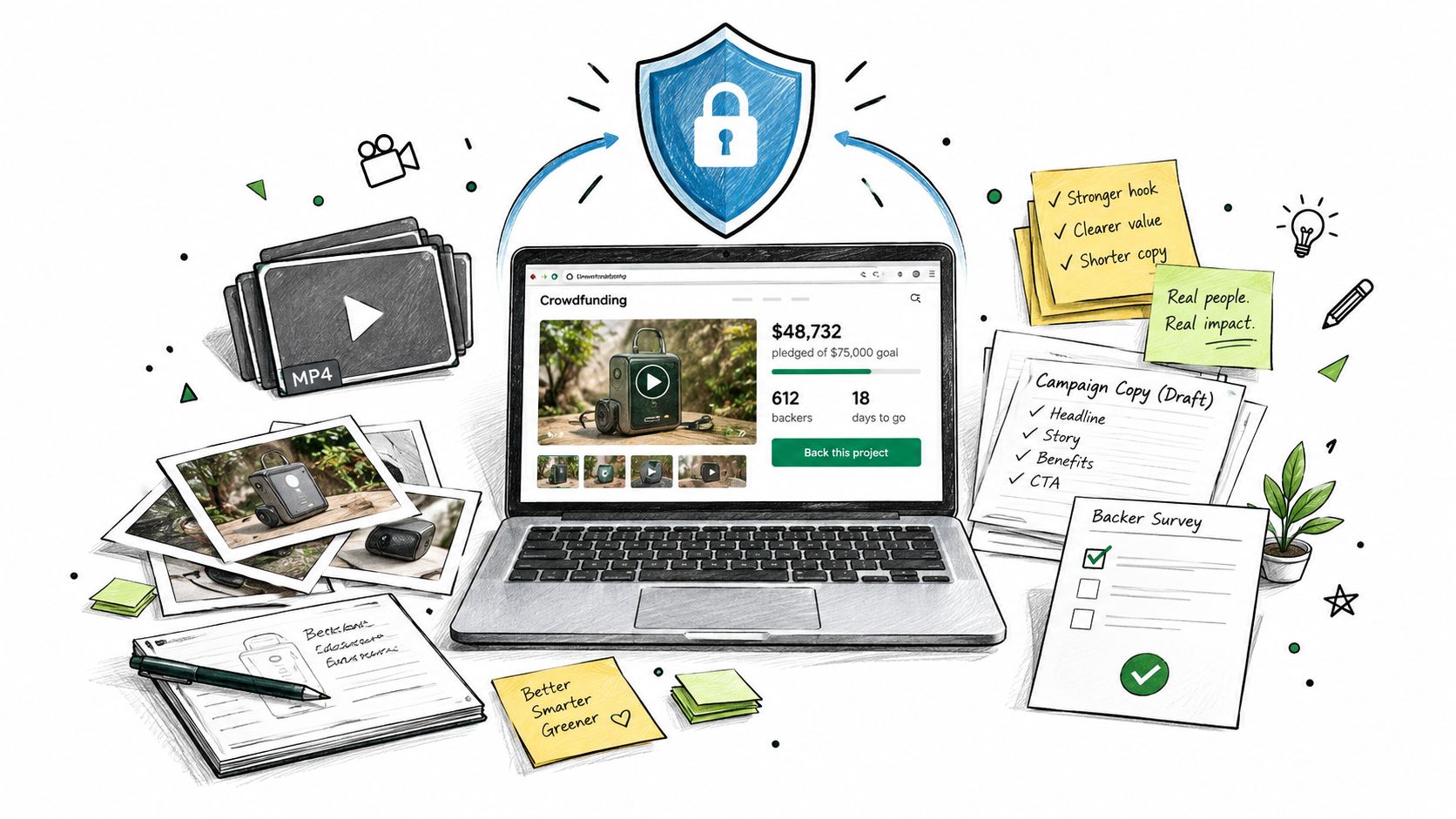
Store campaign videos, prototype photography, copy drafts, and final reward images in a managed location with version history. If someone overwrites a file, you can retrieve an earlier version instead of searching through email attachments or a collaborator's device.
Pledge manager records and survey responses need to remain understandable outside the platform. Export them in a readable format, with enough context to identify reward choices, add-ons, shipping details, and order changes. A file that opens but lacks columns or clear field names is like a box of unlabeled parts: it exists, but it cannot reliably support fulfillment.
Check vendor and shipping exports separately. Keep the exact version sent to each partner, note when it was generated, and save its instructions. If an export is malformed, these details help you identify which file was authoritative and whether orders or addresses changed afterward.
Payment activity and recent pledge changes may be hard to recreate, while older campaign analytics may tolerate a longer gap. Set protection frequency according to the consequences of losing updates, not by applying one schedule to every file.
A backup is only useful if the person restoring it can interpret it. Keep export dates, field definitions, and the record of where each file came from.
Give collaborators access only to the tools and records their roles require. Keep administrative credentials separate from everyday accounts. If an account is compromised, limited permissions can reduce how much campaign data an intruder can reach.
Backer names, addresses, and order histories require careful handling. Set retention periods based on your campaign's operational and legal needs, restrict who can download personal data, and remove copies that are no longer needed. For practical advice on protecting campaign records, consult this data security guide for crowdfunding creators. For basic guidance on protecting computer files, see secure data backup for PCs.
A privacy-first workflow also supports backer trust. If people ask how you handle their information, explain who can access it, how copies are protected, and how long records are kept. Those clear practices support responsible fulfillment as well as data protection.
A dashboard that says “backup completed” confirms that a job ran. It doesn't prove that your team can restore the right records quickly, with the right permissions, in a usable form. A successful copy can still leave you stuck if the survey settings are missing, the account credentials are unavailable, or the restored data doesn't match your payment records.
The gap between expectation and evidence can be stark. A 2025 global survey of more than 3,000 IT professionals found that over 60% believed they could recover in less than a day, while only 35% could. The same report found that only 15% tested backups daily and 11% tested disaster-recovery procedures daily. Those findings appear in the 2025 State of Backup and Recovery report.
For a creator, an untested assumption might mean missing a shipping window, sending a vendor an incomplete export, or struggling to resolve a duplicate charge. The test needs to prove more than the copy exists.
A small team can run a lightweight drill on a recurring basis. Choose representative campaign data, restore it to a safe location, and measure the time from starting the process to confirming the data is ready for use. Check that records are complete, permissions are correct, and dependencies such as payment references or shipping fields are available.
Keep three kinds of checks distinct:
The last check matters most to a creator. A restored spreadsheet isn't proof of continuity if nobody can tell which version is current or whether addresses match the fulfillment record.
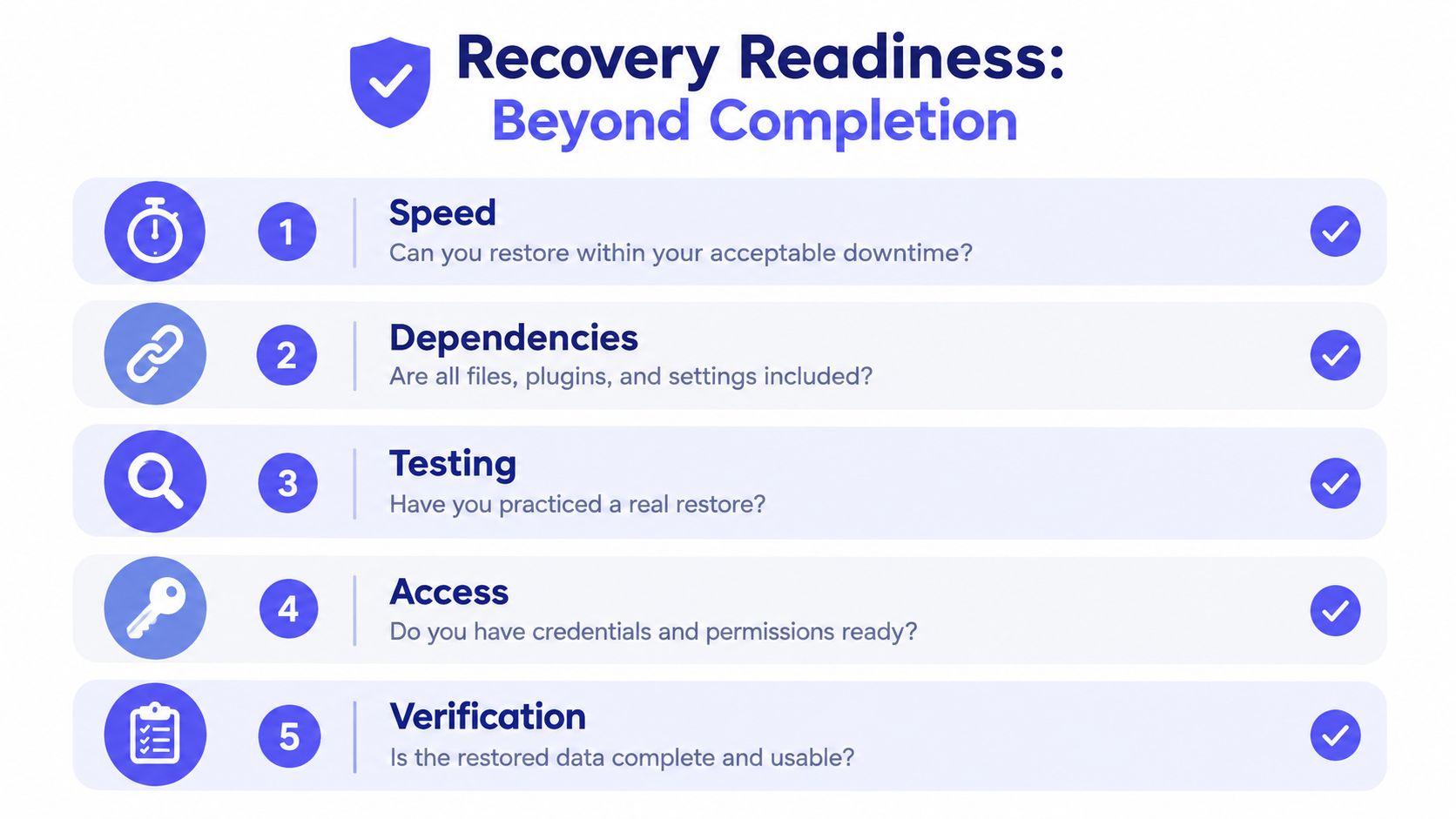
After each drill, write down what you tested, which copy you used, how long recovery took, who performed it, and what remained unavailable. Then compare the result with the team's RTO and RPO, rather than declaring success because the restore eventually worked.
Use these decision thresholds to create specific follow-up work:
A test that finds a gap is doing its job. Record the fix and test again after meaningful changes to the workflow.
A usable playbook should help you decide what to do before stress takes over. Start by identifying the problem: is a single record or file missing, is one tool unavailable, or are multiple systems inaccessible? The answer determines whether you restore a specific item, switch to an alternative workflow, or coordinate a broader recovery effort.
If a survey tool goes offline mid-fill, pause changes that could create conflicting records and tell teammates which source of truth to use. If a vendor export is malformed, stop the handoff, preserve the file you received, and regenerate from a verified source. If a collaborator deletes a folder, limit further access changes until you know what was removed and which version is recoverable.
A payment dispute needs transaction-level history, not just a campaign summary. Compare the recovered records with the payment provider's information before confirming an order or issuing a correction. After restoring data, check key fields and dependencies, then tell vendors or backers what has changed and what action they need to take.
For a broader look at organizing recovery responsibilities and safeguards, Kogifi's disaster recovery guide offers useful context. Creators should also keep a written data breach response plan for incidents involving unauthorized access, not only accidental deletion.
The post-incident review is where recovery design improves. Ask what failed, why the existing copy or procedure didn't prevent disruption, and what evidence will show that the fix works.
Pledge managers affect how you collect fulfillment details, payments, and add-on choices. They also shape how much control you have over the post-campaign workflow. A useful analogy is Kickstarter's Pledge Manager is like Amazon, while PledgeBox's Pledge Manager is like Shopify: one feels like a familiar marketplace with platform rules, while the other is closer to a standalone store where the creator can shape the experience.
The comparison isn't a verdict on which tool is best. It's a way to think about payment mechanics, data portability, and how much control your team wants over surveys and upsells.
| Dimension | PledgeBox | Kickstarter Pledge Manager |
|---|---|---|
| Upfront cost | Sending the backer survey is free, with no setup fee, campaign fee, or per-backer fee. | No upfront cost. |
| Fees on payments | Charges 3% only on revenue collected through survey-based upsells, including add-ons, shipping, taxes, and VAT collected in the survey. If there's no additional survey revenue, the survey is free. | Kickstarter applies its usual platform and payment-processing fees to payments made inside the tool. |
| Survey and fulfillment | Supports collecting shipping fees, VAT or tax, and other survey information, with vendor exports and downloadable reports. | Collects addresses, reward preferences, and fulfillment details; creators can collect shipping costs and taxes closer to fulfillment. |
| Shipping setup | Supports integrations with shipping solutions and direct vendor exports. | Supports weight-based or flat-rate shipping by reward. |
| Tax handling | Can collect tax and VAT through the survey, with scope depending on the creator's setup. | Kickstarter's subsidiary Project Partners, LLC is responsible for calculating, collecting, and remitting applicable sales and use tax. |
| Recovery and portability | Downloadable reports and vendor exports can help creators retain working copies outside the survey workflow. | Survey and fulfillment details are part of Kickstarter's Pledge Manager workflow; creators should confirm what they can export and retain for their needs. |
PledgeBox states that it charges no setup, campaign, or per-backer fee to send a survey, and applies the 3% fee only when survey-based upsells generate revenue. That fee can cover add-ons, shipping, taxes, and VAT collected through the survey, but it doesn't apply to the original Kickstarter or Indiegogo campaign funds. Kickstarter's Pledge Manager guidance describes its survey, shipping, and tax functions. PledgeBox's pricing details explain its fee model, while its add-on sales overview describes how the 3% applies to survey-collected revenue.
Whichever workflow you use, don't treat a built-in survey as your only recovery plan. Confirm how to export orders and addresses, keep a dated copy of important reports, and test that the files make sense outside the tool. That way, you can evaluate the platform on both its day-to-day convenience and its role in a wider recovery plan.
Commit to three habits: set your RPO and RTO before choosing storage, prove restoration with realistic drills, and keep important records portable across tools. Start this week by inventorying campaign data, choosing retention windows, exporting survey information, running a restore test, and writing a one-page recovery playbook. For more guidance on contingency planning strategies, connect your recovery steps to the workflows you rely on. A manageable plan, tested in small pieces, is better than a backup nobody has tried to restore.
PledgeBox helps crowdfunding creators manage backer surveys, collect shipping and tax details, coordinate vendor exports, and offer add-on upsells. If you're reviewing how your campaign data moves from survey to fulfillment, visit PledgeBox to explore a pledge management workflow built for post-campaign operations.
PledgeBox
The All-in-One Toolkit to Launch, Manage & Scale Your Kickstarter / Indiegogo Campaign