 PledgeBox
Crowdfunding Tax Compliance Automation Guide 2026
Simplify crowdfunding post-campaign chaos. Learn tax compliance automation for Kickstarter & Indiegogo: set up tools, collect VAT, and easily report taxes.
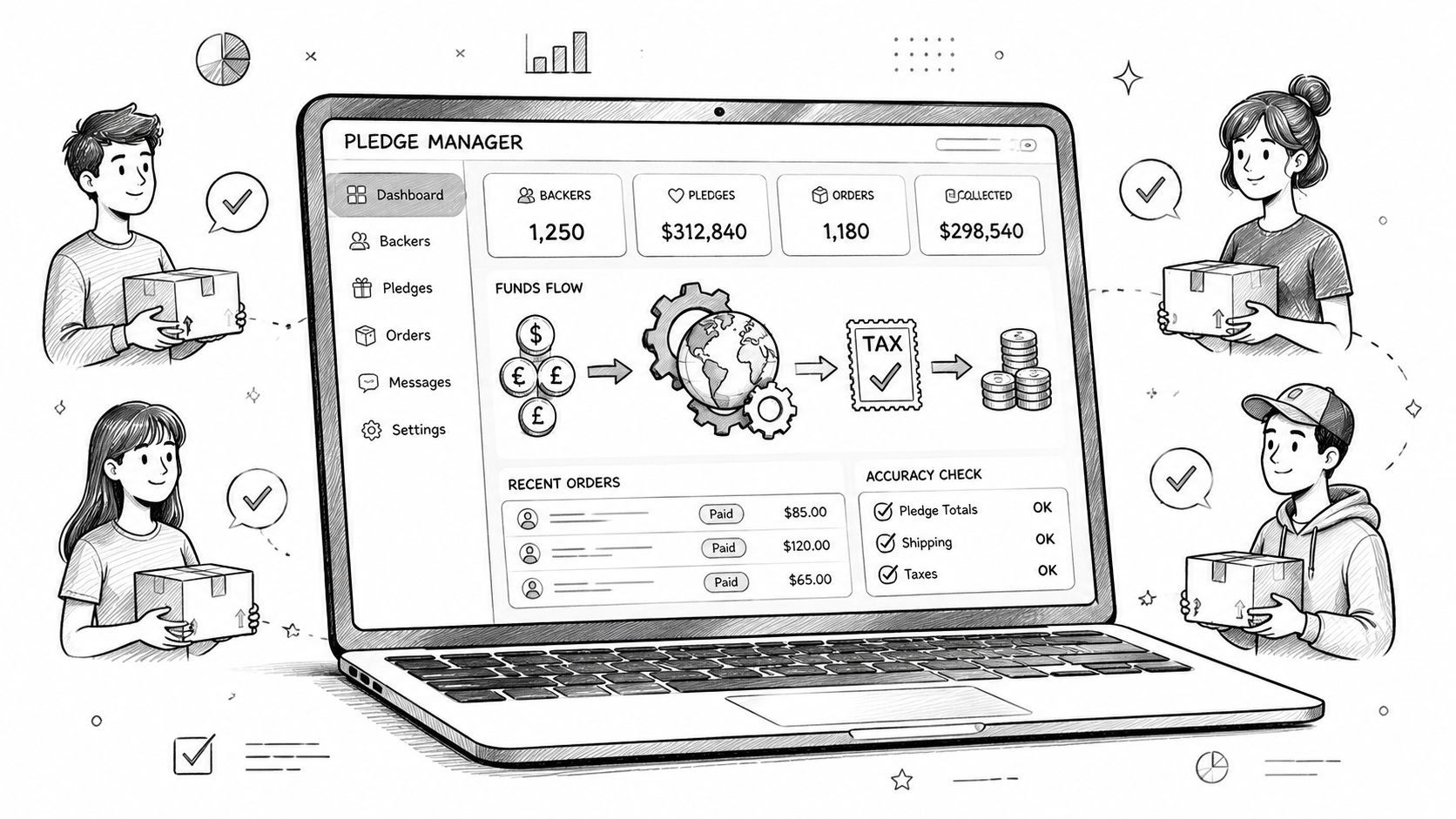
Simplify crowdfunding post-campaign chaos. Learn tax compliance automation for Kickstarter & Indiegogo: set up tools, collect VAT, and easily report taxes.
You finished your Kickstarter or Indiegogo campaign. Funding landed, backers are excited, and then the serious administrative mess begins. You need addresses, shipping upgrades, add-ons, maybe late pledges, and on top of that, tax collection across states, countries, and regions that all use different rules.
Most creators lose weeks trying to patch together spreadsheets, email threads, PayPal requests, and rough tax estimates. That works when you have a few dozen supporters. It breaks fast when your board game, gadget, or art book campaign has backers in the US, UK, EU, Canada, and beyond.
Crowdfunding has a tax problem that normal e-commerce guides don't explain well. A campaign isn't a simple storefront checkout. It's a post-campaign workflow with pledge adjustments, shipping recalculations, and backers who often pay the tax portion later through a survey or pledge manager. If you handle that manually, you're inviting errors. If you automate it properly, the process becomes manageable.
The first thing to get straight is that "tax" isn't one thing.
A Kickstarter creator shipping a physical board game can run into sales tax in the US, VAT in the EU and UK, GST/HST in Canada, and other local taxes depending on where backers live. Your obligation usually depends on the destination of the reward, what you're shipping, and whether your business has enough presence in that place to trigger collection requirements.

Here's a simple way to think about it using a hypothetical board game campaign.
If you have backers in California, Texas, and New York, you may need to think about US sales tax. Sales tax is state-based, and the rules aren't uniform. A creator can owe collection in one state and not in another, depending on where the business operates or where it has enough economic activity.
If you have backers in Germany, France, or Spain, you're in VAT territory. VAT is generally charged on consumer purchases, and it becomes a serious post-campaign issue when rewards are shipped into the EU. UK backers raise a similar issue, but with UK VAT rules rather than EU rules.
Canada adds GST/HST, which can feel similar at a high level but has its own logic and reporting obligations.
Practical rule: Tax liability follows the backer's location more often than creators expect. Your campaign page may be global, but tax treatment usually isn't.
Creators often understand that taxes exist. What they don't anticipate is how ugly the workflow gets after the campaign ends.
A board game creator might have one reward tier, then an expansion add-on, then a neoprene mat, then shipping collected later. Suddenly the tax base may differ by item, by region, and by whether shipping is taxable in that jurisdiction. Trying to calculate that by hand for hundreds or thousands of backers is where mistakes pile up.
For a useful breakdown of the international side, this guide to international tax compliance for crowdfunding is worth reviewing before surveys go out.
Manual tax handling fails for one basic reason. The rule set changes too much.
Automated sales tax compliance systems use extensive, up-to-date databases of tax rules and geolocation data to calculate liabilities across jurisdictions with far higher accuracy than manual processes, identifying discrepancies that humans often miss. This automation reduces filing errors and minimizes penalty risks, as described in Galvix's overview of automation in sales tax compliance.
A creator doesn't need to become a tax specialist for every market. You do need a workflow that knows where the backer is, what they're buying, and what should happen at checkout.
This decision shapes everything that happens after funding.
A pledge manager isn't just a survey tool. For most campaigns, it's the place where you collect shipping, upsells, tax, and final confirmation from backers. If that layer is weak, your tax process stays manual even if the campaign itself went smoothly.

The simplest comparison is this. Kickstarter pledge manager is like Amazon and PledgeBox pledge manager is like Shopify.
That analogy matters because Amazon-style systems are straightforward and standardized. They work when your needs are simple. Shopify-style systems give you more control over catalog structure, customization, taxes, and post-purchase workflow. Crowdfunding tax collection usually needs that second model.
If you're comparing options, look at more than survey design. Review whether the platform can apply location-based tax logic, separate pledge funds from later charges, pass clean data to payment processors, and export records your accountant can use. This overview of a crowdfunding pledge manager workflow is a solid reference point for what that system should cover.
A lot of creators assume pledge managers charge upfront or per backer. That pricing model can make teams postpone automation and stay in spreadsheet mode longer than they should.
PledgeBox allows creators to send backer surveys completely free of charge, with no upfront, per-backer, or campaign fees; the platform only charges a 3% fee on add-on upsell revenue generated during the survey period. The 3% fee applies to all revenue collected, including shipping fee differences and VAT/tax payments, according to PledgeBox's survey pricing explanation.
That means creators can send the backer survey free, and if there's no upsell or additional collected revenue, there isn't a platform fee. If extra revenue is collected, the fee is 3% on that collected amount.
A pledge manager should remove admin, not create a second budgeting problem.
For Kickstarter and Indiegogo creators, a strong setup usually includes:
What doesn't work is the common fallback. Export backers to CSV, estimate tax manually, and send separate payment requests. That approach is slow, hard to audit, and almost guaranteed to create backer confusion.
Most creators overestimate how technical this part is. The hard part isn't clicking through settings. It's deciding your collection logic before the survey goes live.

Before you build anything, define where you'll collect tax and on what items.
For a typical campaign, that means listing the regions you need to handle, then deciding whether tax applies to the reward, shipping, add-ons, or all of them. A board game campaign might tax the base game and expansions differently across jurisdictions. A gadget campaign may need to distinguish between the device and accessory bundles.
Keep that logic in one clean worksheet first. If you can't explain your rules in plain language, your pledge manager setup will get messy.
Once the policy is clear, configure the platform around shipping destination.
A practical setup usually looks like this:
If you already sell through your own store after crowdfunding, the logic is similar to managing Shopify tax compliance. The difference is that crowdfunding layers in pledge edits, survey timing, and post-campaign payment collection.
Don't wait until surveys are already live to discover you taxed shipping incorrectly.
The next step is payment processing. Most creators use Stripe or PayPal, so the tax-inclusive amount needs to transfer correctly when the backer checks out.
That sounds obvious, but teams frequently make avoidable mistakes at this stage. They calculate tax in one system, then collect funds in another with mismatched line items. When that happens, the accountant sees totals that don't reconcile.
Use a small internal test batch before sending to all backers. Confirm the survey displays the right items, the right shipping cost, the right tax amount, and the final total at payment.
A quick walkthrough helps when you're setting this up for the first time:
Automation is powerful, but it isn't fully hands-off.
Verified reporting on touchless compliance shows that even autonomous systems still require manual intervention each year because rules change and classifications can go wrong, as explained in Thomson Reuters' discussion of touchless compliance. For creators, the practical takeaway is simple. Automate the calculation and collection, but still review your setup before money starts moving.
Once the survey is configured, the backer experience should feel simple even though the tax logic behind it is not.
A backer receives their survey link. They confirm the reward, select add-ons, enter a shipping address, and see the final amount update before payment. If they're in a taxable region, the system adds the relevant tax automatically. If they're not, it doesn't. That's what a clean workflow looks like.
Take a UK backer from an Indiegogo tech campaign. They confirm one device, add an accessory pack, and update their shipping details after moving to a new address. The survey recalculates based on that destination and shows the tax-inclusive total before checkout.
A US backer in a different state may see a different result. An EU backer may see VAT applied in line with the destination logic you've configured. The backer doesn't need to understand nexus, VAT treatment, or filing obligations. They just need a clear total and a smooth payment step.
That clarity matters because tax confusion is one of the fastest ways to create support tickets.
Without automation, the creator or campaign manager ends up doing work like this:
With tax compliance automation, those steps shrink into one controlled workflow. The survey handles address-based calculation, the payment processor collects the final amount, and the data trail stays intact.
This isn't just a crowdfunding convenience. It's part of a broader operations shift.
According to Avalara's overview of AI in tax compliance automation, 90% of companies believe AI is a powerful tool for making finance and tax operations more efficient, and 57% of finance teams automate the calculation of sales tax and VAT. That lines up with what campaign operators see on the ground. Once the backer count grows, manual tax calculation stops being a quirky admin task and starts becoming a real operational risk.
Good automation doesn't just save time. It prevents the kind of inconsistency that turns fulfillment into damage control.
Collecting tax correctly is only half the job. Your accountant still needs clean records to file returns, reconcile revenue, and answer questions later.
Creators frequently face a second hurdle here. They may have collected tax through the survey, but if the reporting export is messy, someone has to sort pledge funds, shipping, add-ons, and taxes by hand. That's expensive and unnecessary.

Your accountant usually doesn't need a beautiful dashboard. They need structured exports.
That means reports should clearly separate:
| Report field | Why it matters |
|---|---|
| Backer identifier | Ties transactions to a person or order |
| Destination country or state | Supports jurisdiction-level review |
| Reward and add-ons | Shows what was sold |
| Shipping charged | Helps determine tax treatment and reconciliation |
| Tax collected | Separates tax from revenue |
| Payment status | Confirms whether the amount was actually collected |
If your platform can generate that cleanly, filing gets easier. If not, your accountant ends up rebuilding the ledger from raw transactions.
For creators who want a clearer sense of how reporting automation supports scaling, this article on financial insights for growing businesses gives useful context beyond crowdfunding.
Keep the process boring. Boring is good.
A detailed pledge manager reporting functionality guide is useful if you're building a workflow your accountant will review regularly.
The cleanest tax process is the one your accountant can understand without a two-hour call.
Creators don't need to love reporting. You do need to keep records that make sense months later when fulfillment is still ongoing.
Good reporting gives you a digital trail of what was charged, when it was charged, what tax was collected, and which address drove that result. That's what protects you when a payment discrepancy shows up, a backer disputes a charge, or your accountant asks for support on a filing position.
Tax compliance automation works well when the campaign owner treats tax as part of fulfillment planning, not as an afterthought.
The biggest mistake is waiting until the campaign closes to think about collection. By then, reward structures are locked, pricing expectations are public, and backers are sensitive to surprises. If taxes weren't explained clearly, the survey total can feel like a hidden charge even when it's legally correct.
Use this as a final checklist:
The failure pattern is predictable. A creator launches globally, funds successfully, then discovers they need destination-based tax logic after the campaign is over. They export to spreadsheets, estimate rates, collect inconsistent amounts, and create support debt with every correction.
Another common problem is trusting "full automation" too much. The tool can calculate, but the creator still has to set the rules correctly, test the workflow, and make sure the exported records match reality.
A broader sign of where the market is heading is the projected growth of tax software itself. The global tax compliance software market is projected to surge from $22.5 billion in 2025 to over $67 billion by 2034, driven by more complex regulations and the need to reduce human error, according to this market projection on tax compliance software. Creators feel that complexity in a very specific place: the post-campaign survey.
The campaigns that handle this well don't have magical operations. They use a defined tax workflow, communicate clearly with backers, and avoid manual cleanup wherever possible.
If you want a simpler way to handle post-campaign tax collection, shipping adjustments, add-ons, and reporting in one place, PledgeBox is built for that crowdfunding workflow.
PledgeBox
The All-in-One Toolkit to Launch, Manage & Scale Your Kickstarter / Indiegogo Campaign