 PledgeBox
Stripe vs PayPal Fees: Real Cost for Crowdfunding Creators
Compare stripe vs paypal fees for crowdfunding. Discover which processor saves you more on transaction costs in 2026.
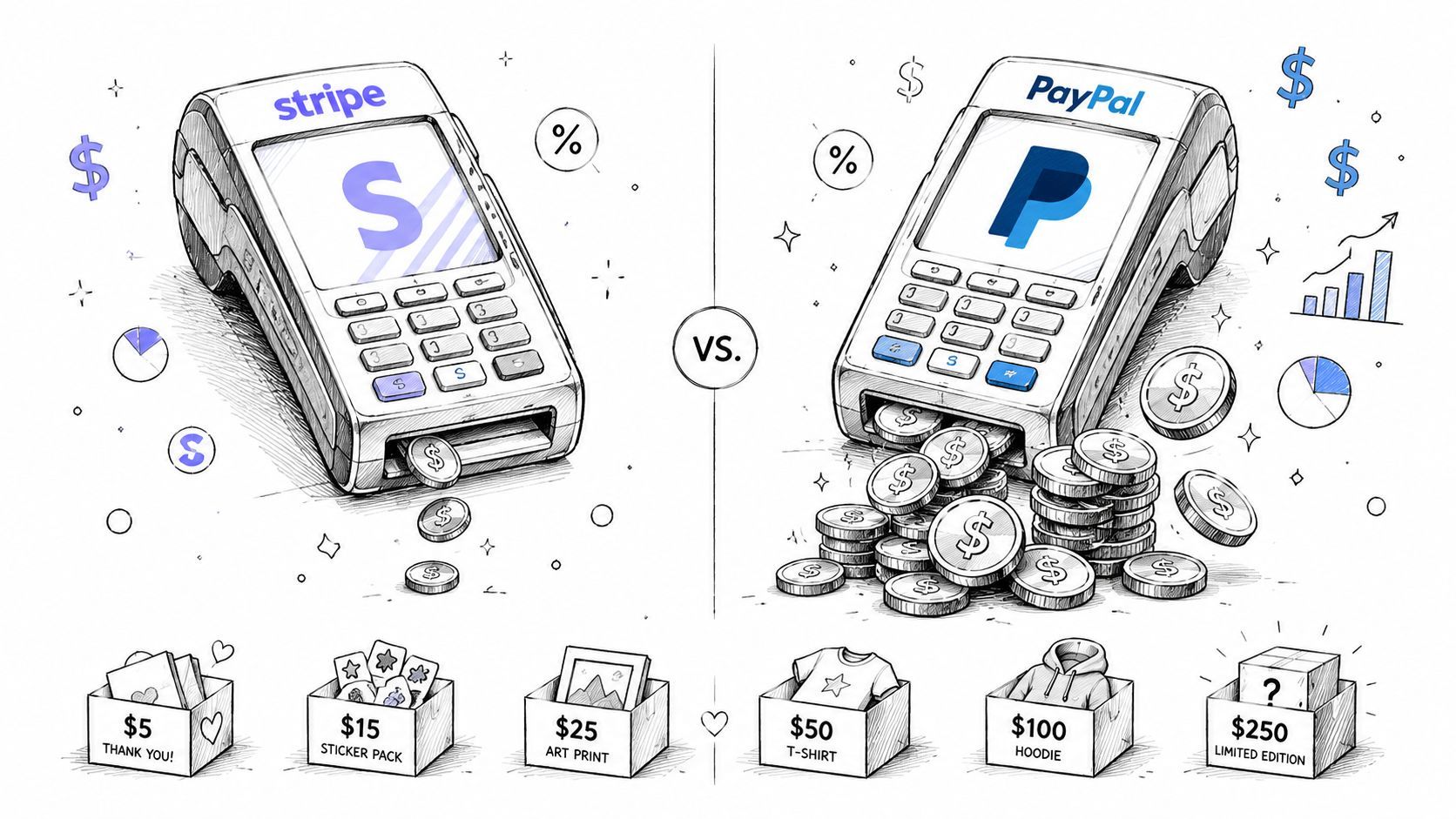
Compare stripe vs paypal fees for crowdfunding. Discover which processor saves you more on transaction costs in 2026.
On a $50 transaction, Stripe costs roughly $1.75 while PayPal costs roughly $2.24, so PayPal takes about $0.49 more per sale. That gap looks small until it's multiplied across backer orders, add-ons, and shipping charges, which is exactly where crowdfunding campaigns leak margin.
| Fee Component | Stripe | PayPal |
|---|---|---|
| Core U.S. online card rate | 2.9% + $0.30 | 3.49% + $0.49 for PayPal Checkout, or 2.99% + $0.49 on some payment paths |
| Small-order impact | Fixed fee is lighter on low-ticket orders | Fixed fee gets expensive faster on low-ticket orders |
| International add-ons | Extra fees can stack | Extra fees can stack, often more heavily |
| Recurring billing | More mature tooling | More basic tooling |
That's the simple answer. The answer is messier, because the payment processor you choose also affects how painful small orders become, how international backers get charged, and how much of your upsell revenue survives post-campaign fulfillment.
The first time a campaign clears its goal, the mood changes fast when the payout lands. You celebrate the gross number on the campaign page, then you open the bank deposit and see a smaller figure.
That gap is usually the result of platform fees, payment processing, refunds, chargebacks, currency conversion, and the way fixed fees behave on smaller orders. A creator who sold a lot of add-ons, shipping upgrades, or late pledges feels it harder than someone with a simple one-time reward flow. The more your campaign depends on post-campaign transactions, the more the processor choice matters.
Practical rule: if your campaign lives on small orders, the fixed fee matters as much as the percentage.
That is why Stripe vs PayPal fees is a margin question. On standard U.S. online card processing, Stripe's core rate is commonly cited as 2.9% + $0.30, while PayPal's online rates often land higher, including 3.49% + $0.49 for PayPal Checkout or 2.99% + $0.49 on some paths, so the economics can diverge by tens of cents per sale (Checkout Page comparison). In practice, the difference is easy to miss on a single order and painful once it gets multiplied across backer payments, shipping charges, and add-ons.
Crowdfunding creators feel that gap after the campaign ends, not during the launch hype. A project can look healthy on the headline total and still come up short on fulfillment cash because the revenue is spread across hundreds of fee-sensitive transactions. That is where the business model matters too. Amazon-style platforms take their cut from a centralized marketplace flow, while Shopify-style platforms leave more of the payment setup and fee handling in the creator's hands. For a closer look at Kickstarter's take rate and the layers around it, see how much Kickstarter takes.
The lesson is blunt. The payment processor isn't neutral, and the option that looks cheaper on the pricing page is not always the one that leaves you with more usable cash. Suby's take on payment gateways makes the same practical point from a different angle, and it matches what I have seen across campaigns that relied heavily on small upsells: the fee structure matters most where the order value is lowest.
A creator can lose more money on fees than expected once the campaign starts routing money through rewards, shipping, and late add-ons. The headline rate matters, but the fixed fee changes the outcome fast, especially on smaller charges.
A simple reward order shows the difference. A backer who pledges for a modest reward and later adds shipping and an extra item can trigger several fee-sensitive charges instead of one clean payment. Stripe's standard online card processing fee is 2.9% + $0.30 per transaction. PayPal's common online checkout pricing is 3.49% + $0.49, though some PayPal payment paths are priced differently, including 2.99% + $0.49 (fee comparison). On a creator-side ledger, that fixed fee is what makes small transactions sting.
| Fee Component | Stripe | PayPal |
|---|---|---|
| Base online card processing | 2.9% + $0.30 | 3.49% + $0.49 |
| Common checkout path | Standard | Higher headline rate on checkout |
| Fixed fee effect | Lower on small orders | More expensive on small orders |
The issue is the order mix inside your pledge manager. A reward tier, a shipping charge, and an add-on may all look like one backer relationship, but they do not always behave like one processing event. That matters because creators often focus on the total raised and miss how much of it gets chipped away by repeated fixed fees. A campaign built around small extras can end up paying more to process the upsells than the main pledge itself.
Suby's take on payment gateways, Suby's take on payment gateways, makes the same practical point from a different angle. Stripe and PayPal are not interchangeable once you start caring about how many low-value transactions you run through them, and the difference shows up fastest in campaigns with lots of add-ons and shipping charges.
If you are comparing processors as part of the rest of your campaign setup, this guide also helps frame the decision in platform terms: best payment processing software for small business.
Stripe usually comes out ahead on ordinary domestic card sales. PayPal's higher fixed fee becomes easier to feel as order values fall, which is exactly why creators with many small charges should read the pricing sheet with a calculator, not a quick glance.
A fee table only becomes useful when you map it to your own campaign math. Once you do, the numbers get uncomfortable fast, because the mix of reward tiers, shipping, and add-ons matters as much as the headline rate.

A $45 mid-tier reward with a $15 add-on and a $30 shipping charge looks clean on a campaign page. In the pledge manager, it can turn into several processing events, and each one carries its own fixed cost. That is the part creators miss when they only watch the total raised. A campaign built around small extras can give away more margin on fees than on the core reward itself.
The difference shows up in the backer survey, not just at checkout. One backer may finish the main pledge in one step, then add shipping, then come back later for an extra item. Each of those charges can be processed separately, so a low fixed fee matters more than it does on a single large payment. That is why I treat reward tier mix as a cost model, not just a fulfillment detail.
A campaign with many small upsells can lose more margin to fixed fees than to the percentage rate itself.
That also changes how I look at recurring billing and one-time card processing. A subscription-style backer relationship has different fee behavior, and the billing tools behind it matter more than the basic checkout rate. Stripe Billing is built for that workflow, while PayPal's subscription tools are more basic and can add monthly cost in some setups, including a reported $10/month charge for recurring billing tools in one comparison (Dodo Payments comparison).
Creators feel that difference after launch, when the campaign is already funded and the pledge manager opens. Add-ons start flowing in, backers update shipping, and every small charge has to clear cleanly. A lower fixed fee leaves more money in the campaign account, which is why the low end of the order mix deserves as much attention as the main pledge.
The practical habit is to model your campaign by order type. Ask what the processor costs on the pledge mix you expect, then run the same check on shipping, extras, and late pledges. That is also where the business model split starts to matter, since Amazon-style marketplaces and Shopify-style stores do not make the same assumptions about who controls payment flow, fees, and customer relationships. For the tax and admin side of that setup, see how to handle international tax compliance in pledge management. For a useful parallel on fixed overhead, compare it with what payroll really costs businesses.
A campaign can look profitable on paper and still pay out less than expected once international backers enter the mix. That gap shows up in cross-border card fees, currency conversion, and the extra work required to keep recurring payments and tax handling under control.

Stripe and PayPal do not behave the same way once money crosses borders, but the published figures are not perfectly aligned across comparison sources. One comparison reports Stripe's international card fee at 1.5%, while also noting extra charges for billing or tax products in some plans, and places PayPal's cross-border charge at 1.50% with a currency conversion spread of about 4.00% (NerdWallet comparison). Another source gives Stripe a 1.0% cross-border fee and 1.0% conversion fee, while reporting PayPal at 1.5% cross-border and about 2.5% for conversion, with chargeback fees of $15 for Stripe and $20 for PayPal (APIScout comparison). For international campaigns, the relevant question is which processor is cheaper for your specific market mix, currency path, and dispute exposure.
Recurring rewards and late pledges are not one-off checkout events. They need billing logic, retry handling, reporting, and a clean way to handle plan changes without creating support work for every adjustment. Stripe Billing is described in current comparison material as the more mature toolset, while PayPal Subscriptions is more basic and can require extra monthly billing cost in some cases, as noted in the comparison linked earlier. If your campaign includes membership-style perks, that matters more than which checkout flow looks simpler.
Creators often focus on the obvious fee and miss the stacked cost structure. The pattern is similar to what payroll really costs businesses, where the headline number is only part of the full burden once processing and overhead are added.
For shipping, taxes, and international backers, this internal guide helps separate the operational pieces: international tax compliance.
The practical rule is straightforward. The more international backers you have, the more important the full fee stack becomes, not just the domestic card rate.
Shipping upgrades and add-ons are where a lot of crowdfunding profit is made, and they're also where fee math becomes unforgiving. A creator can survive a higher headline percentage and still lose money on tiny transactions if the fixed fee is too large relative to the charge amount.
Tipalti notes that PayPal's micropayment pricing can reach 5% + $0.05 per transaction, while Stripe keeps its standard 2.9% + $0.30 structure (Tipalti comparison). Wise also flags PayPal micropayments at 4.99% plus a fixed currency fee versus Stripe's standard rate (Wise comparison). The reason this matters is simple. A small shipping charge can get chewed up by the flat fee faster than most creators expect.
A $10 shipping upgrade is where processors stop looking similar. The percentage fee matters, but the fixed fee can dominate the economics because the order value is so small. If your campaign uses lots of add-ons, sticker packs, replacement parts, or late shipping payments, the order mix can tilt heavily toward these low-ticket charges.
Most comparison articles fail creators. They compare headline domestic rates and skip the transaction-size distribution that determines profit. In a pledge manager, you're not processing one average order, you're processing a bundle of reward tiers, shipping collections, and small extras.
That's why the pledge manager itself shouldn't behave like another toll booth. Kickstarter's built-in pledge manager is better understood as an Amazon-style layer, where the platform sits in the middle and takes its cut. PledgeBox works more like a Shopify-style layer, because it's free to send the backer survey and only charges 3% of upsell revenue if there is any, with the processor fee handled separately.
Creator rule: the platform fee and the processor fee compound, they don't cancel each other out.
That distinction matters because creators often blame the payment processor for every lost dollar when the bigger leak is the combination of platform take-rate and payment costs. If your campaign is full of tiny add-ons, you need a setup that keeps both layers as light as possible.
The bottom line is blunt. Micropayment economics can decide your margin more than the headline percentage ever will.
Choosing Stripe or PayPal is only half the decision. The other half is how your pledge manager charges for the money it helps you collect, and that piece often gets ignored until the campaign is over and the fees have already cut into your margin.
PledgeBox is free to send the backer survey and only charges 3% of upsell revenue if there is any. In practice, that works like a Shopify-style model because the platform stays out of the way until an add-on sale happens. Kickstarter's built-in pledge manager works more like Amazon, because the platform sits between you and the money in a much more central way.
If you already paid to acquire backers, your post-campaign system should help you keep as much of the remaining revenue as possible. Every extra fee layer takes money out of the pool you need for fulfillment, replacements, support, and the surprises that always show up later. Creators need to compare the processor fee and the pledge manager fee together, because one on its own does not show the full cost.
Payment processor fees are separate from platform fees. Stripe or PayPal charges the transaction cost. The pledge manager charges its own fee structure. When both are active, the take-rate stacks up fast on add-ons and shipping, and small orders feel that pressure first.
That is the platform fee question in practice. The comparison that matters is which processor and pledge manager together leave you with the most usable cash after all the moving parts are done.
Start with your order profile, not your brand preference. If most of your backers are domestic and your reward tiers are mid- to high-ticket, Stripe's lower fixed fee is usually the cleaner choice. If your audience includes a lot of international buyers, don't stop at the headline rate, compare the cross-border and conversion stack too.
If you're running subscriptions, recurring add-ons, or a membership-style reward, Stripe's billing stack is the more mature toolset. PayPal can still work for simple one-off checkouts, but it's easier to outgrow once the campaign turns into a long-term fulfillment operation. For creators who want both payment methods in the same pledge manager, PledgeBox supports Stripe and PayPal as payment options, while keeping its own survey fee tied only to upsell revenue.
If you're choosing between convenience and margin, margin usually wins after the launch excitement fades. The creator who keeps more on the back end has more room for refunds, replacements, and shipping surprises.
If you're mapping your next campaign, PledgeBox can sit on top of your payment setup without adding another heavy platform layer. It supports Stripe and PayPal, keeps backer surveys free to send, and charges only on upsell revenue, which makes it easier to see what you're keeping. Visit PledgeBox if you want a pledge manager built around that fee structure.
PledgeBox
The All-in-One Toolkit to Launch, Manage & Scale Your Kickstarter / Indiegogo Campaign