 PledgeBox
Shipping Label Software: Streamline Crowdfunding Fulfillment
Streamline crowdfunding fulfillment with shipping label software. Explore features, best practices, evaluation, and seamless PledgeBox integration.
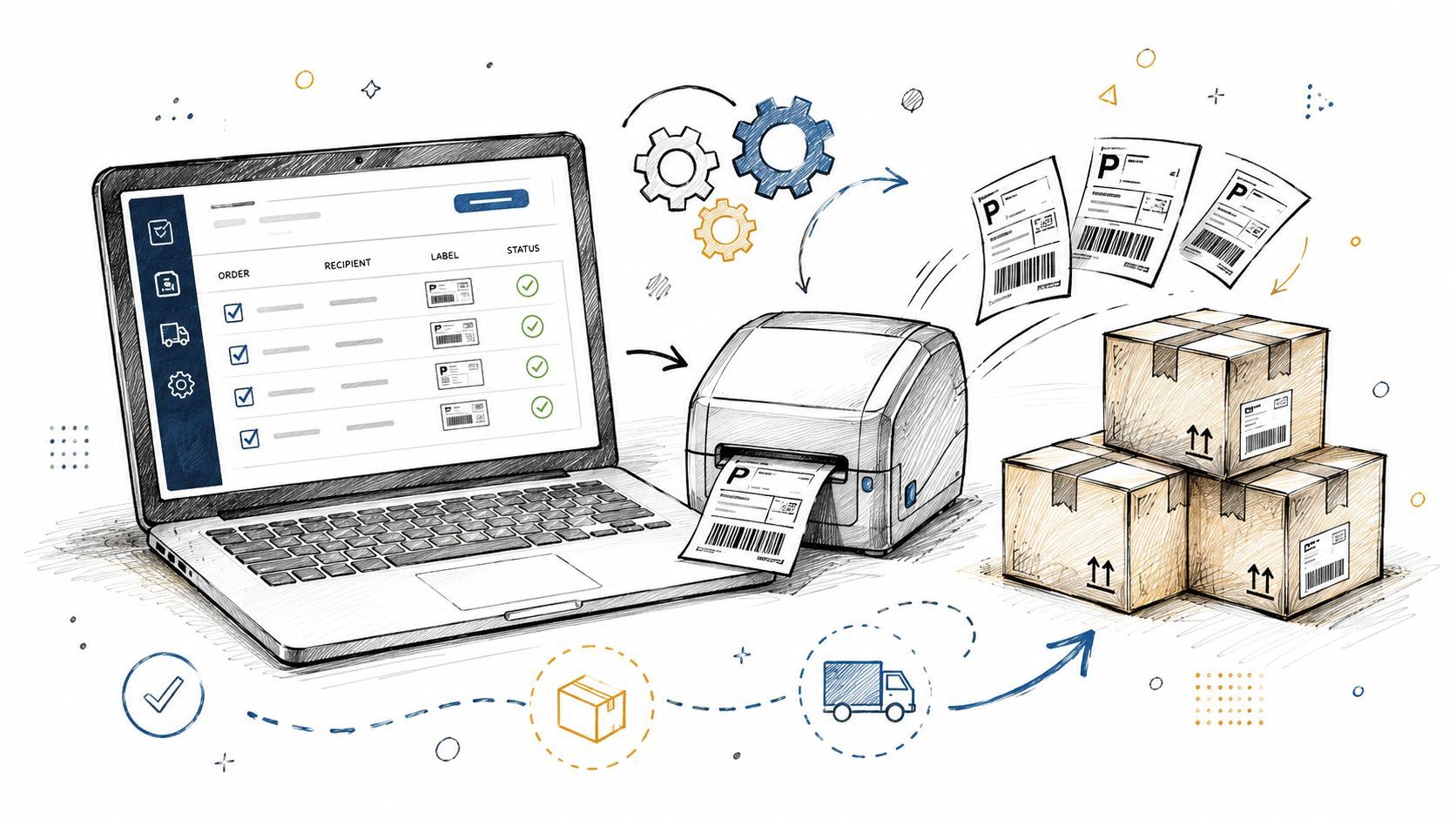
Streamline crowdfunding fulfillment with shipping label software. Explore features, best practices, evaluation, and seamless PledgeBox integration.
You closed your campaign, celebrated funding, and then opened the fulfillment spreadsheet.
At first, it looks manageable. A few hundred names. Addresses from different countries. Some backers changed apartments after the campaign ended. A few added extras through messages. Some want split shipping. Others need customs-friendly descriptions. Then you print a few labels manually and realize the core task isn't shipping boxes. It's turning messy backer data into clean, carrier-ready output without creating delays, duplicate shipments, or support tickets.
That's where shipping label software stops being a warehouse tool and starts becoming a crowdfunding survival tool. Campaign creators don't deal with ordinary retail orders. They deal with reward tiers, add-ons, pledge managers, late address updates, and backers who expect fast communication even when fulfillment is complicated.
Many creators first try to bridge the gap with spreadsheets, PDF labels, and a basic printer. That usually works right up until volume rises. Then every manual step becomes a risk. If you also need help outside the warehouse, such as customer replies and order handling in multiple languages, a service focused on bilingual back-office order support can complement the shipping side of the workflow. For the budgeting side, it also helps to review a practical guide to calculating shipping costs for crowdfunding rewards before labels ever get printed.
A typical post-campaign week goes like this. You export backer data from Kickstarter or Indiegogo. Then you clean up missing apartment numbers, compare survey answers against reward tiers, and manually copy addresses into a carrier portal. One typo later, a package goes to the wrong city. One wrong service level later, an international parcel gets stuck.
The problem isn't only speed. It's coordination.
A crowdfunding campaign often creates shipping data in fragments. The platform holds pledge information. Surveys hold address details. Add-ons live somewhere else. Your warehouse needs one accurate version of the truth, but creators often have three or four partial versions instead.
The most common confusion is thinking a shipping label is just a printable sticker. It isn't. A label is a final output created from a chain of decisions:
If any earlier step is weak, the printed label looks fine but still fails in practice.
Clean fulfillment starts long before the printer. The label only reveals whether your data workflow was solid.
Creators feel this most sharply when timelines get tight. A board game publisher might have hundreds of backers waiting on a base game, expansion, and optional accessories. A hardware startup might need different customs descriptions for batteries, accessories, and replacement parts. Manual handling turns every exception into a slowdown.
Generic office printing tools aren't built for fulfillment. They don't validate addresses well, don't batch process efficiently, and don't connect reward logic to shipping output. That gap creates hidden labor. You end up doing reconciliation by hand.
Shipping label software exists to remove that friction. It translates order data into carrier-ready labels at scale, while reducing the odds that a small mistake becomes a public fulfillment problem.
Shipping label software is the system that takes order and recipient data, formats it correctly for the carrier, and produces a ready-to-print shipping label with tracking details. In plain terms, it acts like a translator between your campaign data and the delivery network.
For crowdfunding creators, that translation matters because backer fulfillment isn't one order at a time. It's often a burst of shipments that must be grouped, checked, printed, and handed off quickly.

The category is large and still expanding. The broader shipping software market, which includes shipping label tools as a core component, was valued at USD 14.26 billion in 2025 and is forecast to reach USD 22.23 billion by 2030, advancing at a CAGR of 9.29% during 2025 to 2030, according to Mordor Intelligence's shipping software market report.
Shipping label software typically handles a few jobs that creators often try to do manually:
| Task | What the software does | Why a creator cares |
|---|---|---|
| Data intake | Pulls in names, addresses, and order details | Reduces copy-paste errors |
| Carrier formatting | Produces labels in approved formats | Avoids rejected or unreadable labels |
| Batch output | Prints many labels in one run | Helps when fulfillment opens all at once |
| Tracking creation | Generates shipment identifiers | Makes backer updates easier |
| Workflow consistency | Uses the same rules every time | Prevents one-off packing mistakes |
A normal store usually ships repeatable products through a stable checkout flow. A campaign creator often ships limited-run bundles, stretch goal extras, region-based rewards, and survey-selected variants. That makes consistency harder.
Shipping label software brings structure to that complexity:
Practical rule: If your team is editing addresses, service levels, and parcel details in more than one tool, you don't have a shipping workflow yet. You have a patchwork.
That's why creators should treat labeling as part of fulfillment design, not as a final admin task.
Not every shipping tool fits crowdfunding. Some are strong for retail replenishment but weak for reward bundles and backer-specific exceptions. The best way to evaluate a tool is to separate the core features from the advanced features.
Start with the basics. If a tool misses these, it will create more cleanup than relief.
Thermal printers don't just print any file you throw at them. Shipping label software needs to output carrier-compliant label formats in printer-specific languages like ZPL or EPL, so thermal printers can render graphics and text correctly. Enforcing address validation before print can reduce first-pass carrier scan failure rates by up to 25%, according to this guide to shipping label software and label printing workflows.
That sounds technical, but the practical meaning is simple. If your software, printer, and data don't line up, the label may print yet still scan poorly at the carrier hub.
Once the core workflow is stable, advanced features become valuable.
One overlooked example is branded or colored labeling. Most shipping discussions focus only on speed and cost. That misses the customer experience side of fulfillment. 70% of crowdfunding backers cite unboxing experience as a key factor in campaign satisfaction, and colored label software can turn a plain shipping label into a branded touchpoint, as noted in Packaging Insights coverage of Epson's labeled branding approach.
That matters more for some campaigns than others:
A label is the first physical signal that the campaign has become real.
Think of fulfillment in layers:
Accuracy layer
Address checks, carrier formatting, customs data.
Speed layer
Batch printing, saved shipment rules, printer support.
Experience layer
Tracking communication, branded presentation, smoother returns.
Many creators shop only for the speed layer. That's a mistake. The strongest workflow starts with accuracy, then adds speed, then improves experience.
Choosing shipping label software is less like choosing a printer and more like choosing a workflow partner. The tool has to fit your campaign shape, your shipping volume, and your tolerance for manual work.

Before comparing software, answer a few operational questions.
| Evaluation area | What to check | Why it matters |
|---|---|---|
| Volume fit | Can it handle your expected fulfillment waves? | Prevents slowdown during peak shipping |
| Pricing clarity | Are fees easy to understand? | Helps avoid fulfillment budget surprises |
| Integrations | Does it work with your survey and pledge data sources? | Cuts manual importing and remapping |
| Hardware support | Does it work with your thermal printer and scale setup? | Reduces print and pack issues |
| International readiness | Can it support customs and multi-region logic? | Avoids border delays and missing documentation |
| Support quality | Can you get help quickly when labels fail? | Fulfillment problems can't wait |
For creators comparing tools, it helps to browse examples of shipping software options for small businesses and then adapt that thinking to campaign-specific complexity.
Many teams are often surprised to find that label output isn't just a software question. It's also a hardware compatibility question. As noted earlier, shipping label tools need to produce printer-ready formats such as ZPL or EPL, and address validation before print can reduce first-pass carrier scan failure rates by up to 25%.
That means your checklist should include:
Don't wait until fulfillment week to discover your printer accepts the file but your carrier scanner doesn't.
For crowdfunding, pricing is often harder to predict than in standard ecommerce because shipment timing can bunch together. Look for transparent billing and ask what triggers extra charges. Per-label fees, user limits, or integration fees can matter more than the headline plan.
The right tool isn't necessarily the one with the longest feature list. It's the one that removes the most manual decisions from your specific campaign.
A strong setup starts before the first label prints. Most fulfillment problems come from rushed implementation, not from the printer itself.
The process below works well for Kickstarter and Indiegogo campaigns because it follows the actual order of post-campaign work: collect backer data, clean it, test it, and only then scale it.

Export your survey data
Pull addresses, reward selections, add-ons, and region details into one working dataset.
Import into the shipping system
Use a clean file structure. If fields are inconsistent, fix the source data first.
Map fields carefully
Match every survey field to the shipping requirement. “Reward name” is not the same as “parcel contents,” and “shipping country” may need different formatting than your survey used.
Configure carrier rules
Set up services by region, parcel type, or fulfillment wave.
Print test labels
Check a few domestic and international examples before running the full batch.
A quick visual walkthrough can help if you're building this process for the first time:
After setup, focus on control points.
A small hardware team might export survey results, sort by country, then split shipments into battery-restricted and non-battery groups. A tabletop publisher might ship core pledges first, then add a second batch for late accessory items. In both cases, the software should support these decisions without forcing repeated manual edits.
If you want a plain-language reference for the final handoff stage, Shopstar's guide to processing customer shipments gives a useful baseline for thinking through packing, label application, and completion status.
Treat test labels like prototype rewards. One sample run can reveal problems that would otherwise affect an entire batch.
Only batch print once three things are confirmed:
| Checkpoint | What success looks like |
|---|---|
| Data mapping | Names, addresses, and service fields land in the right place |
| Physical print test | Labels scan, align, and stick correctly |
| Carrier setup | Shipping services match your intended regions and package types |
Once those pass, batch printing becomes operational, not stressful.
Creators usually don't fail at shipping because they ignore fulfillment completely. They fail because they underestimate how many small decisions the process contains.

The growth of the category shows why more teams are investing in better systems. The global shipping label generation software market was valued at USD 2.5 billion in 2024 and is projected to reach USD 6.8 billion by 2033 at an 11.2% CAGR, according to this shipping label generation software market projection.
Ignoring customs until packing day
International shipping problems often begin with missing descriptions or inconsistent parcel data.
Skipping address cleanup
Backers move. Some enter incomplete addresses. Some use local formatting that doesn't map cleanly into carrier systems.
Underestimating fulfillment volume
A workflow that feels fine for a few dozen labels can collapse under a larger campaign.
Running disconnected tools
Separate spreadsheets, survey exports, and carrier portals force repeated manual entry.
Implementing too late
The later you test, the fewer options you have when something breaks.
For creators, return on investment is usually not a flashy metric. It shows up in quieter ways:
| Workflow improvement | Operational result |
|---|---|
| Better address checks | Fewer failed deliveries and support tickets |
| Batch printing | Less repetitive admin work |
| Cleaner carrier formatting | Fewer scan and acceptance issues |
| Tracking visibility | More backer confidence |
| Integrated data flow | Less reconciliation between tools |
That's the kind of outcome creators should look for. Not a dramatic promise, but a workflow that reliably reduces friction.
A helpful companion read on the budgeting side is Million Dollar Sellers' piece on optimizing shipping for online sellers, especially if you're trying to reduce the cost impact of re-shipments and poor service selection.
Good shipping label software doesn't just print faster. It removes decisions your team shouldn't have to make repeatedly.
The strongest ROI often comes from avoided chaos. Fewer support emails. Fewer replacement shipments. Fewer late-night checks to see whether the export file still matches the boxes on the packing table.
That payoff is easy to miss because it feels like “nothing went wrong.” In fulfillment, that's a win.
For crowdfunding teams, the workflow usually starts with backer data, not with the carrier. That's why the pledge manager matters.
Kickstarter's native pledge manager works a lot like Amazon. It keeps the experience inside a centralized platform-controlled environment, based on Kickstarter's own Backer Survey overview. By contrast, PledgeBox pledge manager is like Shopify. It gives creators a more creator-controlled experience and a branded flow through PledgeBox pledge manager tools.
The pricing model is also important. PledgeBox charges absolutely no platform fee for sending backer surveys, so creators can import backers, collect addresses and reward choices, and send surveys for $0 with no hidden setup or per-backer charges, according to PledgeBox pricing. PledgeBox is free to send the backer survey and only charges 3% of upsell if there's any.
Here's the practical sequence:
That matters because the quality of your labels depends on the quality of your survey data. If your survey captures reward choices, shipping details, and final address updates cleanly, the shipping stage gets easier.
Crowdfunding creators often need surveys before they're ready to lock fulfillment. A no-platform-fee survey model lowers the cost of getting that step right. The upsell structure also aligns with post-campaign reality. If there's no upsell, there's no upsell fee. If backers buy add-ons, the platform takes 3% of that upsell revenue.
That's a very different mindset from paying upfront just to collect the data you need to ship.
Shipping label software solves a simple problem that becomes complex very quickly in crowdfunding. You need accurate backer data, carrier-ready labels, and a repeatable way to move from survey responses to packed boxes without adding stress at every step.
The best systems do three things well. They prevent avoidable errors, support batch fulfillment, and create a smoother backer experience. If you're choosing a tool, use the checklist above, test printer compatibility early, and run a small label pilot before committing to a full production batch.
Don't wait until rewards are on the packing table. Map your shipping workflow in the next 48 hours, identify where data enters and where labels are generated, and fix the weak links before fulfillment week arrives.
If you want a simple place to start, PledgeBox helps creators collect backer data through free surveys, manage post-campaign upsells with only a 3% charge on upsell revenue if there's any, and build a cleaner handoff into fulfillment. Kickstarter pledge manager is like Amazon, while PledgeBox pledge manager is like Shopify. For creators who want less tool sprawl and a more controlled post-campaign workflow, it's a practical next step.
PledgeBox
The All-in-One Toolkit to Launch, Manage & Scale Your Kickstarter / Indiegogo Campaign