 PledgeBox
How to Track Shipments for Crowdfunding: A Creator’s Guide
Learn how to track shipments efficiently after your campaign. Step-by-step guide for creators on carriers, automation, and fixing delivery issues.
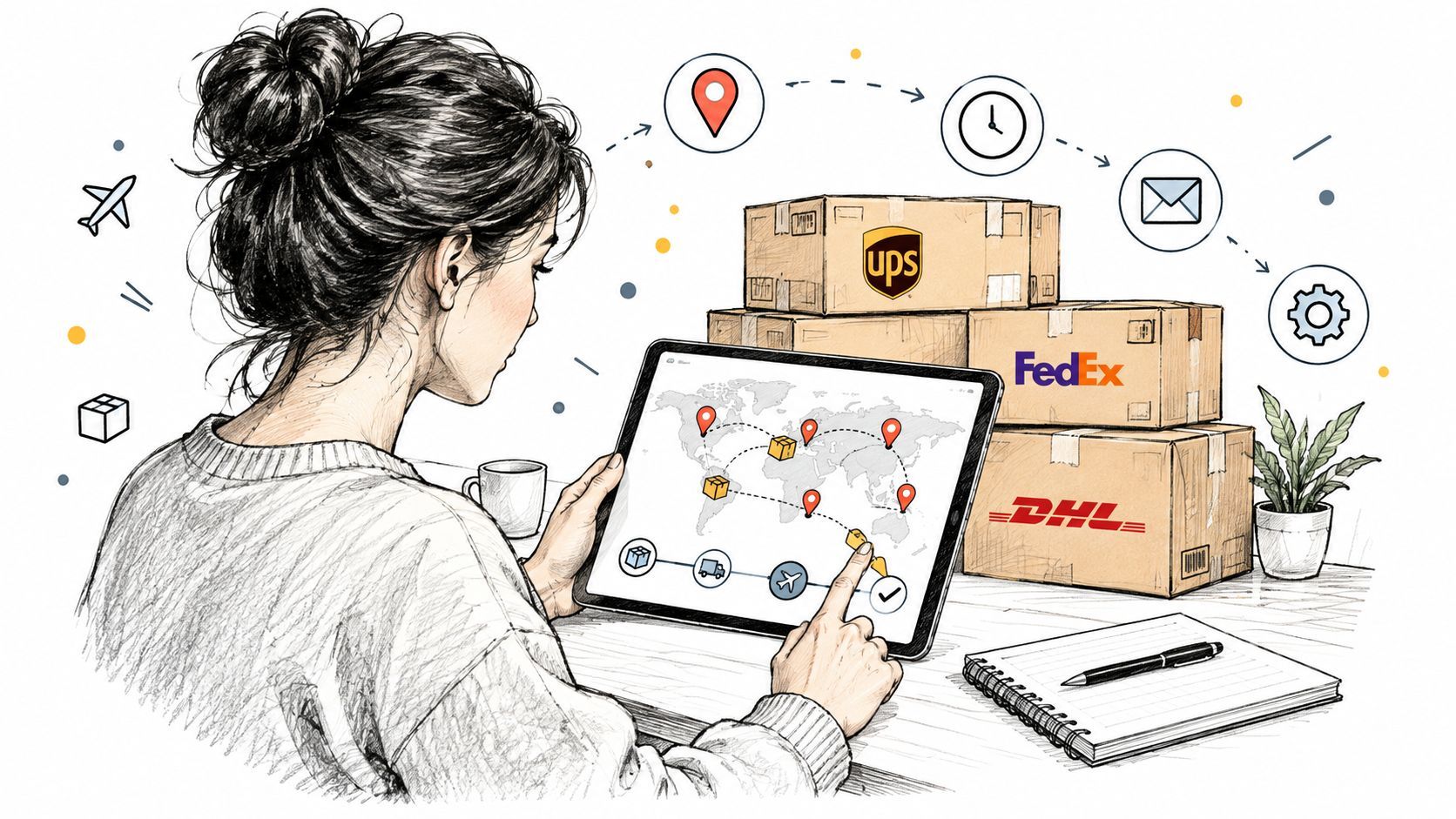
Learn how to track shipments efficiently after your campaign. Step-by-step guide for creators on carriers, automation, and fixing delivery issues.
You've finished the campaign, confirmed the reward tiers, and watched backers complete their surveys. Then the first support message arrives: “Has my reward shipped?” A second asks whether a label means the parcel is moving. Before long, you're searching carrier portals, spreadsheets, and email threads just to answer questions that a reliable shipment workflow should handle automatically.
Crowdfunding fulfillment is where good campaign experiences often become difficult. Learning how to track shipments means more than entering a tracking number. You need clean order data, useful status definitions, a process for resolving exceptions, and timely communication that tells backers what happens next.
The campaign ends with a public milestone, but fulfillment begins with a private operational test. You may have spent months designing the product, building the audience, and answering comments. Once rewards leave the warehouse, backers judge the campaign by a much simpler question: can they see what's happening with the order they paid for?
A creator can have parcels moving through several countries while support inboxes fill with uncertainty. One backer sees “label created” for days and assumes the reward is stuck. Another sees “exception” and believes the package is lost. A third receives a delivery notice but can't find the parcel because the proof of delivery hasn't reached the order record.
That confusion usually starts before the first package is handed to a carrier. If the address, reward selection, parcel record, and tracking number aren't connected, every later update becomes harder to interpret. A tracking page may still display information, but it won't necessarily tell you which backer needs help.
Practical rule: A tracking number is useful only when it remains attached to the correct order, address, reward, and backer communication record.
Modern shipment tracking commonly follows milestones such as order released, carrier tendered, picked up, in transit, arrived, delivered, and proof of delivery received. Each event is typically stored with a timestamp, status code, and location, creating the structure needed for exception management, analytics, and automated customer notifications, as described in this shipment milestone overview.
That structure changes the creator's role. Instead of checking individual parcels reactively, you can identify which shipments have not received a pickup scan, which deliveries are waiting for an action, and which carrier or region is generating repeated problems. Backers get clearer updates, while you spend less time translating vague carrier language.
A strong fulfillment experience also protects the next campaign. Backers may forgive a weather delay or customs hold when you explain it early. They're less forgiving when they have to discover the problem first and ask you what the status means.
For a practical look at the broader process, review this guide to crowdfunding order fulfillment. The central lesson is simple: shipment visibility isn't a decorative feature on a backer portal. It's part of the product experience you deliver after the campaign closes.
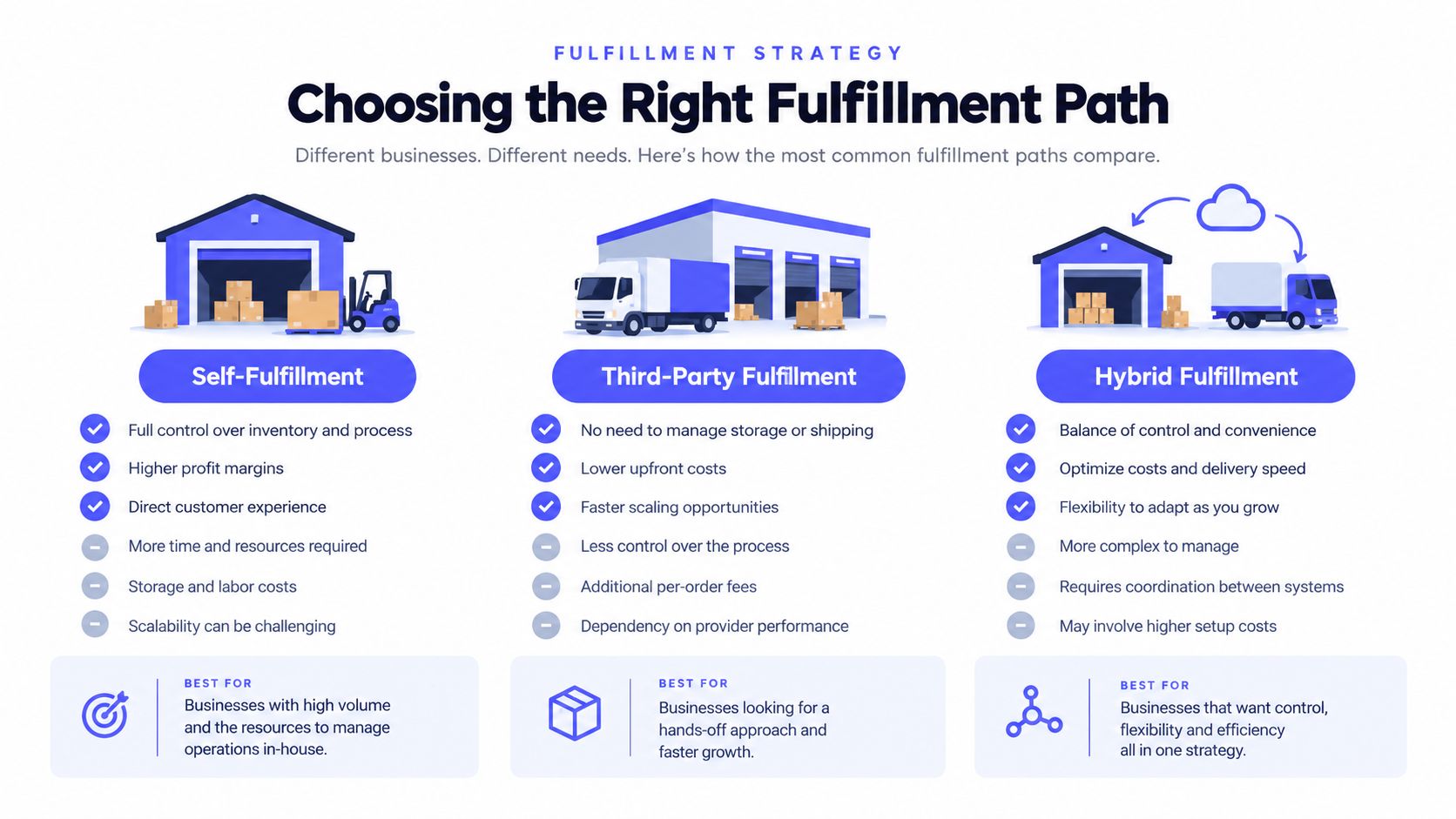
The right tracking setup depends on how much control you need and how much operational work you can absorb. A creator shipping a small, uniform reward may manage orders with a spreadsheet and a carrier portal. A campaign with multiple reward tiers, add-ons, countries, and split shipments needs a connected system much earlier.
Manual fulfillment looks inexpensive because the software bill is low. The hidden cost appears in duplicated addresses, inconsistent country formats, missing unit numbers, and tracking codes pasted into the wrong row. Manual work also makes it difficult to send consistent updates when carrier statuses change.
An integrated pledge manager reduces those handoffs by keeping surveys, order details, shipping information, and backer communication closer together. The trade-off is that you need to configure the system carefully and understand its fee structure before importing orders.
PledgeBox is free to send the backer survey and charges only 3% of upsell revenue if there's any. In practical terms, Kickstarter's pledge manager is like Amazon, where the platform controls more of the transaction experience, while PledgeBox's pledge manager is like Shopify, where the creator has more control over the store and post-campaign operations.
Kickstarter's own Pledge Manager has no upfront cost, and Kickstarter says its usual pledge fees also apply to payments made inside the manager. Its surveys collect backer addresses, reward preferences, and other fulfillment details, according to the Kickstarter Pledge Manager help documentation.
The cost comparison isn't the only decision. Check whether the platform supports address validation, exports the fields your warehouse needs, accepts add-ons cleanly, and can pass tracking information back to the backer-facing workflow. This guide to choosing a shipping vendor for a crowdfunding campaign is useful when the physical fulfillment partner is still undecided.
Kickstarter lets creators set shipping after the campaign, using weight-based or flat rates and tailoring them by region, item type, or reward level, as explained on its Pledge Manager product page. That flexibility is helpful, but it also means you must finalize shipping costs for each country, reward tier, and add-on before you ask backers to complete the process. If you charge later, backers don't pay shipping with the initial pledge, and shipping doesn't count toward the project goal, according to Kickstarter's shipping guidance.
Your first technical objective is to create one dependable order record for every shipment. Export the backer data from your pledge manager, then inspect the file before sending it to a carrier account, warehouse, or bulk label tool. The file should preserve the order ID, backer name, normalized address, reward selection, parcel contents, and shipping service.
Start by standardizing field names. Decide whether the destination country uses one address line or several, how province and state values are represented, and where apartment or unit information belongs. Don't let one system call a field “postal code” while another expects “ZIP,” unless your import mapping explicitly accounts for the difference.
Address validation belongs before label creation. A benchmark using 500 addresses found total accuracy of 99.8% for Smarty, 99.0% for USPS, and 97.0% for Google, according to this comparison of address verification APIs. The same benchmark found that Google correctly handled only 73.3% of cases with missing apartment or unit information, compared with 100% for Smarty. It also identified issues in 47 of 500 addresses, including incorrect ZIP codes, typos, and missing unit numbers.
The operational sequence is straightforward:
A shipping label is not the same as a carrier scan. Your system should distinguish between a label being created, a parcel being accepted, and a shipment moving through the network. That distinction prevents you from telling a backer that an order is “in transit” when the carrier hasn't received it yet.
For a deeper look at label workflows, see this resource on shipping label software.
Once labels are generated, link each tracking number back to the corresponding order. This is the digital thread that powers automatic status emails later. If the link is missing or incorrect, a backer may receive another person's update, while the actual recipient receives nothing.
The following walkthrough shows how a connected dashboard can support that process:
A carrier exception is an instruction to investigate, not proof that a parcel has disappeared. The status may indicate weather disruption, an address correction, a signature requirement, a missed delivery attempt, a customs issue, or a scan that has not yet synchronized with the customer-facing system.
Most tracking guides explain how to enter a number and press search. They rarely explain how to decide whether a shipment is actually delayed or only waiting for its next scan. That gap matters because delivery exceptions often resolve within 24 to 72 hours, while the correct response depends on the event, the carrier, and whether the package is waiting for action, as outlined in this guide to delivery exceptions.
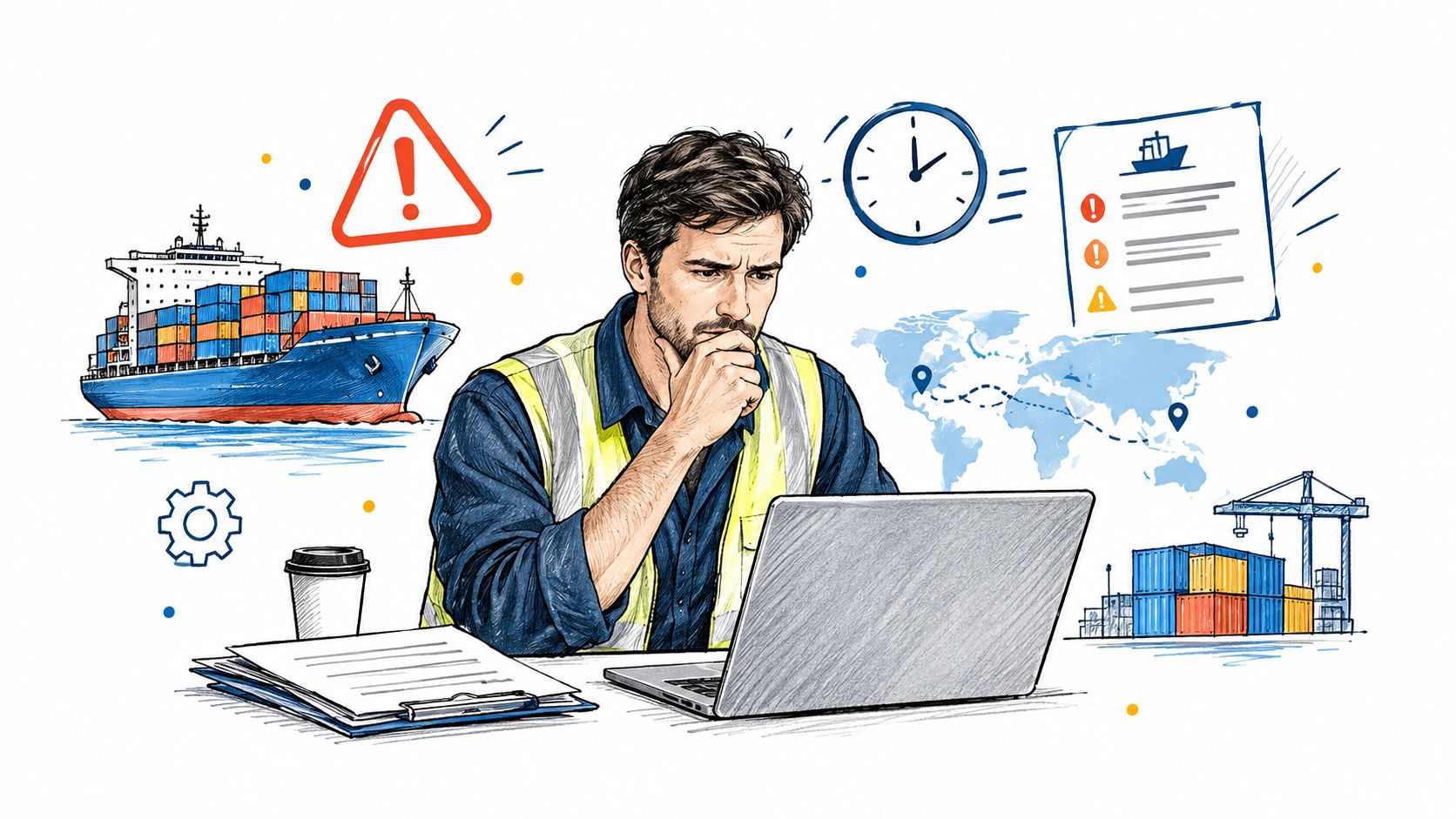
Treat the latest status as a clue, then compare it with the previous event and the promised delivery window.
One 2025 industry report found that 37% of companies still struggle to track in-transit cargo, which helps explain why cross-carrier and international shipments can produce fragmented updates. The practical FAQ isn't only “where is my package?” It's “what does this status mean, and when should I act?”
Don't monitor exceptions through scattered email searches. Create a queue with the order ID, latest event, event date, carrier, likely cause, owner, next action, and resolution. Sort it by urgency, giving priority to an address correction, a signature issue, or a parcel approaching a return deadline.
Contact the carrier when the event requires carrier intervention. Contact the backer when you need information or want to prevent surprise. Keep the message specific: identify the current status, explain what it usually means, and state the next step the recipient should take.
A calm, accurate update protects trust better than an optimistic promise. Backers generally understand that weather and handoffs happen. What creates frustration is silence, contradictory information, or a support reply that merely repeats the same carrier status without interpretation.
Backers shouldn't have to ask whether a parcel was picked up. Once the tracking number is linked to the correct order, configure notifications around meaningful milestones rather than every internal scan. Too many messages create noise, while too few leave people uncertain during the longest part of the journey.
Start with the events your carrier data can reliably provide. A useful baseline includes label or shipment creation, carrier acceptance, movement, arrival in the destination network, delivery, and proof of delivery. If your workflow can distinguish an exception from a normal delay, create a separate message path instead of sending the same generic update to everyone.
Use the backer's order record as the trigger source. The automation should know which reward is in the parcel, which destination applies, and whether the shipment has reached delivery or needs an intervention.
Write messages that answer three questions:
Keep the tracking link prominent, but don't make the backer interpret an unexplained code. Add the carrier name, the order reference, and a support route for cases where the scan conflicts with what the backer sees.
A pickup message can be brief and positive. A delivery message should include the delivery timestamp or proof-of-delivery link when available. An exception message needs more care because it should acknowledge uncertainty without creating unnecessary alarm.
For example, an address correction email should explain that the carrier needs information before delivery can continue. A weather-delay email should avoid promising a new date unless the carrier has supplied one. If the parcel is marked delivered but the backer can't locate it, send a separate instruction to check the delivery location, household members, building staff, and carrier support before treating it as a lost reward.
Automation doesn't remove judgment. It moves routine communication out of the support queue so you can focus on statuses that need a human decision. Review the templates before launch, test them with internal orders, and make sure an incorrect tracking-number mapping can be corrected without sending another confusing message.
The best notification is not the one that says the most. It's the one that arrives at the right moment, describes the event plainly, and tells the backer what to do next.
A scalable workflow turns fulfillment into a sequence of controlled handoffs. Start with the survey and address record, move through validation and order classification, generate labels, confirm carrier acceptance, monitor movement, and close the loop with delivery or exception resolution.
Keep one operational source of truth. That can be a pledge manager, a warehouse system, or a carefully governed spreadsheet, but the team must know where the current order status lives. If one person updates a carrier portal, another edits a spreadsheet, and a third emails backers from a separate list, discrepancies are inevitable.
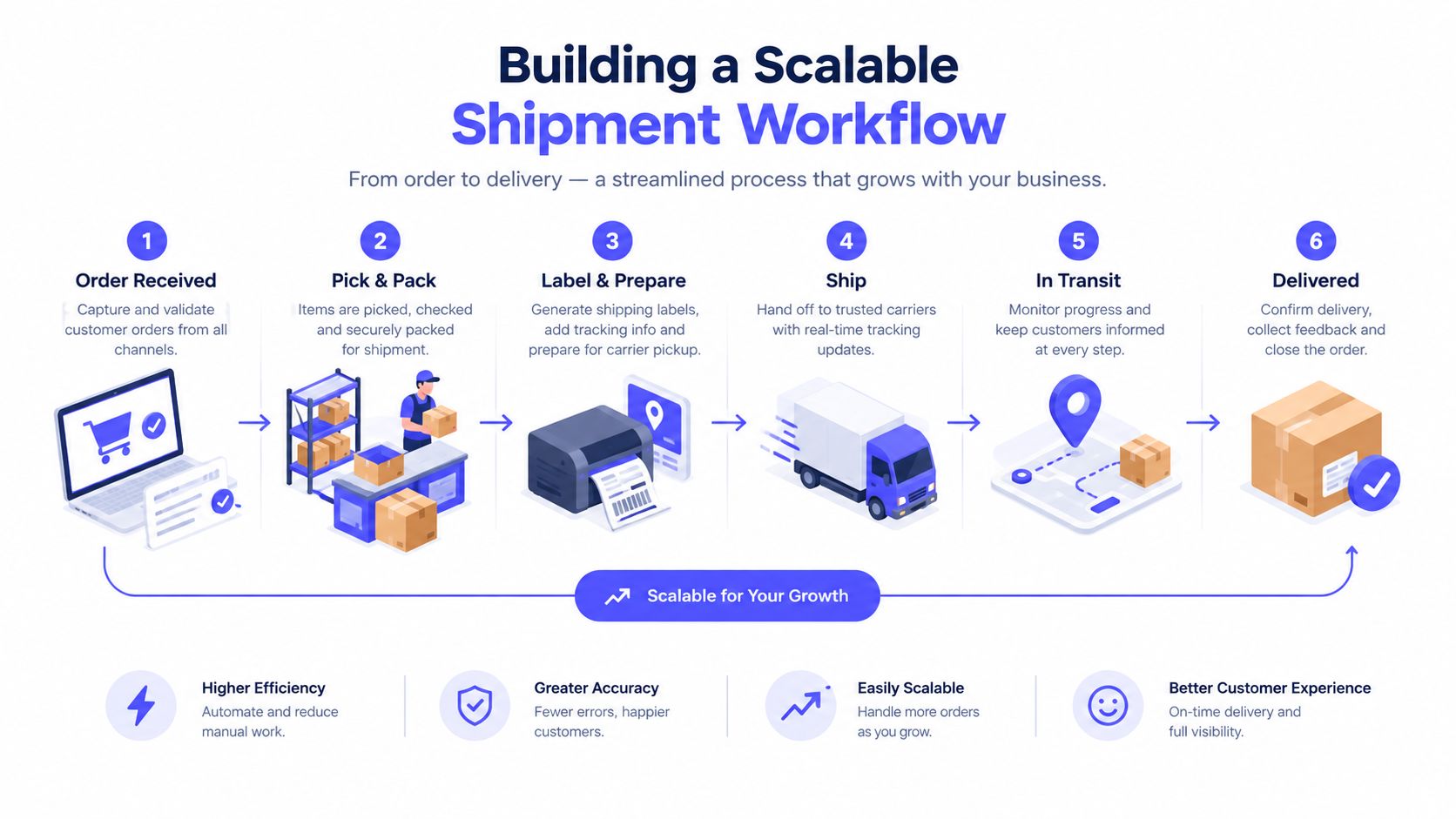
Shipment tracking becomes more valuable when you measure it by carrier, service level, region, and customer type. Useful measures include on-time delivery rate, failed-delivery rate, first-attempt success rate, and promise-date accuracy. Independent logistics benchmarks report a median perfect-order rate of 88% across 13,590 organizations, while best-in-class operations report 99.5% or higher on-time shipment performance and 99% or higher delivery on time, according to these delivery performance metrics.
Those benchmarks shouldn't become promises to backers. They're comparison points for finding weak parts of your own workflow. Calculate failed deliveries as failed attempts divided by total attempted deliveries in the same period, then segment the result by route, customer type, and zone. Raw failure counts hide whether the issue is a difficult region, a service-level mismatch, an address problem, or a carrier handoff.
Audit the workflow before the first box leaves. Test a backer record from each reward tier, verify the notification path, inspect a sample label, and confirm that the support team can see the same status as the backer. That preparation prevents a small data error from becoming a campaign-wide support backlog.
PledgeBox brings backer surveys, fulfillment information, address validation, shipment tracking, notifications, and reporting into one crowdfunding workflow. Visit PledgeBox to organize the post-campaign process before the first shipment goes out and give backers clearer answers when their rewards are on the move.
PledgeBox
The All-in-One Toolkit to Launch, Manage & Scale Your Kickstarter / Indiegogo Campaign