 PledgeBox
10 Marketing Analytics Tools for Crowdfunding Creators
Compare 10 marketing analytics tools for pre-launch, live, and post-campaign crowdfunding, with honest pros, cons, and tips for choosing the right mix.

Compare 10 marketing analytics tools for pre-launch, live, and post-campaign crowdfunding, with honest pros, cons, and tips for choosing the right mix.
What if your best ad didn't cause a single pledge, and your dashboard is just giving it credit for demand that was already there? That's the question most creators ask after their first campaign, usually too late. They can see traffic, but they can't say where pledges came from, or which spend to repeat.
Crowdfunding data lives in at least three places. Your pre-launch page and ads hold acquisition data, Kickstarter or Indiegogo holds pledge data you don't fully control, and your fulfillment stack holds survey, shipping, and upsell revenue. No single dashboard sees all three cleanly, so the right marketing analytics tools mix depends on campaign phase.
That's not a niche problem. The wider stack kept expanding, and the marketing technology landscape discussion on CXOTalk traces roughly 350 identified tools in 2012 to approaching 5,000 by 2017. More tools didn't mean clearer answers. It meant fragmented definitions and disconnected dashboards.
Adoption is now normal, not advanced. In Brandwatch's 2025 global marketer survey, 79% of surveyed marketers reported using analytics tools. The gap isn't installation. It's knowing what each tool can see, what it can't see inside a crowdfunding platform, and when to stop configuring and act.
The 10 tools below are grouped by job, not hype. Some suit pre-launch, some suit live optimization on pages you own, and some only make sense post-campaign or at agency scale. I'll flag the blind spots plainly.
Start here if you own a pre-launch page, microsite, or landing page. Google Analytics 4 measures traffic, engagement, and conversions on properties you control, and the standard version is free. For most creators, it's the default pre-launch layer.
Its reach explains the default status. W3Techs traffic analysis comparison data reports Google Analytics was used by 85.6% of websites whose traffic-analysis technology was identifiable among sites ranked in the top 1 million. Presence isn't effectiveness, though. You still need clean events, UTM discipline, and a defined conversion for signup, reservation, or click through to the campaign.
For setup specifics, work through a campaign Google Analytics setup guide before you spend, not after. Pair that with clear conversion measurement for growth marketers so a signup event means the same thing across ads, email, and organic.
GA4 tells you what happened on your page. It doesn't automatically reveal what happened inside Kickstarter after the click.
Pros: Free standard version, broad integrations, strong source comparison. Cons: Reports take time to learn, tagging must be deliberate, and third-party platform activity stays partly invisible. I recommend it for every creator, but never as your only source of truth.
Already running email, forms, or a CRM in HubSpot? Then HubSpot Marketing Analytics earns its place by proximity, not by being the deepest analytics engine. It connects campaign activity to contacts and revenue when that data lives in HubSpot.
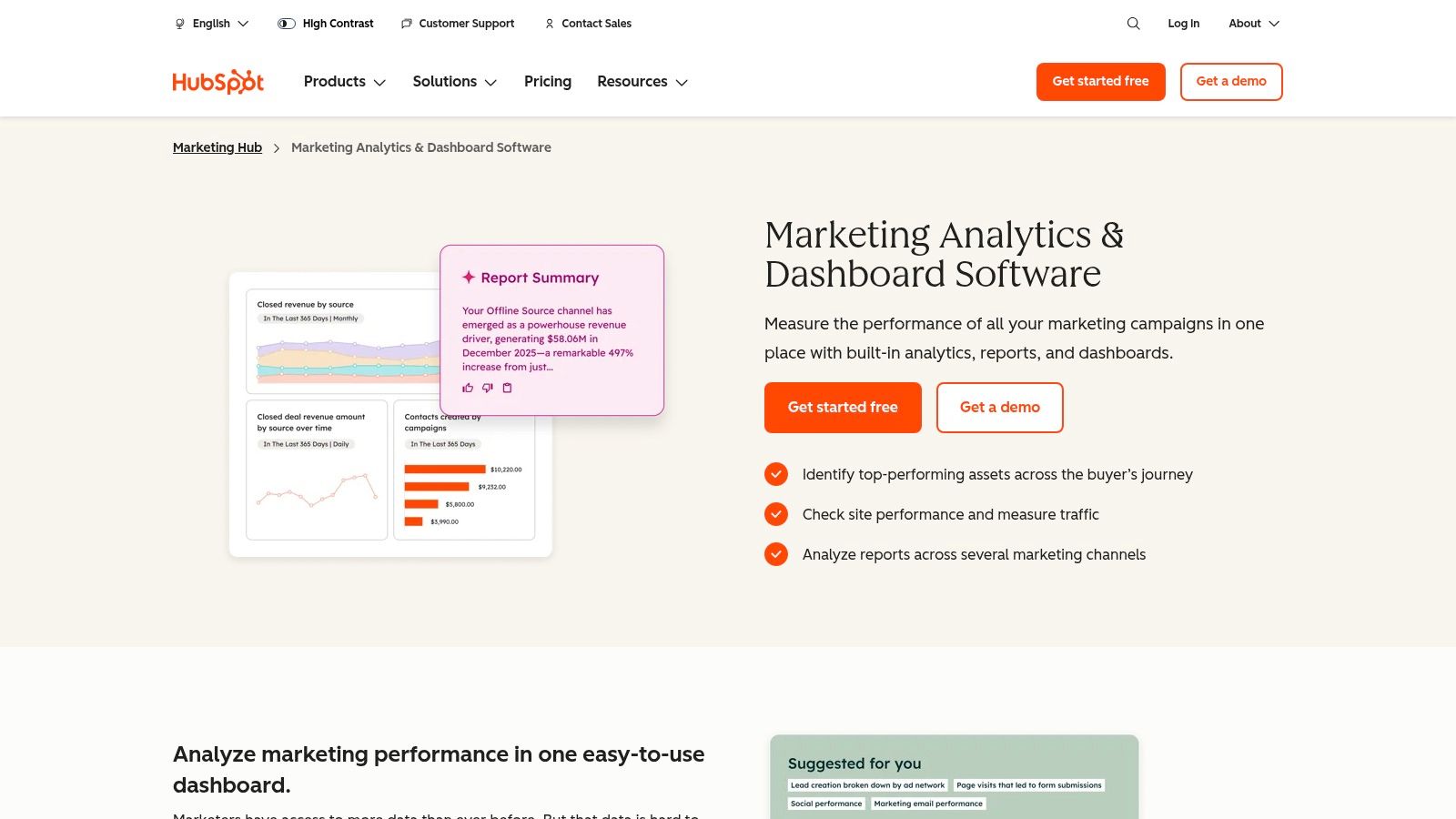
That CRM link matters for pre-launch. You can see which email, form, or landing page produced a lead, then follow that contact toward launch. Where it gets expensive is attribution. Multi-touch attribution and custom reporting sit on applicable paid Marketing Hub plans, and the output is only as good as your campaign naming and contact hygiene.
Adoption context helps set expectations. The 2026 attribution benchmark report from Attrifast reports formal attribution tool usage at 84% among enterprises with 1,000 or more employees, compared with 61% for mid-market organizations and 14% for micro-businesses. Small teams usually don't lack budget alone. They lack clean cross-channel data and standardized taxonomies.
Use it to manage the lead list you own before launch and the backer relationships you rebuild after. A broader campaign analytics tools overview helps place it against platform dashboards that handle live pledge velocity.
Pros: Convenient if HubSpot already runs your email and forms, connects marketing to contact records, free tools lower the entry cost. Cons: Advanced analytics require paid plans, messy contact data corrupts reporting, and it's more system than a solo creator needs.
Traffic arrives, signups look healthy, and returning visitors still don't convert. GA4 shows where the drop happens. Mixpanel shows the sequence of actions behind it.
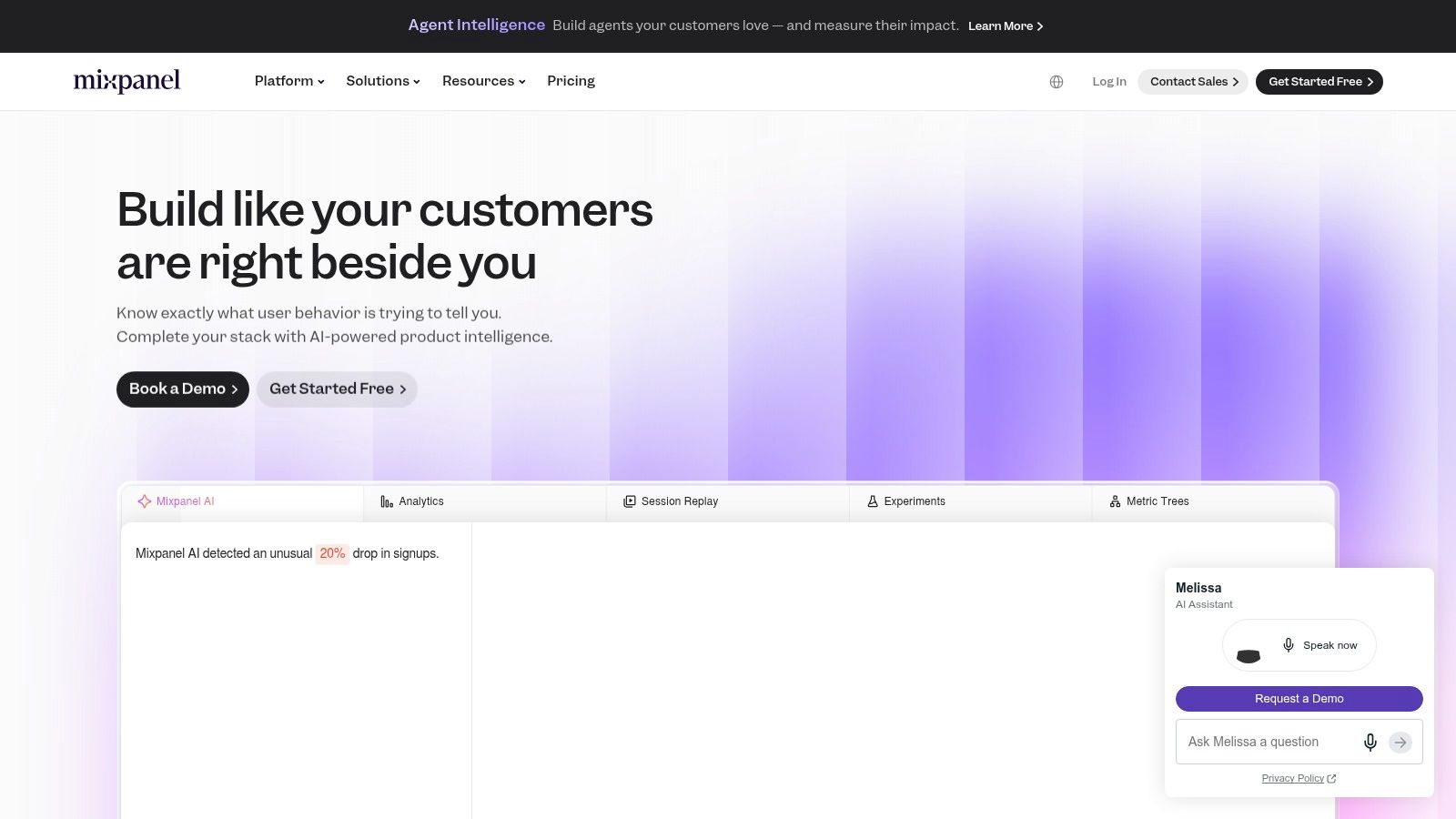
It's event based, so you define actions such as viewed pricing, clicked notify me, returned from email, or started a reservation. Funnel, retention, and flow reports then show where people stall. That suits creators with a substantial owned funnel, a companion app, or a multi-step onboarding flow. A single static landing page gives it nothing to work with.
The key benefit: you stop guessing why leads drop off and see the exact step where they do.
The free plan has a generous monthly event allowance, while attribution and higher volumes sit on paid plans. The predictable catch is event design. Costs rise with volume, and a sloppy tracking plan produces expensive noise. Mixpanel also stops at your site boundary. Once someone clicks through to Kickstarter or Indiegogo, the platform owns that session and your event stream goes quiet until the backer returns to a property you control.
Pros: Strong drop off diagnosis, useful free tier, covers marketing and product behavior. Cons: Needs a well defined event plan, attribution sits on paid plans, and event costs need monitoring. Pick Mixpanel when behavior after arrival is your bottleneck, not traffic volume.
Amplitude sits in the same behavioral family as Mixpanel, but I reach for it when testing is part of the job. It combines event analysis with cohorts, journey analysis, session replay, and experimentation, with limits depending on plan.
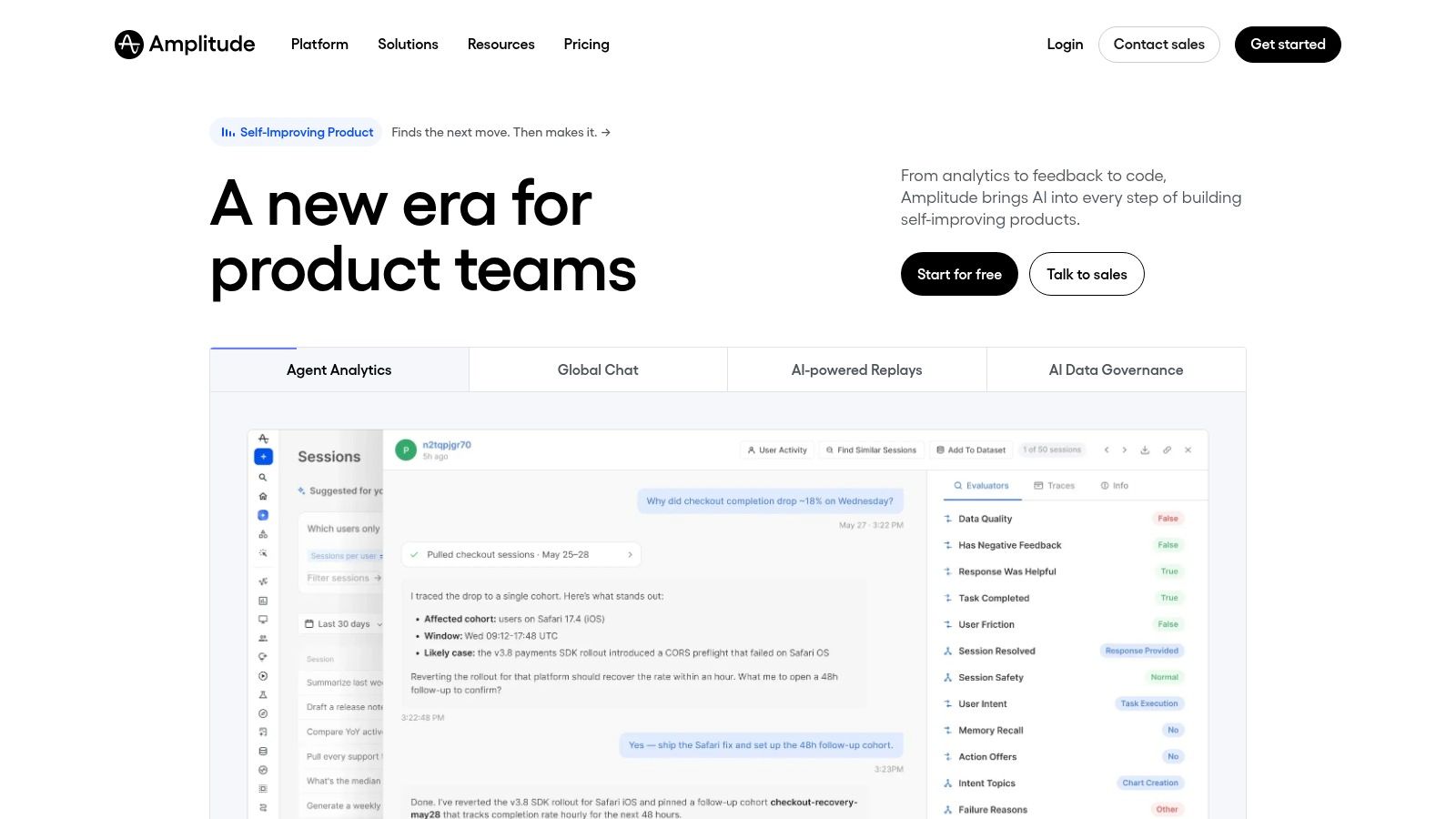
That experimentation link matters more than most feature lists admit. A 2026 systematic review of 108 studies in the Journal of Marketing Analytics found deep learning attribution can improve predictive accuracy while remaining causally unidentified without experimental calibration. In plain terms, a precise looking model can still mislead you if you never run a holdout or controlled test.
The same review notes differential privacy can reduce precision by 2 to 33%, depending on privacy budget. For a creator, that means confidence intervals widen as tracking gets restricted. Don't treat a small attributed lift as proof.
The free plan includes up to 2 million events per month, which is plenty for most pre-launch properties. Advanced capabilities and higher usage move you to paid plans.
Pros: Generous free event allowance, connects analysis with testing, handles complex journeys. Cons: Excessive for basic traffic reporting, event design takes planning, and paid tiers arrive fast at scale. Choose it if you'll test page variants. Skip it if you just need weekly source reports.
Technical teams often prefer one toolbox over five subscriptions. PostHog bundles product analytics, session replay, feature flags, surveys, and experiments, so you can watch a session, see the funnel break, and test a fix without switching tools.
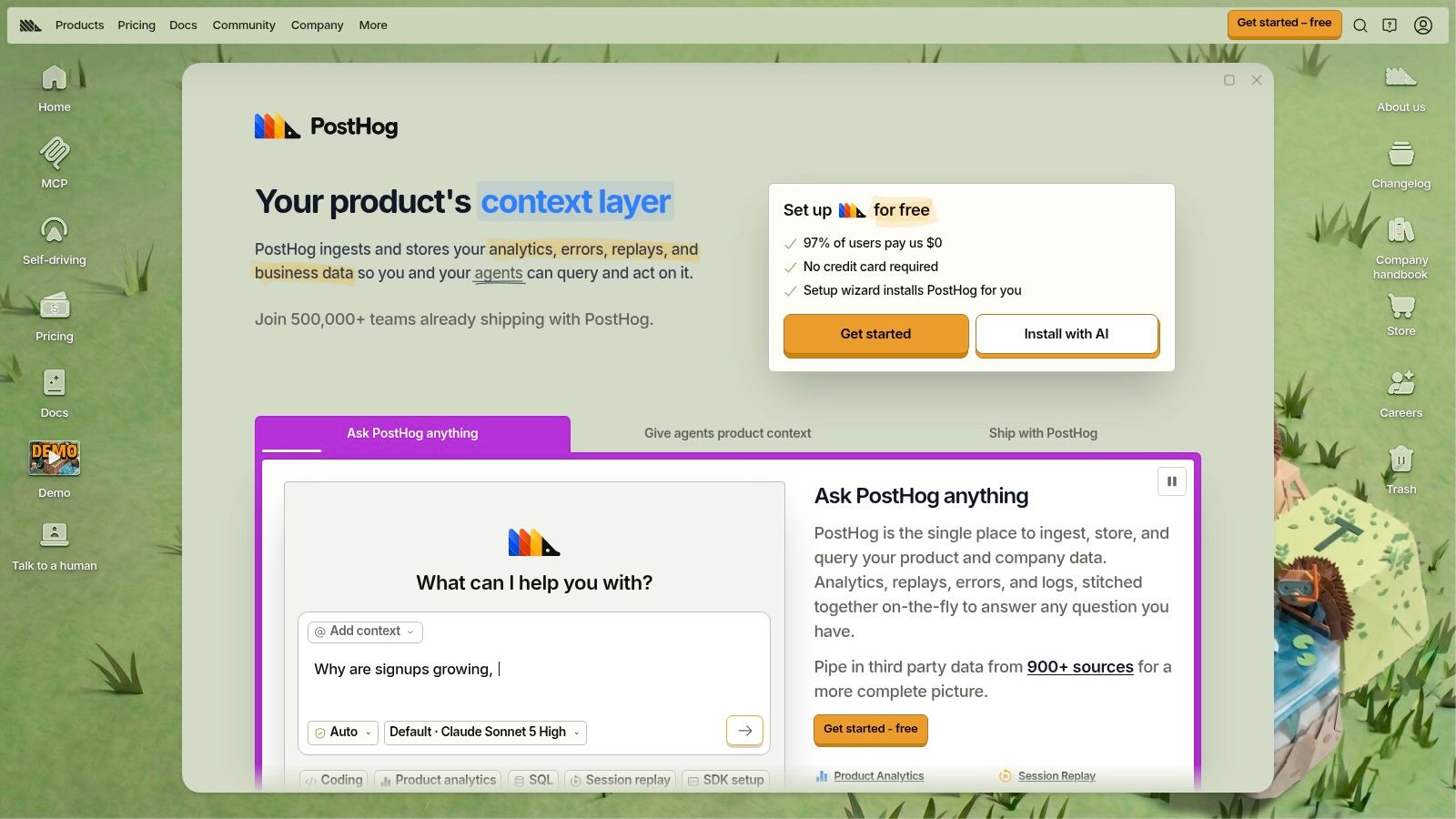
The draw is the loop: watch a replay, spot where the funnel breaks, roll a fix to part of your traffic, and measure the result in one workspace.
That combination earns its keep on owned campaign assets. Session recordings on a pre-launch page show whether visitors find the email form, understand the reward teaser, or rage click a broken button. Surveys can ask non-converters why they hesitated. Feature flags let you roll a new page section to part of your traffic first, which matters when a bad change could cost signups in the final week.
None of that extends inside Kickstarter or Indiegogo. You can't replay sessions on a platform page you don't control, so during the live phase you rely on whatever the platform reports. PostHog picks up again on post-campaign pages you own.
Pricing is usage based, with a free tier and pay as you go billing that follows usage rather than seats, plus billing controls to cap spend. Check PostHog's pricing page for current limits before you commit. Some marketing analytics features are listed as beta, so verify maturity before you build reporting on them.
Setup is the hidden cost. Someone has to define events and keep them consistent as the page changes, and that work usually falls to a developer or a technical marketer.
Pros: One platform covers analytics, replay, flags, and surveys, with spend caps on the free allowance. Cons: More setup than a simple dashboard, beta features need caution, and event charges climb at high usage. A strong pick when a technical person owns the pre-launch page. Friction for everyone else.
Control over data storage is the reason to shortlist Matomo. It offers cloud hosted and self-hosted open source options, with campaign tracking, funnels, attribution, real-time reports, and optional heatmaps and session recordings.
Self-hosting means the On-Premise software is free and open source, and your analytics data stays on infrastructure you manage. That appeals to teams selling into privacy sensitive markets, or agencies serving clients who won't accept third-party trackers. The trade-off is blunt. You own updates, uptime, backups, and security.
Cloud hosting removes that burden, with a trial available without a credit card, but pricing increases with traffic. Either way, configuration takes time. Matomo's breadth is a liability if nobody owns it weekly.
Operational overload is a significant risk for small teams. The Supermetrics 2025 Marketing Data Report announcement reports 56% of marketers report insufficient time to analyze data and 41% cite cross-channel ROI measurement as a barrier. Adding a self-hosted platform you can't maintain makes that worse, not better.
Pros: Data control, free open source option, capable campaign and funnel reporting. Cons: Self-hosting demands maintenance, cloud costs scale with traffic, extensive features take time to configure. I recommend Matomo when data ownership is a requirement, not a preference.
Not every creator needs behavioral depth. Plausible Analytics gives you a simple, privacy focused dashboard for traffic sources, campaigns, pages, and goals, and you can read it in two minutes before a launch call.
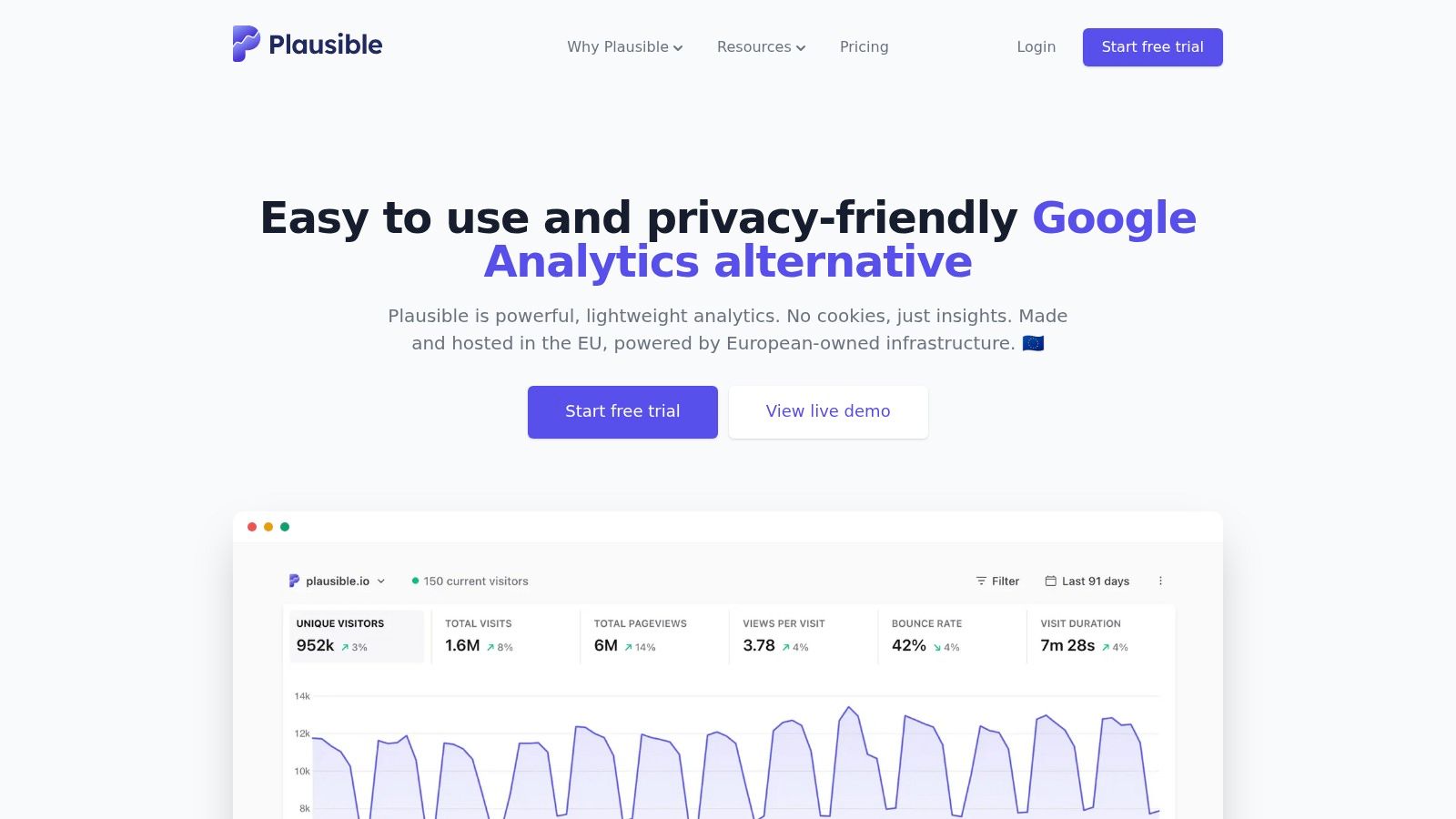
That readability is the product. UTM campaigns, referrers, custom events, Search Console integration, and shareable dashboards cover the weekly questions most small campaigns ask. Which post sent signups? Which ad set sent bounces? Did the newsletter mention convert?
Practical rule: If your team checks analytics twice a week, pick the dashboard you'll actually open. Depth you ignore has zero value.
Limits appear when you need funnels, user journeys, or revenue attribution. Those sit on the Business plan, not the entry plan. There's also no permanent free plan, though Plausible offers a 30-day trial without a credit card. Its no-cookie positioning simplifies consent conversations on your own pages.
Pros: Simple routine checks, privacy focused, easy sharing with partners or agencies. Cons: No free plan, weaker for deep behavioral analysis, funnels gated to higher tiers. For a solo creator running pre-launch on a tight schedule, Plausible often beats a powerful tool nobody configures. Simplicity is a feature when launch week gets busy.
Adobe Analytics is the enterprise end of this list, and I'll be direct. Most individual creators shouldn't buy it. It's built for organizations analyzing complex journeys across channels, devices, data sources, and business units.
Adobe Analytics focuses on digital behavior with segmentation and attribution. Customer Journey Analytics combines online and offline data for customer level reporting, integrated with Adobe Experience Platform. That flexibility suits a hardware brand running crowdfunding alongside retail, DTC, and regional teams, all needing shared definitions.
Pricing is custom and quote based, and implementation may require specialist resources for data architecture and identity work. Those aren't minor line items. They're ongoing operating commitments that dwarf a single campaign budget.
Pros: Advanced multi-channel analysis, flexible for complex identities, supports multiple teams. Cons: Quote based pricing, specialist implementation, too complex and costly for most campaigns. Consider it only if your company already runs Adobe and crowdfunding is one channel among many.
Once a campaign funds and sales move to your own store, Triple Whale starts earning its place. It's an ecommerce measurement platform combining sales, advertising, and customer data, built for creators running pre-orders, refills, or merchandise after the Kickstarter or Indiegogo campaign ends.
Features include Triple Pixel measurement and multiple attribution models on paid plans, dashboards, custom metrics, SQL analysis, customer segments, and post-purchase surveys. Triple Whale offers a free plan, but paid plans carry longer commitments than most short campaigns need, so review the current plan terms on its website before you sign up.
The real value is post-campaign: it connects ad spend to store revenue once you sell on your own domain, where Kickstarter and Indiegogo reporting can't follow.
Attribution spending keeps climbing at market level. Grand View Research's marketing attribution software market report values the global market at approximately $5.3 billion in 2025 and projects $15.4 billion by 2033, a 14.3% compound annual growth rate. That growth says nothing about whether any single model fits your store.
Treat modeled attribution as one input. Compare it with platform reports, post-purchase survey answers, and holdout tests before shifting budget. Triple Whale also can't directly measure activity inside Kickstarter or Indiegogo unless you bring that data into its reporting setup, so expect a blind spot during the live campaign itself.
Pros: Combines ecommerce and marketing data, free plan, detailed attribution on paid plans. Cons: Mismatch for campaign only measurement, longer paid commitments, modeled results need cross-checking.
Agencies managing several creators hit a different wall. Reporting time disappears into exports, screenshots, and reconciling channel numbers that don't match. Funnel is a data collection and preparation layer built for that consolidation work.
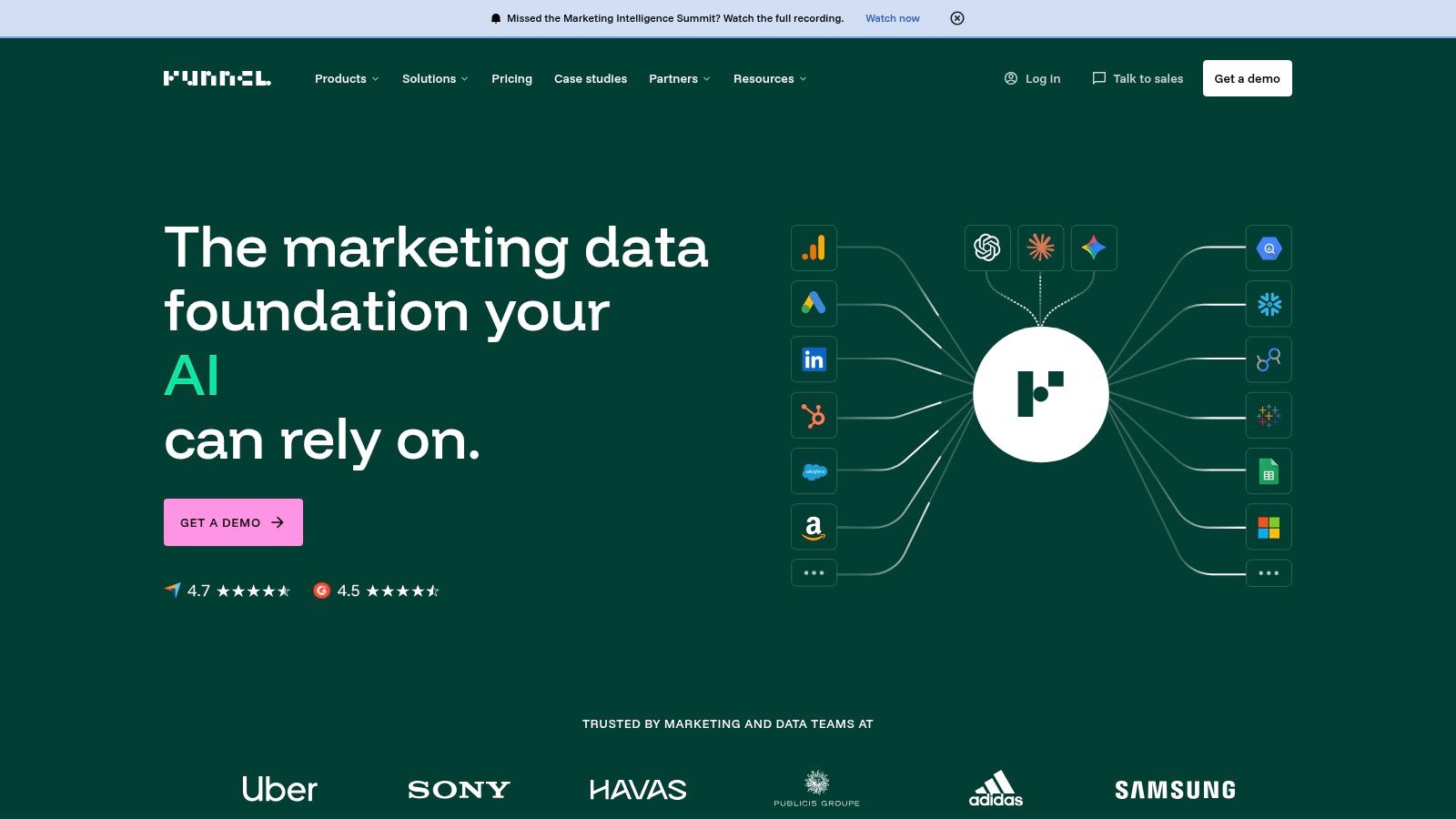
It connects advertising and marketing platforms, harmonizes data, and exports to Google Sheets, Looker Studio, Power BI, Tableau, and data warehouses depending on plan. Optional measurement includes multi-touch attribution and marketing mix modeling. It isn't a replacement for on-site behavioral analytics, and it won't fix inconsistent campaign naming on its own.
Integration pain is widespread. In Supermetrics' 2025 global Marketing Data Report summary, 38% of surveyed marketers said they lacked tools to integrate and report on their data. Funnel targets exactly that gap, but definitions still need an owner. A solid conversion funnel analysis discipline matters more than connector count.
Cost is the filter. Starter begins at $300 per month when billed annually, listed plans include unlimited users, and there's a 14-day free trial without a card. Connector counts and destinations vary by plan.
Pros: Reduces manual consolidation, unlimited users on listed plans, flexible destinations. Cons: Price excludes most solo creators, plan limits vary, setup needs attention.
| Item | Free Tier | Best For | Campaign Phase Fit | Key Limitation |
|---|---|---|---|---|
| Google Analytics 4 (GA4) | Standard version is free | Measuring traffic and conversions on owned websites or apps | Pre-launch and live campaign site measurement | Requires setup and does not capture all activity on third-party platforms |
| HubSpot Marketing Analytics | Free tools available | Teams using HubSpot CRM, email, or forms | Tracking leads and campaign activity across the funnel | Advanced analytics require paid plans |
| Mixpanel | Up to 1 million events per month | Analyzing user behavior, funnels, and retention | Pre-launch signup flows and campaign-site optimization | Requires event planning; free plan excludes multi-touch attribution |
| Amplitude | Up to 2 million events per month | Analyzing complex digital journeys and testing changes | Pre-launch and live optimization of substantial websites or apps | Can be excessive for basic reporting; advanced use may require paid plans |
| PostHog | Up to 1 million analytics events per month | Technical teams combining analytics, replay, and testing | Pre-launch testing and live campaign-site analysis | Requires setup; some features are in beta |
| Matomo | Free, open-source self-hosted option | Teams seeking control over analytics data | Pre-launch and live website campaign tracking | Self-hosting requires infrastructure and maintenance |
| Plausible Analytics | No permanent free plan; 30-day trial | Creators and small teams seeking simple, privacy-focused reports | Pre-launch and live website traffic checks | Entry plan lacks funnels and revenue attribution |
| Adobe Analytics and Customer Journey Analytics | No free tier listed; custom pricing | Large organizations analyzing complex cross-channel journeys | Multi-channel campaigns with complex data needs | Costly and may require specialist implementation |
| Triple Whale | Free plan available | Ecommerce sellers combining sales and advertising data | Pre-orders and post-campaign merchandise sales | Less suited to campaign-only measurement on crowdfunding platforms |
| Funnel | 14-day free trial without a card | Teams consolidating marketing data across sources | Campaign reporting across channels | Starter begins at $300 per month when billed annually |
Build by phase, and keep each phase to one primary job. Pre-launch, pick one lightweight web analytics tool for pages you own. GA4 if you want depth and free access, Plausible if you'll check it, Matomo if data control is mandatory. Define three events only at first, such as signup, reservation, and outbound click to the campaign page. Add Mixpanel, Amplitude, or PostHog only when a specific drop off question justifies event design work.
During the live campaign, your owned tools go partially blind. Platform pages control the pledge transaction, so you need a campaign phase view of pledge velocity, traffic sources, rank, and backer trends, plus disciplined UTMs and referral tags on everything you send. Judge channels by source level conversion and revenue per backer where you can join the data, not by last click credit alone. Run small holdouts on email or ads when volume allows, because attributed revenue isn't proof that marketing caused it.
Post-campaign, measurement shifts to money you can directly influence. Survey completion, shipping and tax collection, add-on uptake, late pre-orders, and refund or payment failures decide your actual margin. Ecommerce sellers can layer in Triple Whale for store attribution, and agencies can use Funnel to consolidate client reporting. Creators whose revenue now lives in surveys and upsells need a pledge manager that reports that activity natively, not another generic dashboard.
The operating model matters here. Kickstarter's Pledge Manager help documentation states there's no upfront cost and its usual fees are deducted from payments made within the Pledge Manager, which collects addresses, reward preferences, shipping fees, taxes, and additional payments in one workflow. Kickstarter's guide to completing the pledge manager also confirms backers can increase pledges with add-ons, confirm addresses for tax calculation, and pay balances due. Kickstarter's pledge manager is like Amazon. It's the marketplace's own transaction environment, inside its ecosystem.
PledgeBox works differently, more like Shopify. It's a separate commerce layer you control for branding, bundles, and upsells, and Kickstarter's third-party data guidance confirms creators may use a third-party service such as PledgeBox, including importing a Backer Report when it's configured. Sending the backer survey with PledgeBox is free, with no upfront, per-backer, or campaign fee, and it only charges 3% of upsell sales if there's any. That pricing keeps post-campaign measurement and selling low risk. You pay when incremental revenue happens.
My recommendation is simple. Don't buy sophistication you won't operate. One owned page analytics tool, one live campaign dashboard, and one post-campaign revenue layer will outperform six disconnected marketing analytics tools every time, because the owner, definitions, and next action stay clear at each phase.
When your campaign ends, your analytics shouldn't stop at the funding total. PledgeBox lets you send branded backer surveys for free, collect shipping and taxes, and sell add-on upsells while paying only 3% on upsell sales if there's any. Set up your post-campaign survey today and turn survey completion and upsell data into revenue you can measure.
PledgeBox
The All-in-One Toolkit to Launch, Manage & Scale Your Kickstarter / Indiegogo Campaign