 PledgeBox
Credit Card Kickstarter: Payments, Fees, & Pledge Management
Optimize your credit card kickstarter experience. Learn about payment processing, fees, and the best strategies for using pledge managers effectively.
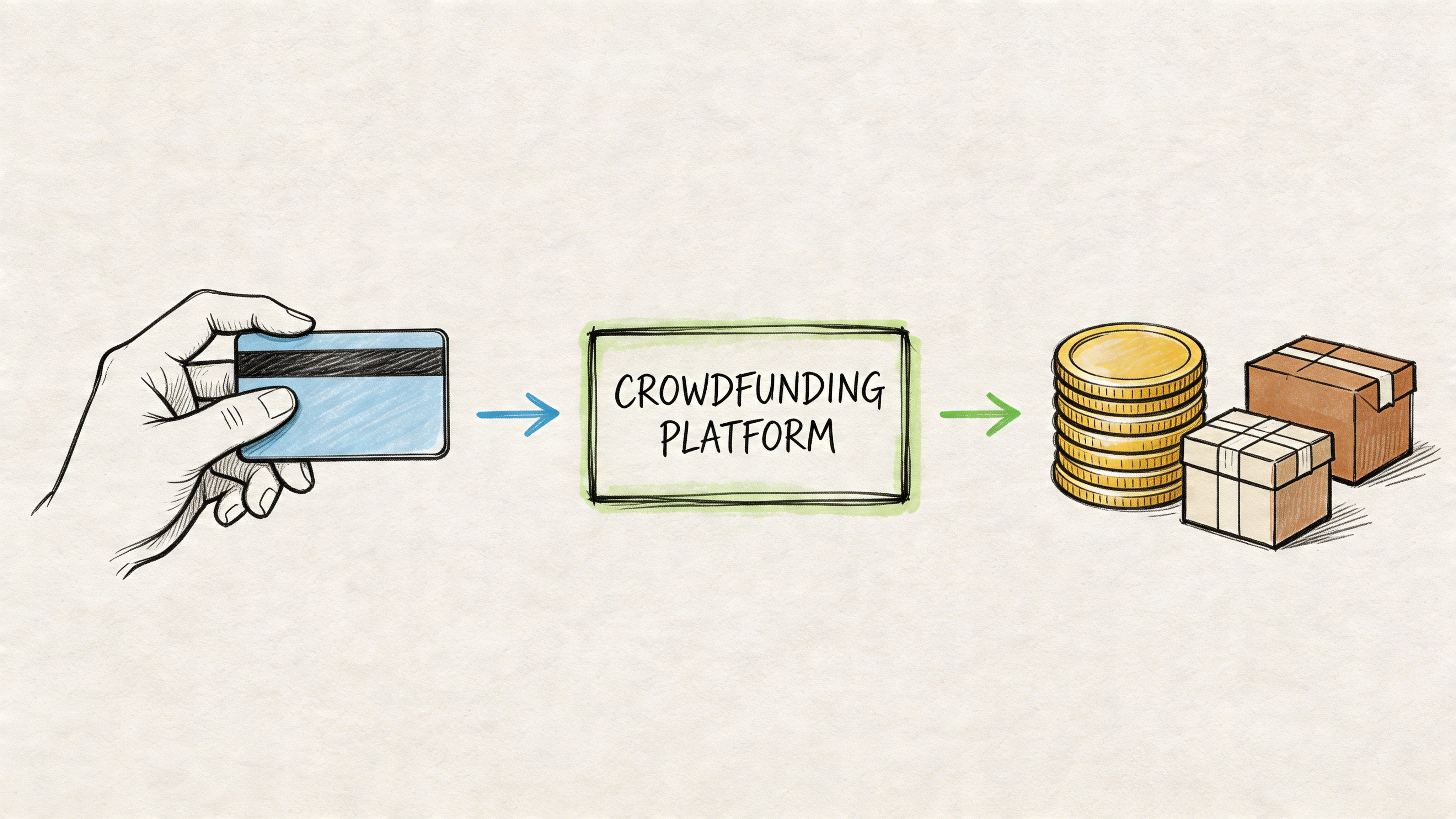
Optimize your credit card kickstarter experience. Learn about payment processing, fees, and the best strategies for using pledge managers effectively.
Your Kickstarter just funded. The dashboard looks healthy, your inbox is noisy, and then the useful question hits: how much of that money is actually yours to work with?
That’s where most creators shift from campaign mode into finance mode. Backers pledged with cards. Some of those charges will go through cleanly. Some won’t. Fees come off the top. Shipping still needs to be collected in many campaigns. Add-ons, taxes, surveys, and fulfillment decisions now matter more than the launch page did.
In practice, credit card kickstarter questions aren’t just about whether backers can pay. They’re about what happens after funding, how much cash reaches your account, and whether you treat post-campaign operations as admin or as a revenue system.
Creators who handle this phase well usually do three things. They protect cash flow, they recover avoidable payment loss, and they build a better post-campaign checkout than Kickstarter gives them by default.
The first day after funding ends is strangely quiet. The campaign is over, but the money isn’t sitting in your bank account ready to spend. What you have is a gross pledge total and a list of backers whose cards still have to complete the process.

A lot of creators make the same mistake. They budget manufacturing, freight, and fulfillment against the headline funding total instead of the net amount that arrives after fees and payment friction.
Kickstarter’s basic cost structure is familiar by now, but it still surprises first-time teams in practice. Kickstarter charges a 5% platform fee, plus payment processing fees of about 3% to 5% plus $0.20 per pledge, which puts total fees around 8% to 10% of funds raised according to this Kickstarter fee breakdown.
That matters immediately. If your margins were already thin, fee leakage changes what you can safely commit to.
The post-campaign phase is also where weak financial setup starts to hurt. If you mixed ad spend, prototype costs, and household spending on the same cards or bank accounts, reconciling the project gets messy fast. It’s much easier if you separate business and personal expenses before the campaign ends, not after your accountant starts asking questions.
Practical rule: Treat the moment after funding like a handoff from marketing to operations. If your books aren’t clean, every later decision gets slower.
What creators usually worry about at this stage is reasonable:
Those concerns all connect. The money you keep depends on more than pledge volume. It depends on how well you handle cards, recovery, and post-campaign checkout.
Kickstarter’s payment flow is simple on the surface. Backers enter card details when they pledge, and the charge only happens if the project funds successfully. That design helps conversion during the campaign, but it creates a second stage of uncertainty after the campaign closes.

The sequence is straightforward:
For creators, the practical point is this: a funded campaign is not the same thing as collected revenue.
The baseline fee math is fixed enough that you should build it into your financial model before launch. Kickstarter charges creators a 5% platform fee on total funds raised, plus payment processing fees of approximately 3% to 5% + $0.20 per pledge via Stripe, resulting in total fees of 8% to 10% of funds raised according to PledgeBox’s breakdown of Kickstarter fees.
Two details matter more than creators expect.
That’s why many experienced creators prefer to keep the Kickstarter pledge focused on the core reward and handle shipping and extras later.
When I review campaigns that felt “surprisingly tight” after funding, the problem is rarely one catastrophic issue. It’s usually three smaller ones stacked together: underestimating fees, collecting shipping too early, and allowing too many low-value pledge tiers.
A few practical patterns hold up:
| Decision | Usually works | Usually causes headaches |
|---|---|---|
| Pledge design | Fewer, clearer reward tiers | Too many micro-tiers |
| Shipping strategy | Collect later with final address | Bundle uncertain shipping into KS pledge |
| Cash planning | Budget from net proceeds | Budget from gross funding total |
Kickstarter is good at taking commitments from backers. It’s less flexible when you need a custom post-campaign checkout.
Security questions come up whenever creators talk about card handling. Kickstarter stores only the last four digits and expiration date of credit cards, not full card numbers, and no credit card data was compromised in the 2012 hack, according to Stephen Follows’ analysis of Kickstarter film crowdfunding rewards and platform patterns. That matters because backers will ask about safety when something fails and they need to retry payment.
That same analysis also highlights a broader post-campaign reality in film: only 36% of film projects delivered on time. The lesson isn’t “film is risky.” The lesson is that collecting money is only the opening act. Once cards are charged, execution becomes the ultimate test.
Kickstarter’s native survey is useful in the same way Amazon is useful. It gives you access to the marketplace and handles the basics. But it doesn’t give you much control over the post-campaign buying experience.
A dedicated pledge manager is closer to Shopify. You control the storefront feel, the checkout logic, the add-ons, the shipping collection, and the follow-up. That difference matters because the campaign may be over, but the buying cycle often isn’t.
Kickstarter’s built-in post-campaign tools do the minimum. You can gather basic responses, but you don’t get the same flexibility for a branded revenue engine.
A stronger post-campaign system should let you:
Those aren’t nice extras. They directly affect revenue quality and fulfillment accuracy.
Post-campaign checkout isn’t only about fixing logistics. It can increase total revenue if you set it up well. Expert analysis shows that pledge managers can yield an average of 39% of the original Kickstarter funds in late pledges and upsells. For a $100,000 campaign, that’s an additional $39,000 in revenue, as noted in this analysis on post-campaign revenue.
That changes the way you should think about the survey phase. It’s not a clerical task. It’s a second sales window.
Here’s the practical comparison.
| Feature | Kickstarter Native Survey | PledgeBox Pledge Manager |
|---|---|---|
| Survey function | Basic backer information collection | Branded survey flow with checkout-style logic |
| Shipping collection | Limited flexibility | Built for collecting shipping after campaign |
| Add-on sales | Minimal native upsell structure | Add-ons and late pledge checkout flow |
| Payment options | Tied to Kickstarter flow | Supports Stripe and PayPal for post-campaign payments |
| Brand control | Marketplace-first feel | Store-like experience for your project |
| Cost model | Native but limited | Free to send the backer survey, and only 3% of upsell if there’s any |
That cost model is why many creators use a pledge manager even when they’re trying to stay lean. If you only need to send surveys, there isn’t an extra survey fee. If backers buy more, the platform takes 3% on upsell funds. That’s a very different decision from paying setup fees just to collect addresses.
If you want to review what that setup looks like in a real product context, PledgeBox’s pledge manager is one example of this Shopify-like model. The useful distinction is not brand hype. It’s structural. Kickstarter gives you the marketplace. A pledge manager gives you your own post-campaign commerce layer.
Use Kickstarter to win the pledge. Use a pledge manager to finish the sale correctly.
Once you start collecting more money after the campaign, your operational risk goes up. Refund terms, manufacturing agreements, contractor work, and fulfillment arrangements should be documented before you open that second checkout window. If you need a starting point, it helps to access various contract templates before vendors and collaborators start asking for signatures.
A workable post-campaign system doesn’t need to be complicated. It does need to be deliberate. Most mistakes happen because creators rush from funding celebration into survey sending without testing the payment path, shipping logic, or add-on flow.

Import your Kickstarter backer data first. Before you send anything, review it manually.
Look for obvious trouble points:
If you skip this pass, the survey becomes your debugging environment. That’s a bad place to discover broken logic.
For post-campaign collection, creators usually want direct access to the money flow instead of waiting on platform-level handling. Connect your payment account, then run test purchases before backers ever see the survey.
The practical goal is simple. You want shipping fees, add-ons, and late pledges to route into a payment stack you can reconcile without manual patchwork. This article’s broad guidance on how to collect payments from customers is a helpful reference when you’re choosing and validating that setup.
A weak survey asks for information. A strong survey guides a buyer through decisions.
Use survey structure in this order:
That order matters. If you throw add-ons in before reward confirmation or before shipping context, many backers will hesitate or abandon the flow.
Field note: The best add-ons usually extend the original purchase. They don’t distract from it.
Shipping gets messy when creators rely on one generic charge or hand-edit invoices. Use region-based rules and, if needed, product-based logic that reflects what people ordered.
A few practical examples:
After you’ve set that logic, test multiple scenarios. One domestic order. One international order. One order with several add-ons. One edge case that combines mixed items.
Later in the setup, it helps to watch a complete walkthrough before sending your first live wave:
Don’t load the survey with every extra item you can think of. Add-ons work best when they fit one of a few roles:
| Add-on type | Why it works |
|---|---|
| Companion item | Fits naturally with the core reward |
| Upgrade version | Gives committed backers a clear step-up choice |
| Giftable extra copy | Easy for backers to justify |
| Accessory or expansion | Useful for product ecosystems and games |
The wrong add-on is random merchandise that doesn’t connect to what the backer already wanted.
A lot of credit card kickstarter stress begins months before launch. Prototype runs, photography, samples, video, and ads often land on personal cards. If those balances start accruing interest, your funded campaign may still feel cash-starved.
One practical move many guides miss is choosing the right card for pre-launch spending. Cards like the Chase Freedom Unlimited with 15 months 0% intro APR can reduce interest pressure, and the average credit card APR is over 21.5% as of 2025, according to KickoffLabs’ discussion of pre-launch preparation.
That doesn’t mean “put everything on credit.” It means if you must finance pre-launch work, be intentional. Use business-purpose cards where possible, keep expense categories clean, and plan how that balance gets cleared when campaign funds arrive.
Failed payments are normal. Ignoring them is expensive.
Most backers who intended to support your project didn’t wake up and decide to disappear. Their card expired, their bank blocked the transaction, or they backed early and forgot that the charge happens later. The recovery process should treat them like willing buyers who need a clean path back in.
The biggest mistake is vague communication. “Your payment failed, please fix it” creates friction. A better message tells backers what happened, what to do next, and why timing matters.
A simple recovery message should include:
Here’s the tone I recommend:
Your pledge didn’t complete successfully. This usually happens because the card expired, the bank declined the transaction, or the card details changed. Please update your payment method as soon as possible so we can keep your reward allocation accurate.
That works better than guilt or urgency spam.
Disputes and chargebacks need a calmer process. Don’t treat them like ordinary support tickets. Keep records, keep fulfillment communication organized, and respond with documentation instead of emotion.
Kickstarter also has an account-level requirement that catches some creators off guard. Creators must have a Visa, Mastercard, or Amex on file for handling disputes, which can be difficult for some international teams, as Kickstarter explains in its article on why creators need to add a credit card when setting up their project. The same verified data notes that credit card disputes surged 18% year over year in 2025 to 2026, which makes payment flexibility more important for global campaigns.
Many payment guides fall short. They assume the creator is US-based, uses the same card rails as most backers, and can absorb dispute handling without much trouble.
That’s not always true. International creators can run into friction with accepted card types, settlement preferences, and support processes. A few habits reduce that pain:
Disputes often start before the actual chargeback. They start with silence, confusing surveys, unclear shipping collection, or a backer who can’t tell what they bought and when it will ship.
A cleaner payment experience lowers that pressure. So does regular communication.
| Problem | Better response |
|---|---|
| Failed charge | Send clear retry instructions |
| Backer confusion | Restate order contents and next step |
| Shipping complaint | Show how shipping was calculated and when it applies |
| Dispute threat | Move to documented support with order history |
The fastest way to create chargebacks is to make a backer feel ignored after you’ve taken their money.
Funding day feels like the finish line. It isn’t. It’s the point where your campaign becomes a payment operation, a customer communication system, and a fulfillment business all at once.
That’s why credit card kickstarter strategy matters after the campaign as much as during it. You need to understand what Kickstarter collects, what fees reduce your usable cash, and where native tools stop being enough. Then you need a post-campaign flow that collects addresses cleanly, charges shipping accurately, and creates room for late pledges or add-ons without introducing chaos.
The useful mental shift is simple. Don’t treat the survey as paperwork. Treat it as the last controlled checkout your project will get.
When creators do that well, they usually avoid the two most common post-campaign mistakes. They don’t overestimate available cash, and they don’t hand away revenue that could have been captured with a better payment system.
A successful campaign gives you demand. Smart post-campaign payment management turns that demand into clean revenue, cleaner records, and fewer fulfillment fires.
If you want a more controlled post-campaign flow, PledgeBox lets creators send backer surveys for free and only charges 3% of upsell if backers buy additional items. That makes it useful when you need to collect shipping, run add-ons, and handle late pledges without turning post-campaign operations into a manual spreadsheet project.
PledgeBox
The All-in-One Toolkit to Launch, Manage & Scale Your Kickstarter / Indiegogo Campaign