 PledgeBox
Paper Prototype Game Design for Kickstarter Success
Master paper prototype game design with our guide. Learn to plan, build, and test your game for a winning crowdfunding campaign. For Kickstarter creators.
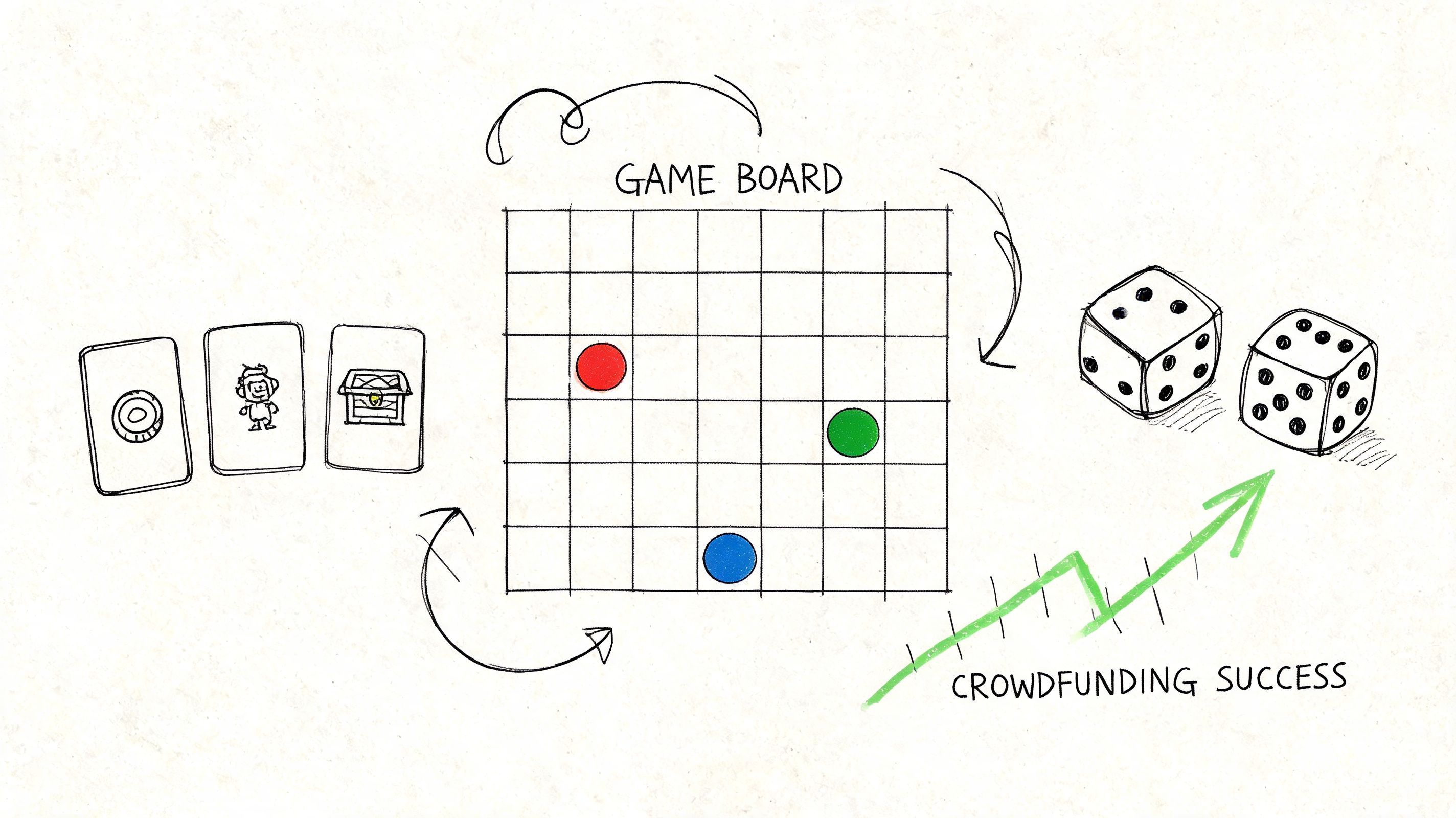
Master paper prototype game design with our guide. Learn to plan, build, and test your game for a winning crowdfunding campaign. For Kickstarter creators.
You've got the idea. Maybe even a strong hook for the campaign page. A theme people respond to. A mechanic your friends say sounds clever. What you don't have yet is proof that the game works at the table.
That gap is where most crowdfunding trouble starts.
Creators often jump from concept straight to art, manufacturing quotes, and campaign planning. Then the first real playtest exposes the obvious problems. Turns run too long. Players forget edge-case rules. One faction dominates. The board layout looks great in mockups but feels cramped in use. By then, every change is slower and more expensive.
Paper prototype game design fixes that. It gives you a fast, cheap way to test the part that matters most: player experience. Before custom meeples, before polished renders, before you ask backers to trust you.
A strong paper prototype also does something many creators overlook. It creates evidence. Photos of rough test components, notes from iteration, and clips from real play sessions all help prove that your campaign is built on design work, not wishful thinking. That matters on Kickstarter and Indiegogo, where backers are trying to judge both your game and your credibility.
A crowdfunding page has to answer two questions fast. Is this game interesting? And can this creator deliver?
A paper prototype helps with both. It validates the design early, and it gives you a visible process you can show to backers. That combination is hard to beat.
Paper prototyping has been part of modern game design for a long time. Tracy Fullerton's Game Design Workshop helped formalize it in play-centric design practice, emphasizing early and continuous playtesting with paper prototypes, storyboards, and simple mock-ups throughout production, as documented in this research summary on prototyping in game design.
That history matters because it points to a practical truth. Good teams don't wait for polish before they test. They test before polish, because polish hides bad decisions.
Practical rule: If your game only feels compelling once you explain it for ten minutes and ask players to imagine better components, the design still needs work.
Backers can feel that. They may not use designer language, but they know when a campaign is selling a promise instead of showing a playable system.
The best reason to work on paper is simple. It's easier to throw away a card, rewrite a rule sheet, or move a scoring track when those things live on index cards and printer paper.
That's especially important for board games heading toward crowdfunding. You're not just testing fun. You're testing clarity, pace, component load, table footprint, and production logic. A rough prototype exposes all of that without forcing you into expensive decisions too early.
Here's what paper prototypes help you catch before launch:
A polished render can impress people. A prototype journey builds trust.
If you've documented iterations, you can show backers how the game evolved. That gives your campaign page substance. You're not saying “we care about gameplay.” You're showing the map sketches, revised cards, and balance changes that prove it.
For crowdfunding, that's a real advantage. Strong campaigns don't just present a final product. They show the work behind it.
Most wasted prototype time comes from building too soon.
Creators often print cards, sketch boards, and cut tokens before they've defined what the prototype is supposed to answer. That usually leads to a bloated first version that tests everything badly instead of testing one thing well.

Before you touch scissors or sleeves, write down the loop a player repeats most often. In plain language.
For example:
That's the engine. If the engine isn't clear, the rest of the prototype becomes decoration.
Most useful paper prototypes focus on 3 to 5 core mechanics first. That planning approach is part of effective low-fidelity prototyping practice, and it matters even more for board games with modular boards, resource systems, or asymmetric powers. Existing guides often miss those complexities, even though tactile paper testing can reduce iteration time by 30 to 50% for indie developers compared with digital-first approaches, according to the AIE discussion of paper prototypes for game design.
A lot of creators worry that simplification will ruin the concept. Usually the opposite happens. Simplification reveals whether the concept has teeth.
If your game includes negotiation, tech trees, scenario scripting, hidden roles, and miniature positioning, don't prototype all of that at once. Pick the one interaction that makes the game worth playing. Build around that.
Use a planning pass like this:
| Design question | What to write down |
|---|---|
| What must players do every turn? | The repeatable core action |
| What creates tension? | Scarcity, timing, conflict, uncertainty |
| What creates variety? | Card draw, scenario goals, faction powers |
| What can wait? | Flavor text, lore, final iconography, edge cases |
That table saves time because it separates design essentials from presentation extras.
Complex board games are absolutely prototype-friendly. You just can't prototype them in a literal fashion.
Use substitutions that preserve decision-making:
The prototype doesn't need to look like the final product. It needs to behave like the decision space you want to test.
That's the standard I use. If a stand-in preserves the strategic choice, it's good enough.
Every prototype session should answer one main question.
Examples:
When you define the question first, the build gets smaller and sharper.
If you want a broader prototype planning framework before you start cutting components, this guide on crafting a crowdfunding prototype is a useful companion.
Your first build should feel rough. If it looks precious, you'll hesitate to change it.
That hesitation is expensive. A first prototype should invite revision, not protect your ego.

The best prototype kit isn't fancy. It's flexible.
I'd start with:
A useful prototype methodology keeps the initial setup to one hour to constrain scope, and colored cubes can represent state cleanly enough to reach 80% fidelity for “fun factor” testing, according to the GDC-linked methodology summary in this paper prototyping video reference.
Not every component deserves the same effort. Some parts need immediate table presence. Others can stay ugly.
Build these first:
Fake these for now:
That distinction matters because over-detailing is a common failure point. In the same methodology summary, over-detailing appears in 25% of failed prototypes and inflates iteration cycle time by 40%.
Workshop note: If you're lining up fonts and nudging graphic elements in version one, you've left design mode and wandered into avoidance.
A few small habits make a huge difference.
Print rough fronts, slide them into sleeves, and back them with old playing cards. When a value changes, replace one slip of paper. Don't rebuild the deck.
If the map might change, don't tape everything into one giant poster. Use folded sheets, cut tiles, or separate zones. You'll thank yourself when a lane needs widening or a region needs one fewer action space.
Designers can decode shorthand. Testers can't. If a token means “exhausted but can still defend,” write that on a reference card somewhere. Don't expect memory to carry the system.
A simple assembly checklist helps:
| Component | Good enough for version one |
|---|---|
| Board | Hand-drawn zones with labeled spaces |
| Cards | Printed or handwritten text in sleeves |
| Tokens | Cubes, coins, beads, or scraps with symbols |
| Rule sheet | One page, large text, examples over lore |
The goal isn't beauty. The goal is a complete loop you can put in front of people today.
A prototype becomes useful the moment you stop explaining it and start watching what players do.
That's where many designers get in their own way. They hover, rescue, clarify, and defend. Then they leave the session thinking the game worked, when what worked was their live customer support.
A blind playtest means players learn from your written materials and the prototype itself, not from your verbal tour. That's the best way to discover whether the game communicates cleanly.
Early prototypes fix core issues before full development according to 80% of GDC developers, and for structured playtests a task success rate above 85% for core mechanics is a strong sign of intuitive design, based on the expert prototype summary at 300Mind Studio.
What should you watch during a blind test?
Bad feedback questions produce opinions without context. Good questions uncover player intent.
Ask:
Avoid asking “Did you have fun?” too early. It's too broad. A player can enjoy a session and still expose serious flaws.
A useful playtest note isn't “players were confused.” It's “both players expected yellow cubes to refresh at end of round because the board grouped them with income.”
That note leads to action.
One common trap is execution conflation. A fun idea gets rated down because the paper version represents it badly. The same expert summary notes that poor execution on paper leads to 60% of prototypes being unfairly rated lower.
That's why readability matters. If the prototype is messy enough to distort the game, you aren't testing the design. You're testing your testers' patience.
A short demo can help if needed. Then step back.
Here's a helpful explainer to calibrate your own testing process:
After each session, sort notes into three buckets:
Broken setup instructions, unreadable values, impossible turns, missing reminders.
Balance concerns, pacing dips, weak faction identity, table talk issues.
Requests for more lore, final art opinions, edge-case objections from players who still don't understand the base loop.
If you want a cleaner way to gather structured tester input after a session, this article on designing a playtest feedback survey for your board game can help.
The strongest iteration habit is simple. Change one important thing, not ten medium things. Otherwise you won't know what solved the problem.
Most creators treat prototype photos like private workshop clutter. That's a missed opportunity.
A rough paper build can become some of your strongest pre-launch material because it shows evidence of real development. Not staged ambition. Actual problem-solving.

The most useful campaign prototype photos do three things well:
Take photos of version markers. Keep old cards with crossed-out values. Save one ugly map sketch. Those artifacts tell a story your final renders can't.
A simple content list for campaign prep:
You don't need a studio. You need clarity.
Use daylight if possible. Clear the table. Pick a limited color palette for temporary components so the game state is easy to read on camera. If your handwritten cards are hard to read in photos, print simple text replacements for the shoot while keeping the same structure.
This is the same mindset teams use when preparing physical presentations for events. If you're planning convention demos or preview events, good expo booth design is worth studying because it solves a similar problem. It makes a complex physical experience legible at a glance.
Backers don't need museum-grade photography. They need visual proof that players can sit down, understand the game state, and want another turn.
Strong pre-launch marketing often comes from the testing process itself.
A short post about how you changed the combat deck after watching players stall in round two is better than generic hype. A side-by-side image of old and new player boards is better than saying you “iterated extensively.” A candid clip of testers leaning in over a rough prototype can carry more weight than polished concept art.
That kind of material also helps with list building and community warming before launch. If you're validating messaging and gathering audience reactions early, this guide on testing the waters before launch with backer feedback fits naturally into that workflow.
Use the prototype as proof. That's its marketing job.
A paper prototype reduces design risk before launch. It doesn't reduce operational risk after funding. That's a different phase, and it needs the same kind of discipline.
Once the campaign takes off, the work changes fast. You're not refining turn structure anymore. You're collecting addresses, confirming reward selections, handling add-ons, tracking late backers, and trying not to let fulfillment become a mess.
That's why creators should think about post-campaign tooling early. The same builder mindset that makes paper prototype game design effective also applies here. Use the simplest system that gives you control, visibility, and room to adjust.
A lot of creators default to Kickstarter's native pledge tools because they're already there. That's understandable, but the difference in flexibility is real. Kickstarter's pledge manager is like Amazon. PledgeBox's pledge manager is like Shopify. One is functional and standardized. The other gives creators more control over branding, backer flow, and the post-campaign experience.
That matters if you care about professional surveys, add-on presentation, clean data exports, and a smoother handoff into fulfillment.
There's also a straightforward cost point creators should know. PledgeBox is free to send the backer survey and only charges 3% of upsell revenue if there is any. If you don't generate upsell revenue, there's no upsell fee to worry about. For many tabletop creators, that makes it a practical upgrade rather than an added burden.
The bigger lesson is simple. Don't spend months de-risking the game, then improvise the backer management side. Treat fulfillment planning with the same seriousness you gave prototyping, testing, and campaign prep.
If you're planning a Kickstarter or Indiegogo launch, PledgeBox is worth a close look for the post-campaign phase. It gives creators a branded pledge manager, backer surveys, upsells, shipping collection, and fulfillment-ready exports without charging upfront fees for surveys. If your campaign needs more control than the default tools provide, it's a strong next step.
PledgeBox
The All-in-One Toolkit to Launch, Manage & Scale Your Kickstarter / Indiegogo Campaign