 PledgeBox
Kickstarter 3D Printer Launch Guide
Launch a successful Kickstarter 3D printer campaign. Our guide covers pre-launch strategy, backer engagement, and post-campaign fulfillment with PledgeBox.
Launch a successful Kickstarter 3D printer campaign. Our guide covers pre-launch strategy, backer engagement, and post-campaign fulfillment with PledgeBox.
Launching a Kickstarter 3D printer campaign is an incredible ride, but I'll let you in on a secret: the success of your launch is almost always decided before you even hit the "go live" button. A rock-solid pre-launch strategy is what builds the momentum you need, making sure you have a crowd of eager backers ready to pledge the moment you launch. This groundwork is what turns a hopeful idea into a fully-funded reality.
That period before your campaign goes live? It's everything. This is when you transform a cool concept into a tangible product people actually want, with an audience already waiting for it. Skipping this step is like trying to build a house without a foundation—it’s just not going to hold up.
A great Kickstarter 3D printer launch is all about careful planning, building a community, and creating killer content that tells your story. You want to build so much hype that hitting your funding goal feels like a sure thing, not just a long shot.
Kickstarter is a huge launchpad for 3D printer projects, which just shows how hungry the community is for new tech. With creators raising over $8.5 billion across the platform, the potential is massive. More than 651,000 projects have launched, and with a success rate of 41.98%, it’s clear that crowdfunding works when you do it right.
So, what makes your 3D printer stand out from the sea of others? Your answer is your Unique Selling Proposition (USP). This is the hook that grabs attention and convinces backers that your printer is the one they've been waiting for.
Don't just list off technical specs. Nobody gets excited about numbers on a page. Instead, show people what those features do for them.
Your USP needs to be sharp, clear, and baked into everything you create—your videos, your ads, your page copy. It’s what reels people in. If you're thinking about the bigger picture, you can find some great advice on starting a business with a 3D printer.
The best USPs solve a real problem for a specific group of people. Don't try to be everything to everyone. Instead, focus on owning a niche—whether that’s printing miniatures, making huge prints, or being the easiest printer for total beginners.
Your community is your most powerful asset, period. These are the folks who will not only back you on day one but will shout about your project from the rooftops. You need to start building this tribe at least three to six months before you even think about launching.
A dedicated landing page is the perfect tool to capture this early interest. Give them a sneak peek, hammer home your USP, and have a big, obvious button to sign up for email updates. PledgeBox has a fantastic toolkit for this; you can get started with their Kickstarter pre-launch kit.
Get out there and connect with potential backers where they hang out:
This is also a great time to be transparent about your post-campaign plans. Let your early followers know you've thought about fulfillment and will be using a pledge manager to handle surveys and add-ons. Mentioning that PledgeBox is free to send the backer survey and only charges 3% on any upsell revenue shows you've planned ahead for a smooth process.
I like to explain it this way: Kickstarter's pledge manager is like Amazon—it gets the job done, but it's basic and offers little control. The PledgeBox pledge manager is like Shopify—a powerful, customizable platform that gives you and your backers a much better experience. Let your audience know you're aiming for the best.
Think of your Kickstarter campaign page as your digital storefront, your sales pitch, and your project’s origin story, all wrapped into one. For a Kickstarter 3D printer, this page has to do more than just rattle off technical specs. It needs to translate those complex features into exciting, real-world benefits that grab a backer's imagination and convince them to pledge.
The heart of a great page is a powerful narrative. Instead of leading with motor types or build volumes, kick things off with the problem your printer solves. Is it for the miniaturist who demands flawless detail? Or the engineer who needs to pump out reliable prototypes in record time? Frame your printer as the answer to their needs.
This is your moment to show, not just tell. High-quality video is absolutely non-negotiable. Your main campaign video should be a punchy, two-to-three-minute story that introduces your team, shows the printer in action, and highlights the incredible things it can create.
Here’s a great example of a well-structured Kickstarter campaign page that nails the key sections to draw in potential backers.
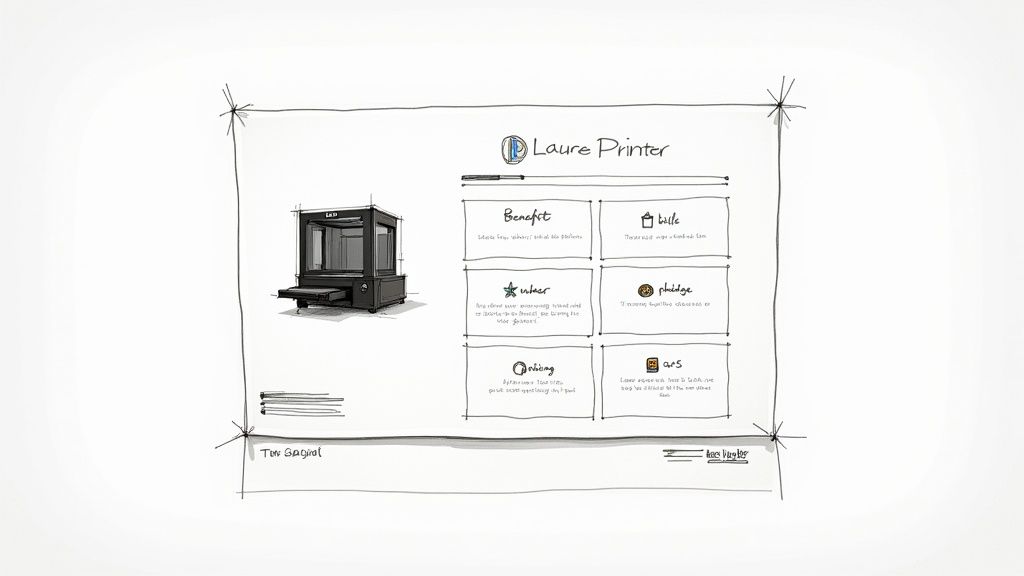
This layout immediately builds credibility and excitement by effectively combining a strong hero image, a concise project description, and clear funding progress.
You need to organize your page logically, guiding backers on a journey from initial curiosity to hitting that "pledge" button. Your layout should be easy to scan, using clear headings, bold text, and tons of visuals to break up the text.
A proven structure that works time and again includes:
The best campaigns build unshakable trust. A prime example is the eufyMake E1 UV 3D printer campaign by Anker Innovations, which raised over $46 million from more than 17,220 backers, becoming one of the most funded projects ever. This massive success proves there's a global appetite for well-presented, advanced consumer 3D printing technology. You can read more about this record-breaking campaign on Entrepreneur.com.
Your reward tiers are your call to action. They need to be crystal clear, compelling, and structured to nudge people toward higher pledges. A little psychology goes a long way here.
Limited "Early Bird" tiers are a powerful tool. They create a sense of urgency and reward your most eager supporters, helping you smash your initial funding goal quickly. This social proof attracts more backers.
Try structuring your reward tiers with these strategies in mind:
Designing an effective page is a blend of art and science. For a deeper dive into these strategies, check out our guide on essential Kickstarter campaign page design tips. It will give you an even better understanding of how to optimize every single element for conversion.
Hitting the launch button on your Kickstarter 3D printer campaign might feel like the finish line, but it’s really just the starting gun for a month-long marathon. The energy you build and maintain during this live period is what separates a pretty good project from a blockbuster. It's all about keeping your backers hooked and pulling new people in every single day.
The first 48 hours are everything. This is when your pre-launch community—the loyal followers you've been warming up for months—jumps into action. Your goal is to get funded as fast as possible, ideally within the first day. This quick success creates powerful social proof, telling the Kickstarter algorithm and potential new backers that your project is a certified hit.
Once you're live, your job title changes from "creator" to "community manager and marketer." You need to be everywhere—answering questions in the comments, posting clear updates, and making every single backer feel like a true partner in your journey. This isn’t just good manners; it’s a core growth strategy.
A fantastic tool for keeping the excitement high is the strategic use of stretch goals. These are funding milestones that unlock new features, colors, or add-ons for everyone when reached.
Constant, transparent communication is the lifeblood of a live campaign. Backers are investing in you just as much as they are in the product. Keep them in the loop with regular updates on manufacturing progress, challenges you’ve overcome, and any positive media mentions.
Building a loyal base through hands-on engagement is a signature move of the most successful campaigns. Just look at Snapmaker’s U1 3D printer campaign. It blew up to become one of the most funded 3D printer projects in Kickstarter history, raising over $20 million from 20,206 backers. A huge part of this success was their community-led approach, which included a massive beta testing program that made early adopters feel deeply invested in the printer's evolution. You can read more about Snapmaker's impressive community-driven campaign.
This level of engagement turns backers into evangelists who start promoting the project for you. They share it on social media, defend it in forums, and help build a positive, supportive vibe around your campaign.
Don't forget to think about your future logistics, even while the campaign is live. Mentioning your post-campaign plan shows you're prepared. Let backers know you’ll be using a pledge manager for a smooth fulfillment process. For example, you can mention that PledgeBox is free to send the backer survey and only charges 3% of any upsell revenue, showing you've picked a powerful and efficient solution. Comparing it helps, too: Kickstarter’s pledge manager is like Amazon—it works, but it's basic. PledgeBox is more like Shopify, giving you a robust, customizable experience for managing rewards and add-ons. This small detail reinforces your professionalism and shows you’re committed to a seamless backer experience from start to finish.
Your Kickstarter 3D printer campaign is funded! The confetti has settled, and now the real work begins. This is where a lot of successful campaigns stumble, not because the product is bad, but because they completely underestimate the complexity of fulfillment. Suddenly, you're not just a creator anymore—you're a logistics manager juggling thousands of backers across the globe.
This isn't just about sticking labels on boxes. You've got to collect accurate addresses, sort out different pledge tiers, calculate tricky international shipping rates, and handle the inevitable flood of backer questions and address changes. Trust me, trying to manage this chaos with a spreadsheet is a recipe for disaster. That’s why a specialized pledge manager is absolutely non-negotiable for a hardware project like this.
Kickstarter’s built-in survey tool is fine for simple projects—think digital downloads or a single t-shirt design. But when you're dealing with a 3D printer that might have multiple models, add-ons, and global shipping destinations, it falls short. Fast.
Here’s a good way to think about it: Kickstarter's pledge manager is like Amazon—a basic, one-size-fits-all marketplace that handles the initial transaction but offers zero flexibility or control for you, the creator. It gets the job done on the surface, but it's not built for the complexities of post-campaign management.
On the other hand, the PledgeBox pledge manager is like Shopify. It's a powerful, customizable platform built specifically for crowdfunding fulfillment. It turns the post-campaign headache into a smooth e-commerce experience, giving you total control over managing rewards, collecting shipping details, and even opening up new ways to raise funds.
This infographic breaks down the key moments that drive a live campaign, from that critical first 48-hour rush to the smart use of stretch goals and updates, all of which lead into the fulfillment stage.
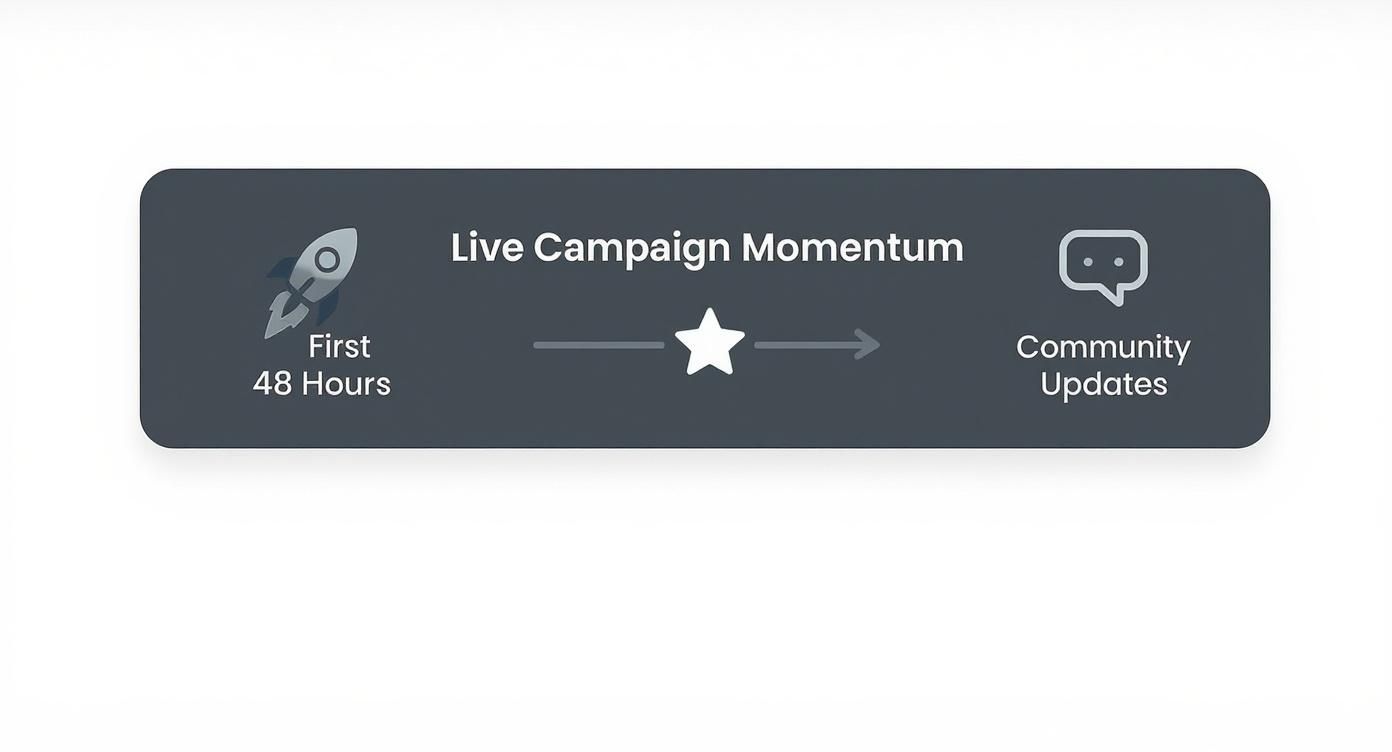
It really shows how each phase builds on the last, highlighting why a strong finish with a seamless fulfillment process is so important for keeping your backers happy and maintaining their trust.
To make the difference even clearer, let's compare Kickstarter's basic tools with what a dedicated pledge manager like PledgeBox offers.
This table shows why relying solely on Kickstarter for a complex project is risky. A specialized tool gives you the flexibility and power needed to manage the post-campaign phase effectively.
One of the biggest concerns for creators is spending even more money after a long, expensive campaign. PledgeBox gets this, which is why their pricing model is so creator-friendly.
PledgeBox is completely free to send your backer survey. You can collect all the vital info—shipping addresses, reward choices, contact details—without paying a single cent.
The platform only takes a 3% fee on funds raised from upsells made inside the pledge manager. This means it’s a zero-risk tool for gathering information and only costs you a tiny piece of the new revenue it helps you bring in. Their success is tied directly to yours.
Adopting a robust pledge manager from the start is one of the most important decisions you'll make. It shows backers you are professional, prepared, and committed to a seamless delivery experience, which builds long-term trust and brand loyalty.
Choosing the right tool for this phase is critical. You can dive deeper by checking out our guide on the importance of a pledge manager in Kickstarter projects. It breaks down how these platforms can save you time, prevent costly errors, and boost your project's bottom line. By offloading the admin work, you can get back to what you do best: building an incredible 3D printer.
Just because your Kickstarter campaign timer hits zero, doesn't mean the selling has to stop. In fact, you’re entering a golden window of opportunity. The post-campaign phase is the perfect time to significantly boost your total funding with smart upsells and add-ons.
This is your chance to turn one-time backers into loyal customers who are even more invested in your Kickstarter 3D printer.
By offering valuable extras through your pledge manager, you can lift your average pledge value without spending another dime on marketing. This isn't a last-ditch cash grab; it's about giving genuine value to an audience that's already hyped about your product. They bought into your vision, so now’s the time to offer them ways to make their experience even better.
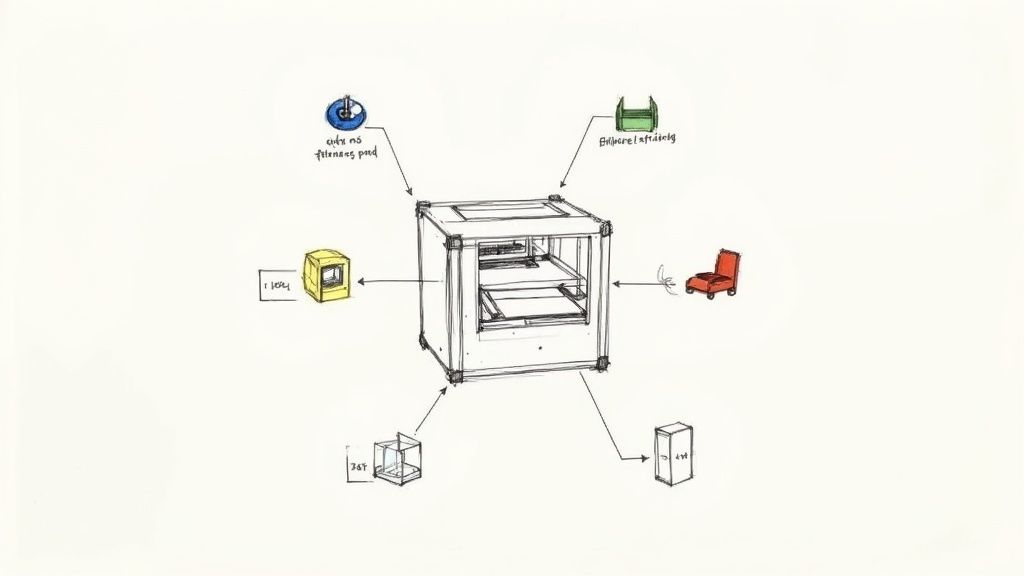
The secret to a great upsell is making it feel like a natural extension of the main product, not some random afterthought. Your backers just pledged for a high-tech machine, so your add-ons need to match that same level of quality and utility.
Think ahead: what will a user need on day one? What will they be wishing they had six months from now?
Here are a few real-world examples that work wonders for 3D printer campaigns:
These offers hit the mark because they directly improve the core product. They give your backers a more complete and powerful printing experience from the get-go.
To pull this off, you need the right tool for the job. This is where a dedicated pledge manager like PledgeBox becomes your best friend.
Think of it this way: Kickstarter’s pledge manager is like Amazon—it gets the basic transaction done, but it’s rigid and offers no upsell capabilities. In contrast, the PledgeBox pledge manager is like Shopify—a powerful, customizable e-commerce platform that puts you in complete control of the post-campaign experience.
Using a robust pledge manager for upsells is one of the most effective ways to increase your campaign's final funding total. On average, creators can see a 10-15% lift in revenue from post-campaign add-on sales alone.
The best part? It's a low-risk strategy. PledgeBox is free to send the backer survey to collect essential info like shipping addresses. It only charges a small 3% fee on any upsell revenue you generate. That means you only pay when you make extra money, making this a seriously profitable move.
A one-size-fits-all approach to upselling rarely works. It can feel spammy and impersonal. The smarter play is to segment your backers and show them offers that actually make sense for their pledge level and interests.
For instance, you could try this:
When you tailor your offers, they become far more compelling, and your conversion rate will reflect that. This thoughtful approach shows backers you get them and are committed to giving them the best possible value. It's the final piece of the puzzle in turning a successful Kickstarter into a thriving business.
Even with a perfect plan, launching a Kickstarter 3D printer campaign is going to bring up some tough questions. It's a complex beast, juggling funding goals, post-campaign logistics, and a minefield of potential pitfalls. Let's tackle some of the most common questions creators have so you can move forward with confidence.
Getting these details right is everything. It can be the difference between a smooth launch and a logistical nightmare that sinks your brand before it ever sets sail.
Setting your funding goal is a delicate balance. Go too high, and you might not get funded at all. Go too low, and you'll hit your target but won't have the cash to actually deliver your printers. You have to be surgical with your math.
First, calculate your Cost of Goods Sold (COGS) for every single printer. This isn't just the big parts; it's every frame, motor, and tiny screw, plus the labor for manufacturing and assembly. Then, add in the cost of custom packaging that will actually protect your printer on its journey.
Next, factor in the fees. Kickstarter takes about a 5% platform fee, and payment processors will skim another 3-5% off the top. Finally, and this is non-negotiable, build in a contingency fund of at least 15%. Something will go wrong, and you need a buffer for it. Add all that up, and you have your minimum viable funding goal.
This is a question every serious hardware creator asks. While Kickstarter’s built-in survey tool works for simple projects like a t-shirt or a book, it’s completely out of its depth for something as complex as a 3D printer.
Here’s the best way to think about it: The Kickstarter pledge manager is like Amazon—a basic, one-size-fits-all solution that lacks advanced features. In contrast, the PledgeBox pledge manager is like Shopify—a powerful, customizable platform that gives you total control over the entire post-campaign experience.
The real game-changer with PledgeBox is the ability to handle post-campaign upsells and add-ons. This alone can seriously boost your total revenue. It also empowers backers to fix their own pledges or update shipping info, which cuts your admin headaches down to almost zero.
Best of all, PledgeBox is free to send the backer survey. They only charge a small 3% of upsell revenue if there's any. This makes it a totally risk-free tool that collects mission-critical info while giving you a powerful engine to grow your bottom line.
So many enthusiastic creators fall into the same traps. Knowing what they are is the first step to sidestepping them entirely.
The absolute biggest mistake is underestimating production costs and the sheer complexity of global shipping. It's a recipe for massive delays, furious backers, and financial ruin. A close second is skipping pre-launch marketing. If you don't build a community before you launch, you're basically opening a store in the middle of the desert.
Other classic blunders to watch out for include:
Remember, your manufacturing and fulfillment plan is just as critical as your product design. A winning campaign demands that you nail both.
Ready to streamline your campaign and maximize your revenue? PledgeBox provides the all-in-one toolkit you need to manage your backers, handle fulfillment, and grow your project with powerful upsell features.
Discover how PledgeBox can make your Kickstarter journey smoother and more profitable.
PledgeBox
The All-in-One Toolkit to Launch, Manage & Scale Your Kickstarter / Indiegogo Campaign