 PledgeBox
12 Good Photo Apps for iPhone 6 Still Thriving in 2025
Discover 12 good photo apps for iPhone 6 that still work perfectly. Our list includes native apps and web-based editors to enhance your photos.
Discover 12 good photo apps for iPhone 6 that still work perfectly. Our list includes native apps and web-based editors to enhance your photos.
The iPhone 6, with its capable 8-megapixel camera, was a photography game-changer in its time. While Apple's latest software updates have moved on, your device remains a powerful creative tool, provided you have the right applications. The main challenge today isn't the hardware, but finding software that still supports its final operating system, iOS 12. Many developers prioritize newer models, leaving long-time users searching for compatible and effective tools.
This guide solves that problem. We've compiled a definitive list of the good photo apps for iPhone 6, focusing on native applications and web-based editors that still perform brilliantly on this classic hardware. You will discover tools that unlock manual camera controls, correct lens distortion, and add professional-grade textures and effects, proving you don’t need the newest phone to produce stunning images. Each entry includes a direct link, key feature analysis, and honest limitations to help you choose the best options.
Beyond the specific editing tools reviewed here, you might also explore other valuable recommendations for the best photo apps for capturing memories at special events. Our curated list ensures your iPhone 6 continues to serve as a versatile and reliable camera for any project or occasion.
For iPhone 6 users looking to transcend the limitations of the native camera app, ProCam is an exceptional choice. It transforms your device into a powerful DSLR-like tool, offering granular control over settings that are normally automated. This app is particularly valuable because its compatibility with iOS 12 ensures it remains one of the few professional-grade camera apps that still functions perfectly on older hardware like the iPhone 6.
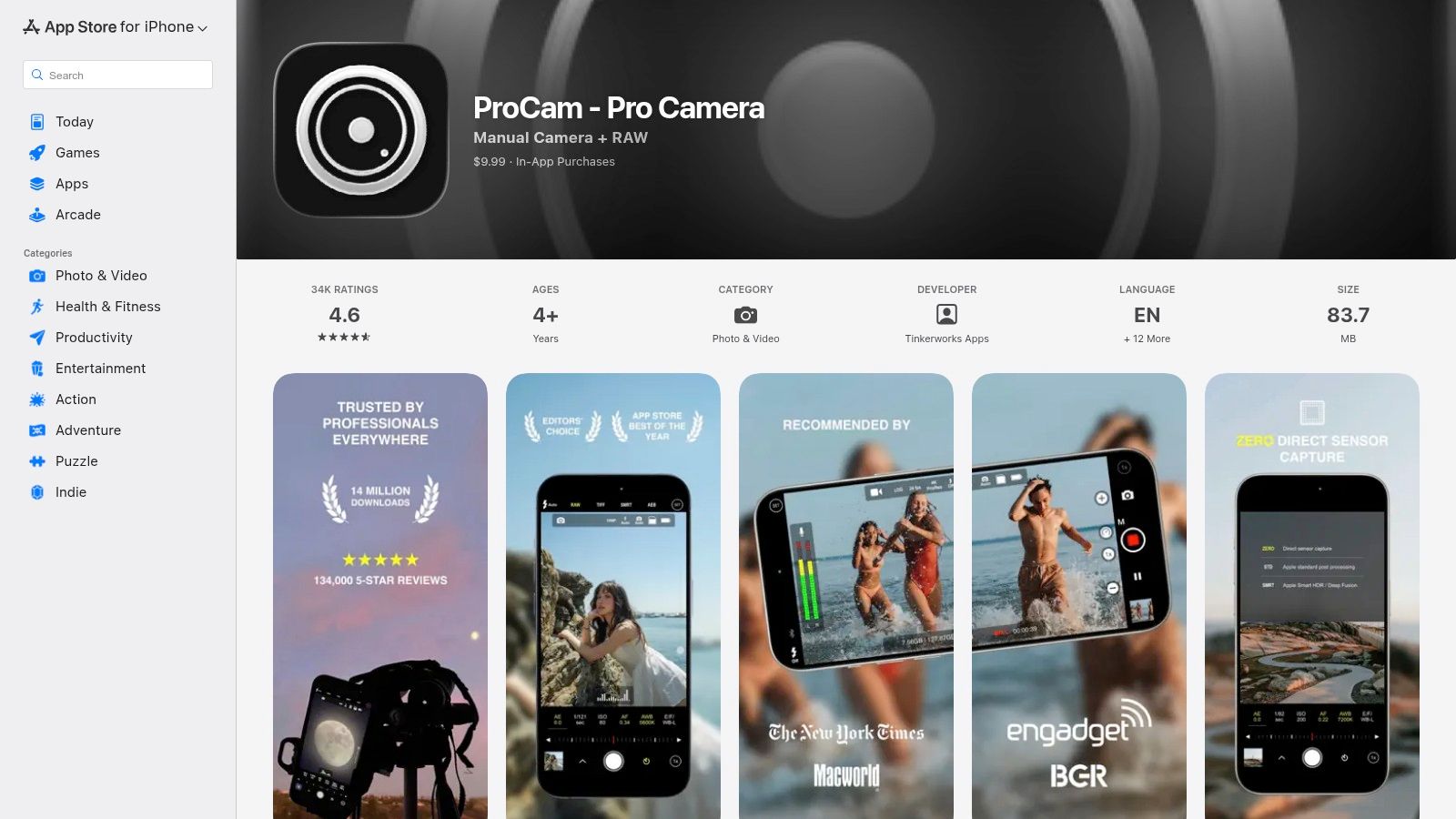
What makes ProCam one of the best photo apps for iPhone 6 is its commitment to manual control and high-quality image formats. You can independently adjust shutter speed, ISO, focus, and white balance, which is crucial for capturing challenging scenes like low-light environments or fast-moving subjects. Its ability to shoot in RAW (DNG) format provides maximum flexibility for post-processing, giving you far more data to work with than a standard JPEG.
ProCam is a one-time purchase, a welcome model in a market dominated by subscriptions. While its interface is dense and can be overwhelming for beginners, it rewards those who take the time to learn its layout. Capturing high-quality images is critical for presentation, and you can learn more about how image features impact crowdfunding projects to see why this matters.
For those looking to explore creative photography techniques like light trails and motion blur, Slow Shutter Fast Cam is a fantastic and accessible tool. This app specializes in long-exposure effects, a style of photography that can be difficult to achieve with a standard phone camera. Its simplicity and excellent compatibility with older systems like iOS 12 make it one of the best good photo apps for iPhone 6 users wanting to add an artistic flair to their shots without a complex interface.
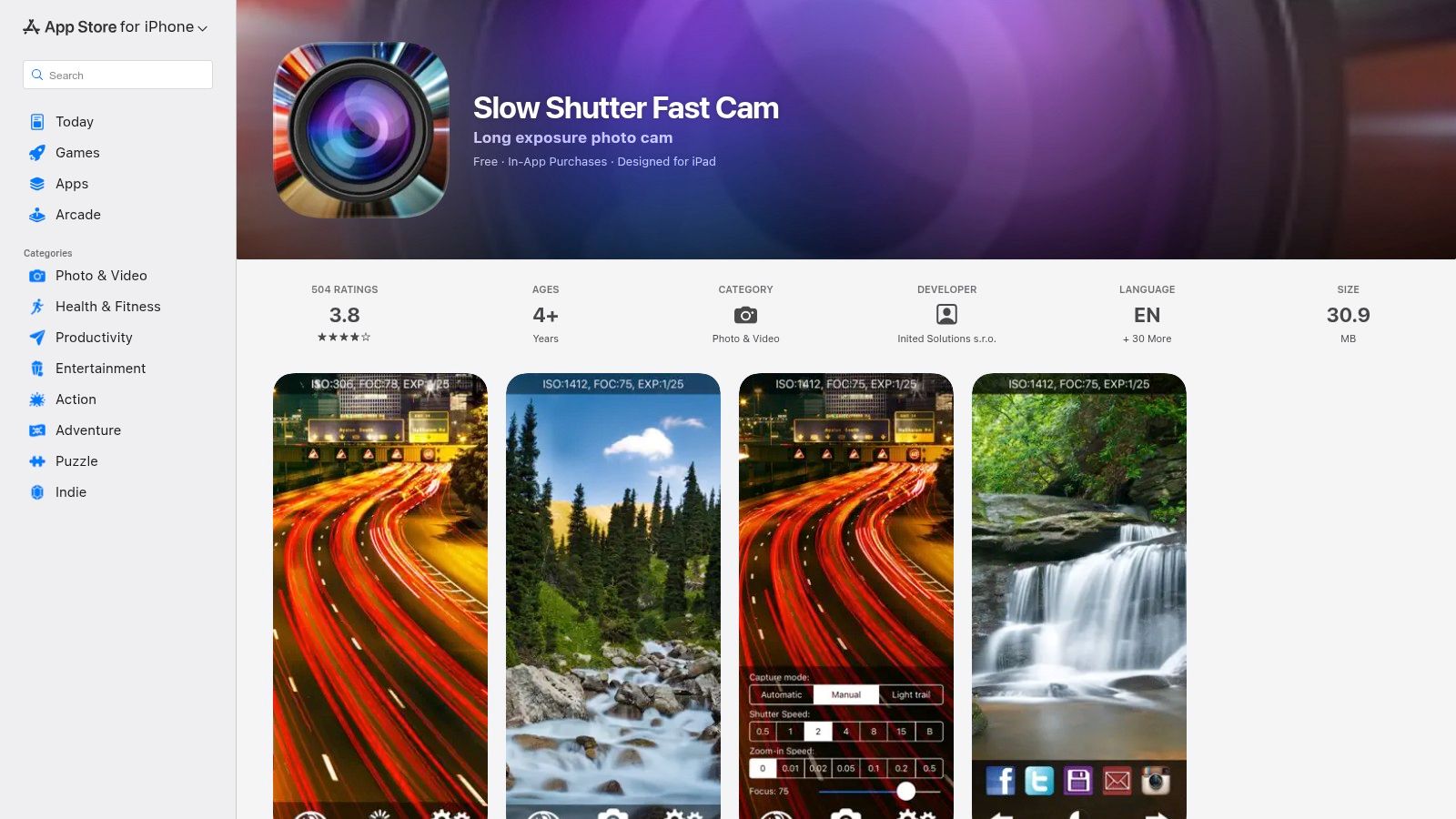
What makes Slow Shutter Fast Cam stand out is its dedicated focus on one thing: making long-exposure photography easy. It offers specific capture modes like Manual, Automatic, and Light Trail, allowing you to adjust shutter speeds from 0.5 to 15 seconds. This control is perfect for capturing the movement of car lights at night or creating silky smooth waterfall effects in broad daylight. The app performs reliably on the iPhone 6, providing a stable platform for experimentation.
The app is free to download but supported by ads, which can be removed with a small one-time in-app purchase. While it lacks the all-in-one functionality of a professional suite like ProCam, its streamlined purpose is its greatest strength. It’s a lightweight, easy-to-use tool that empowers iPhone 6 users to create stunning images that would otherwise require specialized equipment and knowledge.
Visit Slow Shutter Fast Cam on the App Store
For iPhone 6 users wanting to infuse their photos with artistic, film-inspired aesthetics, Mextures is a standout choice. It excels at layering textures, light leaks, film grain, and gradients to create deeply stylized images. Its compatibility with iOS 12 ensures it runs smoothly on older devices, making it one of the most powerful and creative good photo apps for iPhone 6 when a vintage or grunge look is the goal.
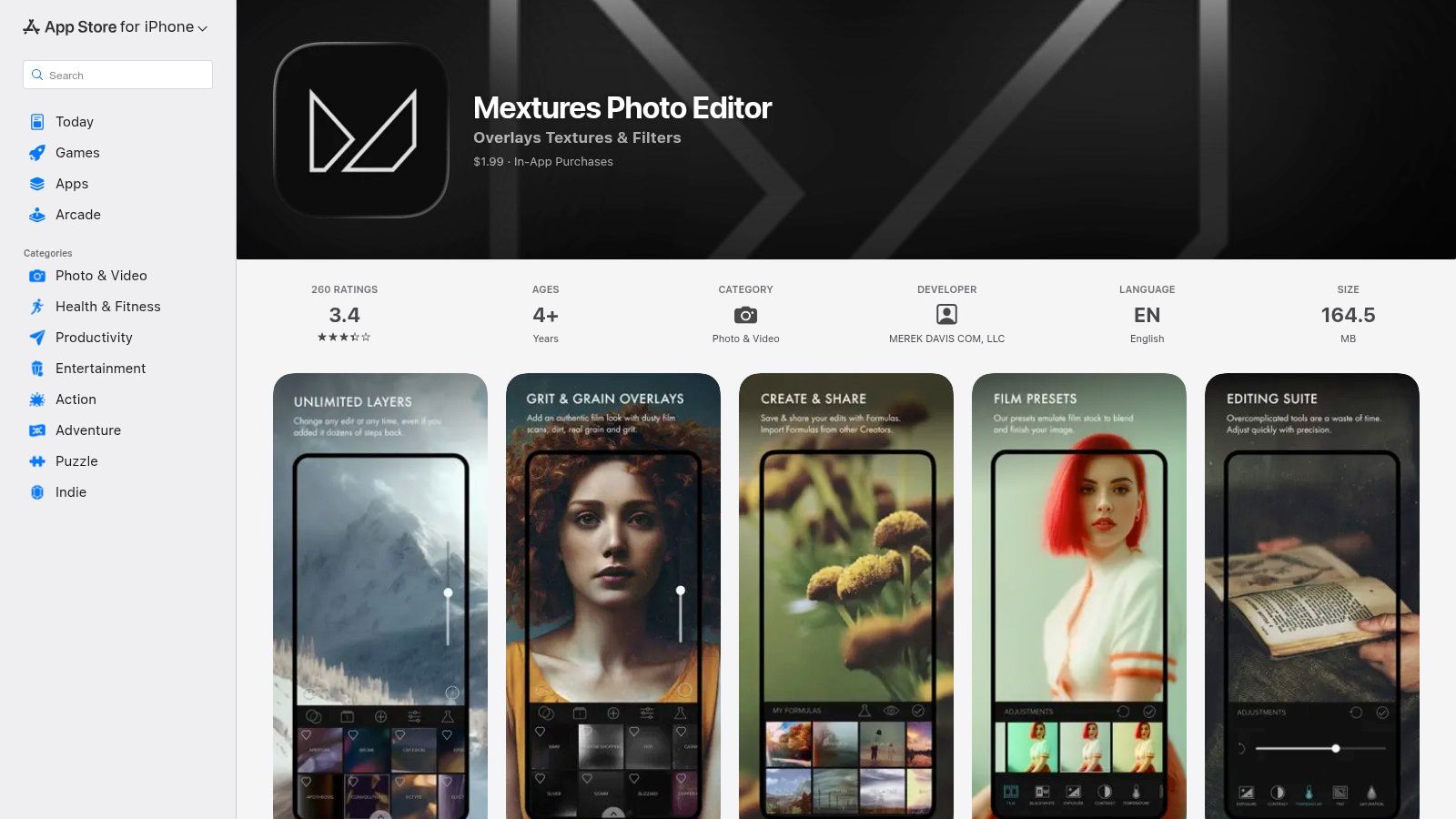
What sets Mextures apart is its non-destructive, layer-based workflow. Users can stack an infinite number of effects, adjusting the blend mode and opacity of each one independently. The app's signature feature is the ability to save these complex layer combinations as "Formulas," which can be instantly applied to other photos or shared with the community. This recipe-style editing is perfect for developing a consistent visual style.
Mextures is a one-time purchase, offering a focused toolset for stylization rather than all-in-one editing. It's not a RAW editor, but its creative power is immense for adding mood and character to your shots. This kind of unique visual identity is crucial in creative fields, and you can explore how art and design can be the key to your Kickstarter success to understand its impact.
Visit Mextures on the App Store
For iPhone 6 photographers frustrated by skewed lines in architecture or interior shots, SKRWT is a specialized and powerful solution. This app focuses exclusively on correcting perspective and lens distortion, a common issue with wide-angle mobile lenses. Its compatibility with iOS 9 and later makes it a perfectly functioning, professional-grade tool for older devices, ensuring you can achieve geometrically perfect images without needing a newer iPhone.
What makes SKRWT one of the good photo apps for iPhone 6 is its precision. It offers one-click fixes and fine-grained manual controls for vertical and horizontal lines, ensuring buildings, horizons, and other elements appear straight and true. Unlike all-in-one editors where perspective tools are often an afterthought, SKRWT's entire purpose is to solve this specific problem with professional accuracy. This focused approach results in a small, fast, and highly effective application.
SKRWT is a premium app with a single upfront cost, so there are no recurring subscriptions. Its interface is utilitarian and designed for function over form, which may feel a bit technical for casual users. However, for anyone serious about architectural, real estate, or street photography, its dedicated toolset is an indispensable addition to their mobile editing workflow, providing corrections that are difficult to achieve in other apps.
Fotor is a veteran in the photo editing space, offering a robust, all-in-one suite of tools that remains accessible to iPhone 6 users. Its continued support for iOS 12.1+ makes it a reliable choice for those on older hardware who need both quick enhancements and deeper creative control. The app strikes an excellent balance between user-friendliness and powerful functionality, making it suitable for a wide range of editing tasks.
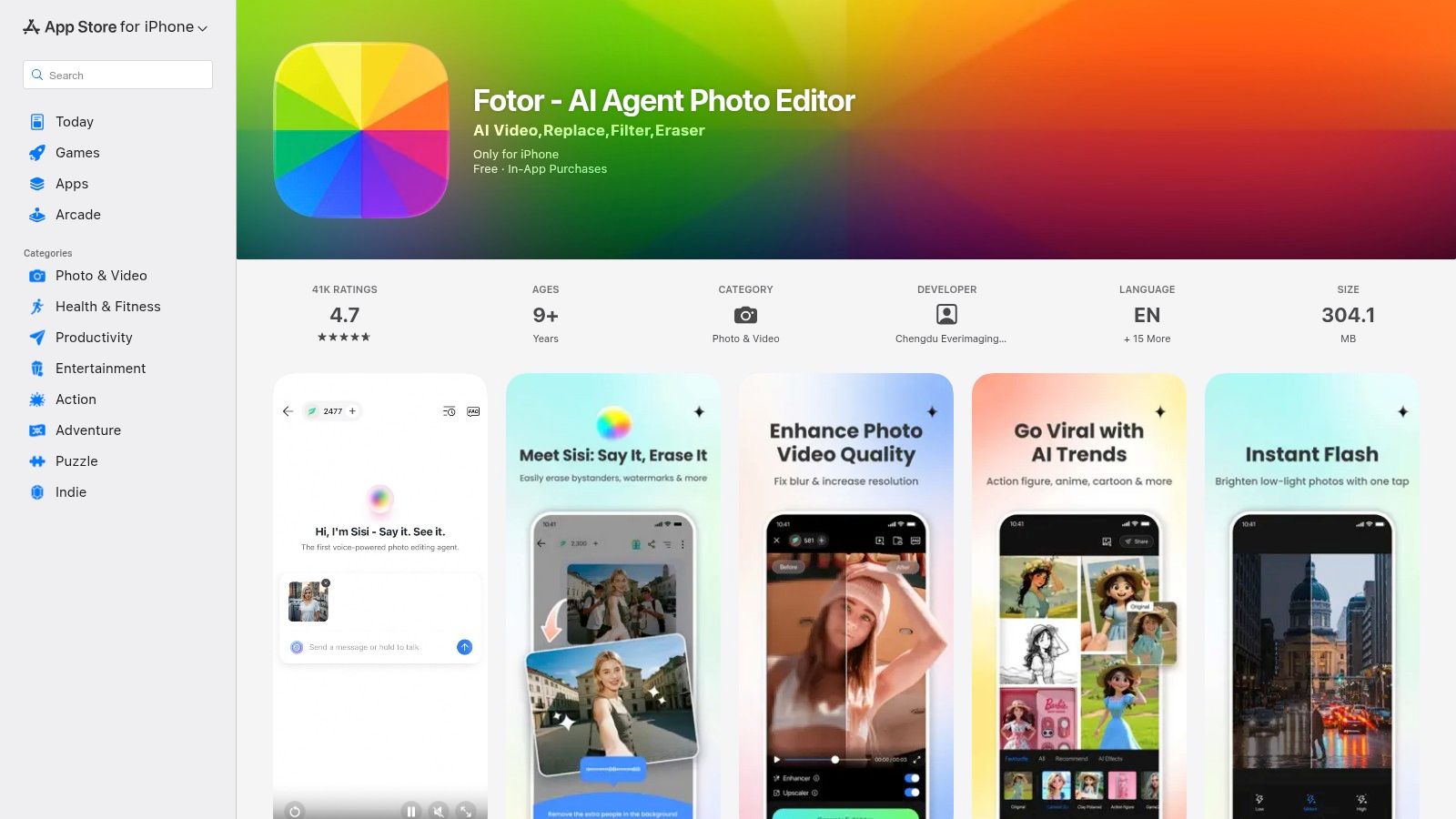
What solidifies Fotor’s position as one of the good photo apps for iPhone 6 is its blend of AI-powered features and classic manual adjustments. You can use its one-tap enhance tool for an instant fix or dive into granular controls like HSL, curves, and tone to perfect your image. It also includes modern tools like an AI background remover alongside creative options like collage templates, text overlays, and stickers, covering nearly every common editing need.
Fotor operates on a freemium model, providing a generous set of tools for free while reserving its most advanced features for a Pro subscription. While the app is comprehensive, its size and feature set might occasionally feel sluggish on the iPhone 6 compared to more lightweight editors. However, its approachable interface makes it a fantastic starting point for users who want to grow their editing skills without feeling overwhelmed.
For iPhone 6 users craving a nostalgic, analog aesthetic, Dazz Cam is a fantastic choice that brings the charm of old film and VHS cameras to your device. It specializes in recreating the look of vintage photos with effects like light leaks, film grain, and classic date stamps. Since the app supports iOS 12.0 and later, it remains fully functional on the iPhone 6, allowing users to tap into popular retro trends without needing newer hardware.
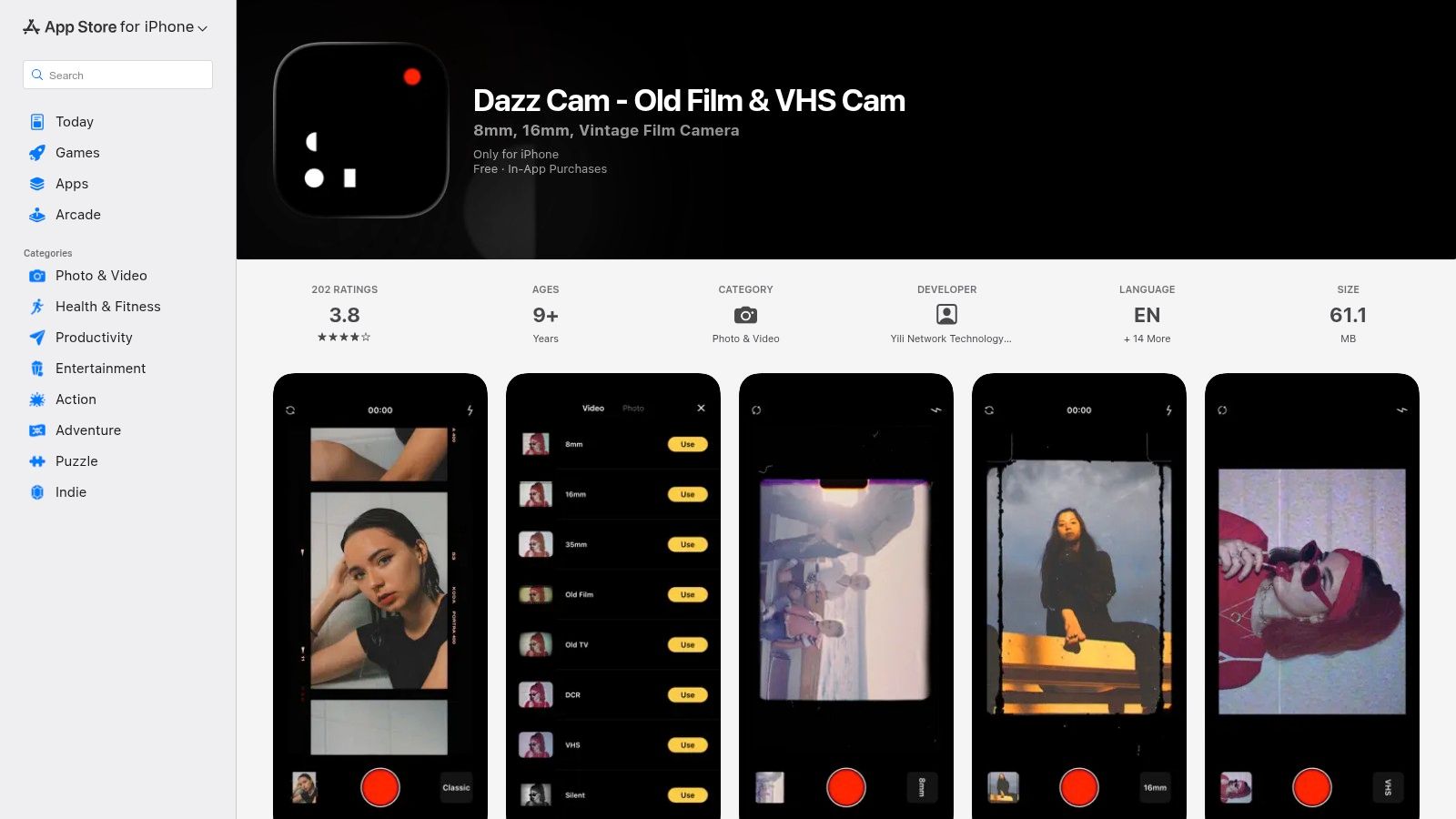
What makes Dazz Cam one of the good photo apps for iPhone 6 is its dedicated focus on ease of use for achieving a specific style. Unlike complex editors, its interface is straightforward, letting you apply 8mm, 16mm, and other vintage looks with just a few taps. A key feature is the ability to import existing photos and videos from your camera roll and give them a complete retro makeover, providing great creative flexibility.
Dazz Cam operates on a freemium model, offering some effects for free with subscriptions or a lifetime purchase to unlock its full suite of filters. While some users report upsells and occasional instability, its core function of delivering authentic-looking analog effects is strong. The processing-heavy filters may sometimes run slower on the iPhone 6, but the final results are often worth the wait.
Visit Dazz Cam on the App Store
For those who want powerful editing capabilities without installing another app, BeFunky offers a surprisingly robust browser-based solution that works directly in Safari on the iPhone 6. This web editor is a fantastic alternative when storage is limited or you need features typically found in desktop software. Its accessibility makes it one of the most versatile editing tools available, sidestepping App Store compatibility issues entirely.
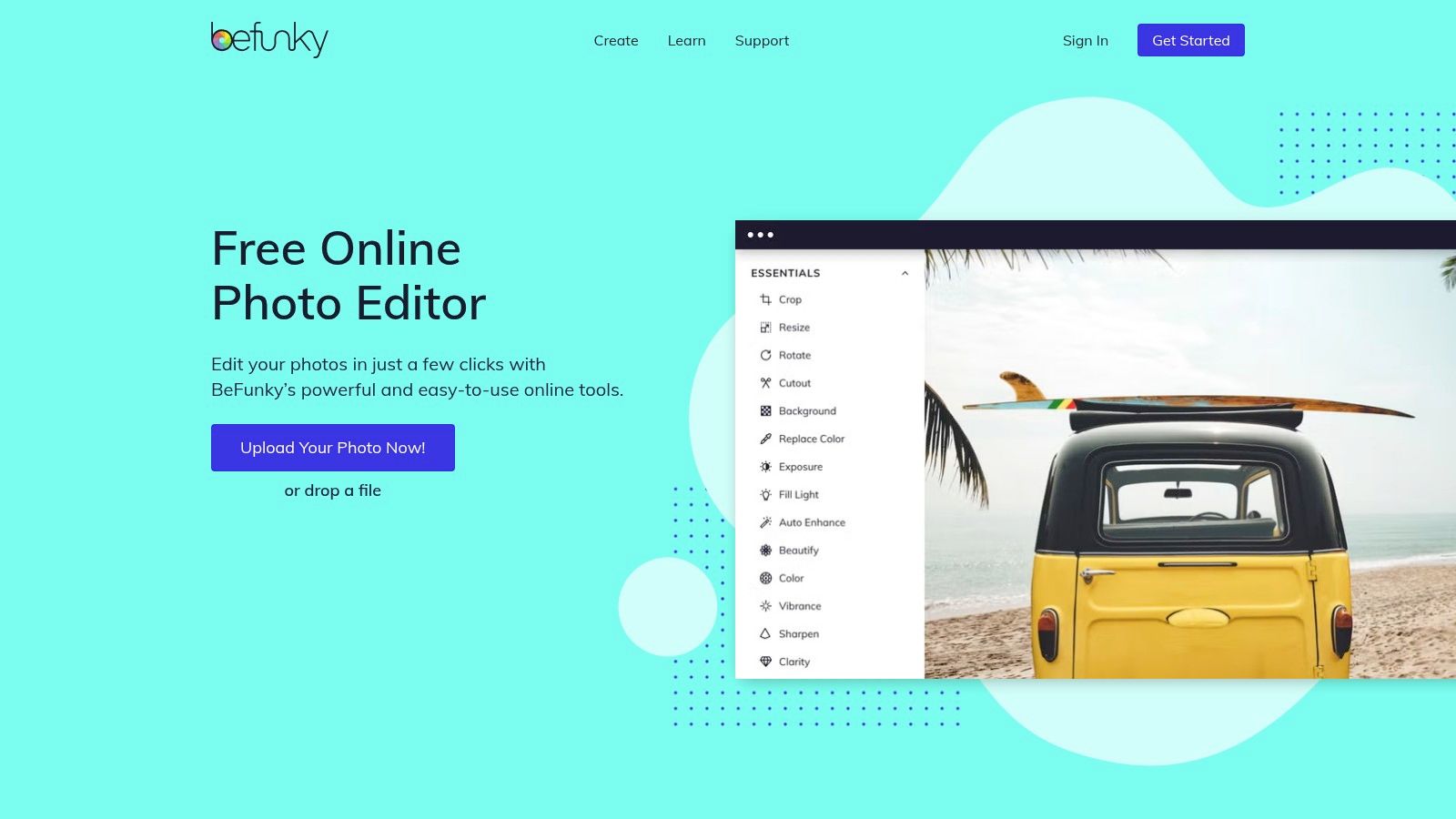
What makes BeFunky one of the good photo apps for iPhone 6 users is its combination of user-friendly design and advanced AI tools. You can perform complex tasks like background removal, object erasing, and image upscaling with just a few taps. It also includes a vast library of adjustments, overlays, and collage templates, transforming it from a simple editor into a comprehensive creative suite accessible from your phone’s browser.
BeFunky operates on a freemium model, providing many core features for free while reserving its most advanced AI tools for a Plus subscription. While it performs well, remember that processing very large or complex projects on older hardware like the iPhone 6 may be slower compared to a modern device. The platform's extensive tutorials are a great help for new users.
When your iPhone 6 is low on storage or you need a powerful editor without installing another app, Pixlr is a fantastic web-based solution. Accessible directly through the Safari browser, it provides a surprisingly robust editing suite that works well even on older hardware. This makes it an invaluable tool for quick, on-the-go edits when you need more than the basic iOS tools but can't commit to a heavy application.
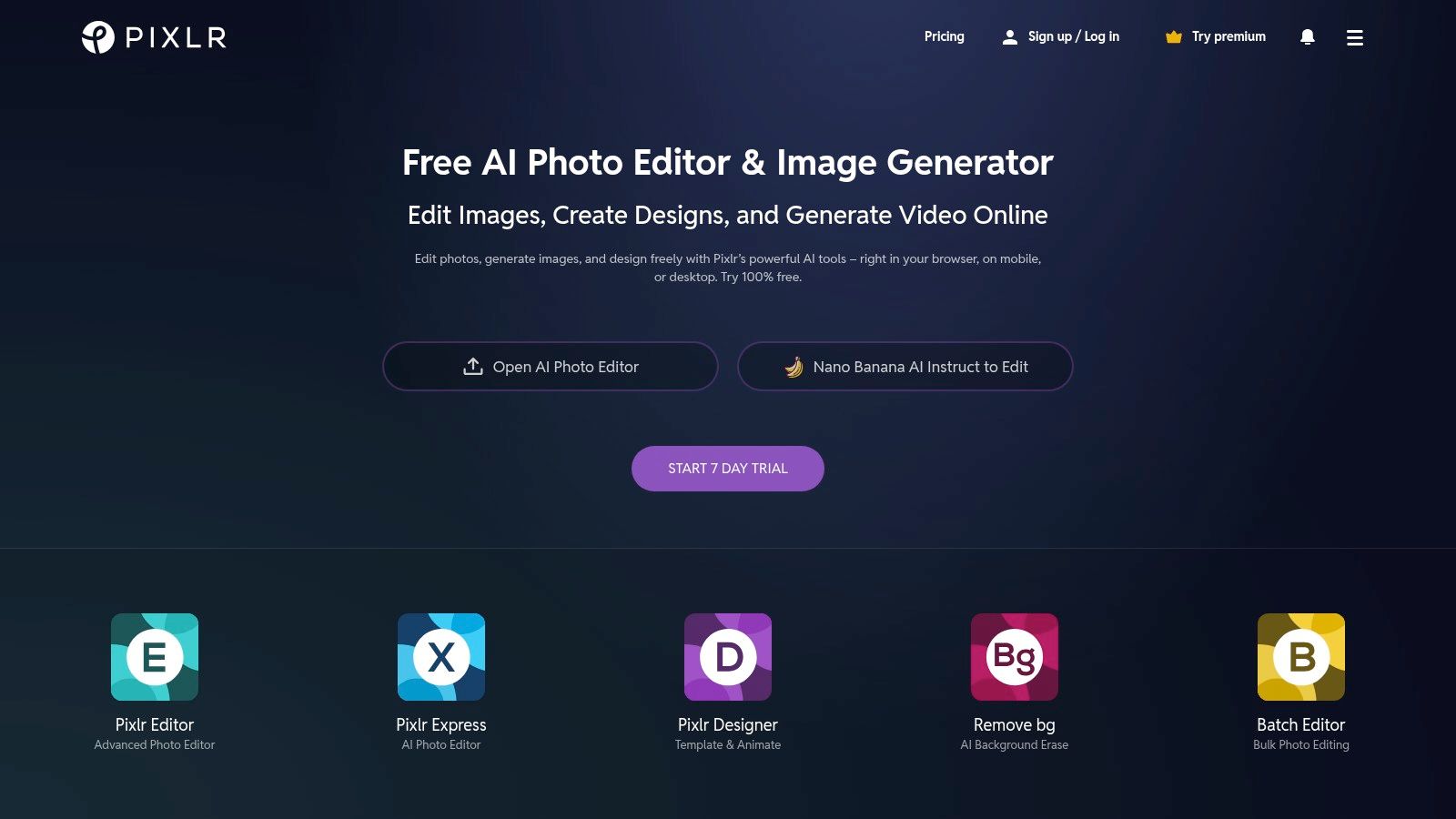
What makes Pixlr one of the good photo apps for iPhone 6 is its two-tiered approach: Pixlr X for fast, simple adjustments and Pixlr E for more advanced, layer-based editing. Its AI-powered tools, like the one-click background remover, are remarkably effective and can save a significant amount of time. You can also access a wide variety of filters, effects, overlays, and even pre-made templates for social media posts, all without needing to sign up.
Pixlr operates on a freemium model, with the core tools available for free, supported by ads. For access to premium assets and an ad-free experience, a subscription is required. While the interface is functional, it can feel a bit cramped on the iPhone 6's smaller screen, so using it in landscape mode is recommended for a better user experience.
For iPhone 6 users who need more than just photo editing, Canva offers a powerful browser-based design suite. While newer native apps may be incompatible, Canva’s mobile website is optimized for Safari on iOS 12, providing a clever workaround. This makes it an invaluable tool for turning your photos into polished social media posts, collages, or marketing graphics directly on your older device without installing a thing.
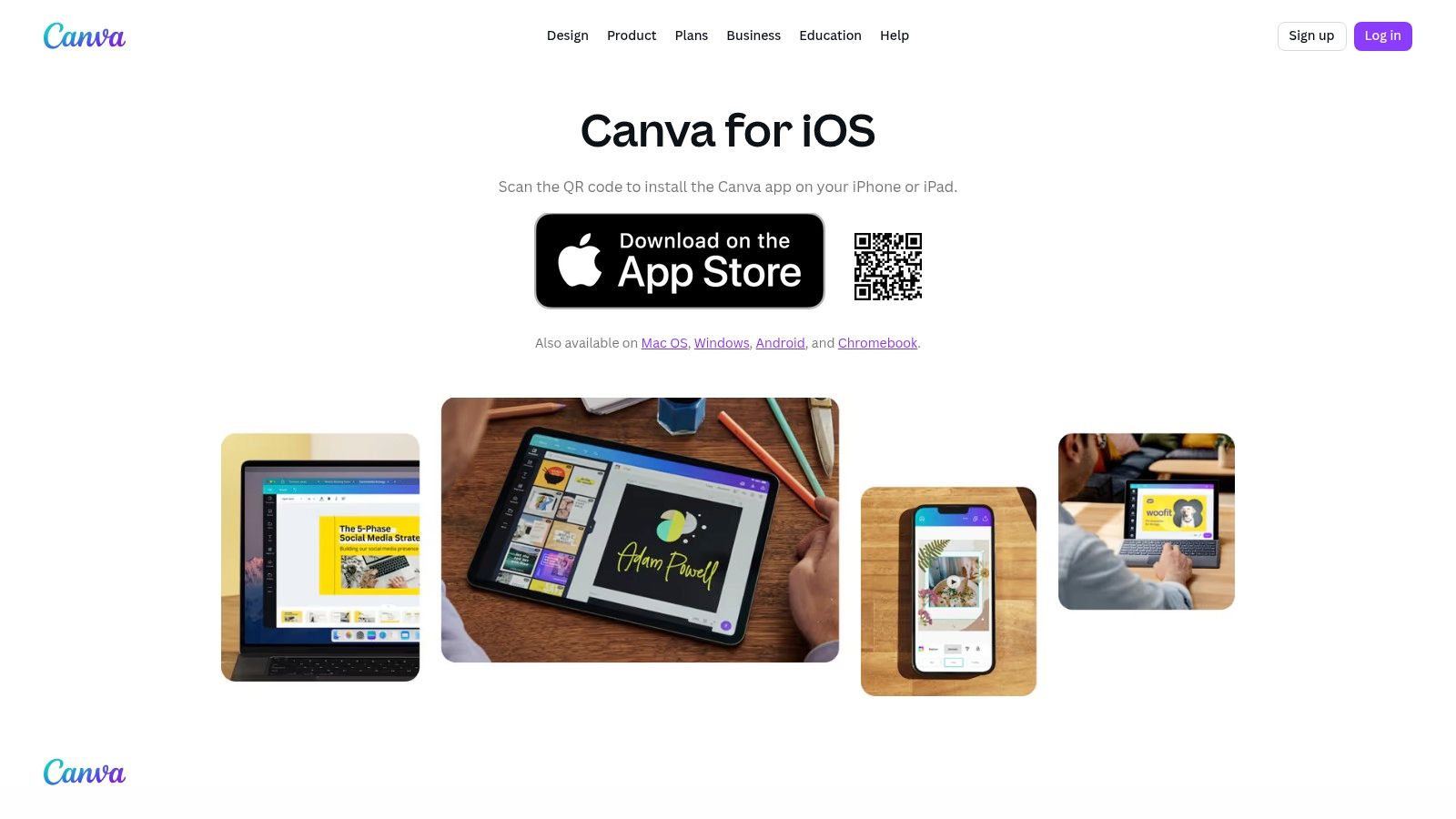
What makes Canva one of the good photo apps for iPhone 6 is its template-driven approach. Instead of starting from scratch, you can choose from thousands of professional designs and simply drop your photos in. Its feature set includes one-tap styles, powerful text tools, and a vast library of design elements to enhance your images. The cloud-based system ensures all your projects are saved and accessible from any device.
Canva operates on a freemium model, offering immense value for free, with advanced tools like the background remover reserved for Pro subscribers. The web interface can feel less responsive on an iPhone 6 compared to a native app, especially for complex projects. However, for creating high-quality visuals, it's an unmatched resource, and you can learn more about the key factors in creating graphics for campaigns to understand its practical applications.
For those moments when you need desktop-class editing power without installing a new app, Photopea is an astonishingly capable web-based tool. It runs directly in the Safari browser on your iPhone 6, offering a Photoshop-like experience that includes advanced features like layers, masks, and adjustment layers. This makes it an invaluable resource for complex edits that go beyond the scope of typical mobile apps.
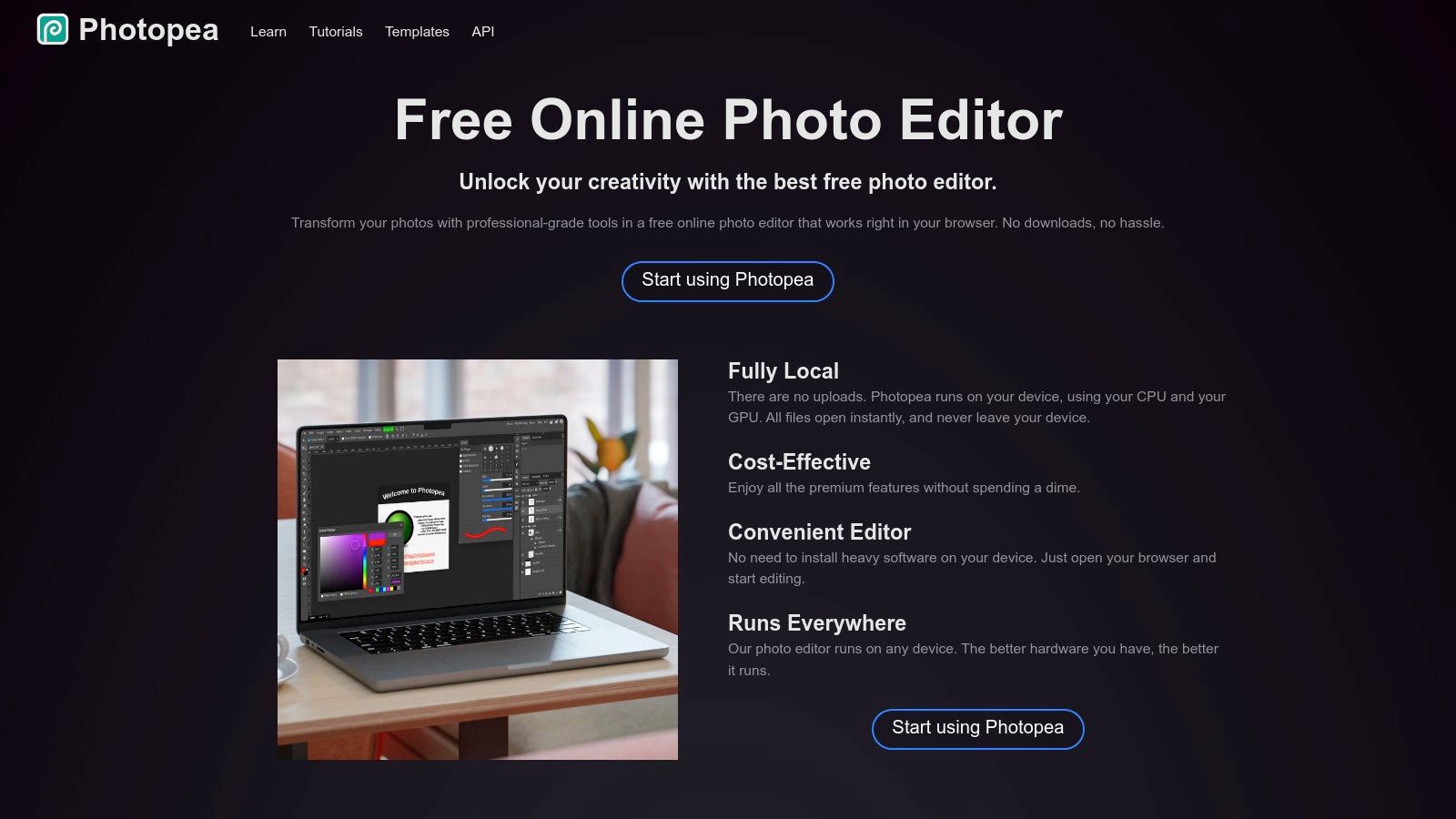
What makes Photopea one of the good photo apps for iPhone 6 is its incredible versatility and accessibility. It can open and edit professional file formats like PSD, XCF, and Sketch, allowing you to work on complex projects on the go. Whether you need to add vector shapes, apply sophisticated text effects, or perform intricate masking, Photopea provides the tools without requiring any downloads or subscriptions for its core functionality.
Photopea is completely free to use, supported by ads, with a premium option available to remove them and gain extra features. Its primary challenge on the iPhone 6 is the dense, desktop-oriented interface, which can feel cramped and requires some patience to navigate on a smaller screen. However, for sheer power and zero cost, it is an unparalleled option for advanced editing.
When your iPhone 6 can no longer run the latest native apps, web-based tools become an invaluable resource. Polarr offers sophisticated photo editing directly in your Safari browser, bypassing App Store compatibility issues. This approach grants users of older hardware access to modern editing features, like advanced masking and selective adjustments, that are typically reserved for newer devices and desktop software.
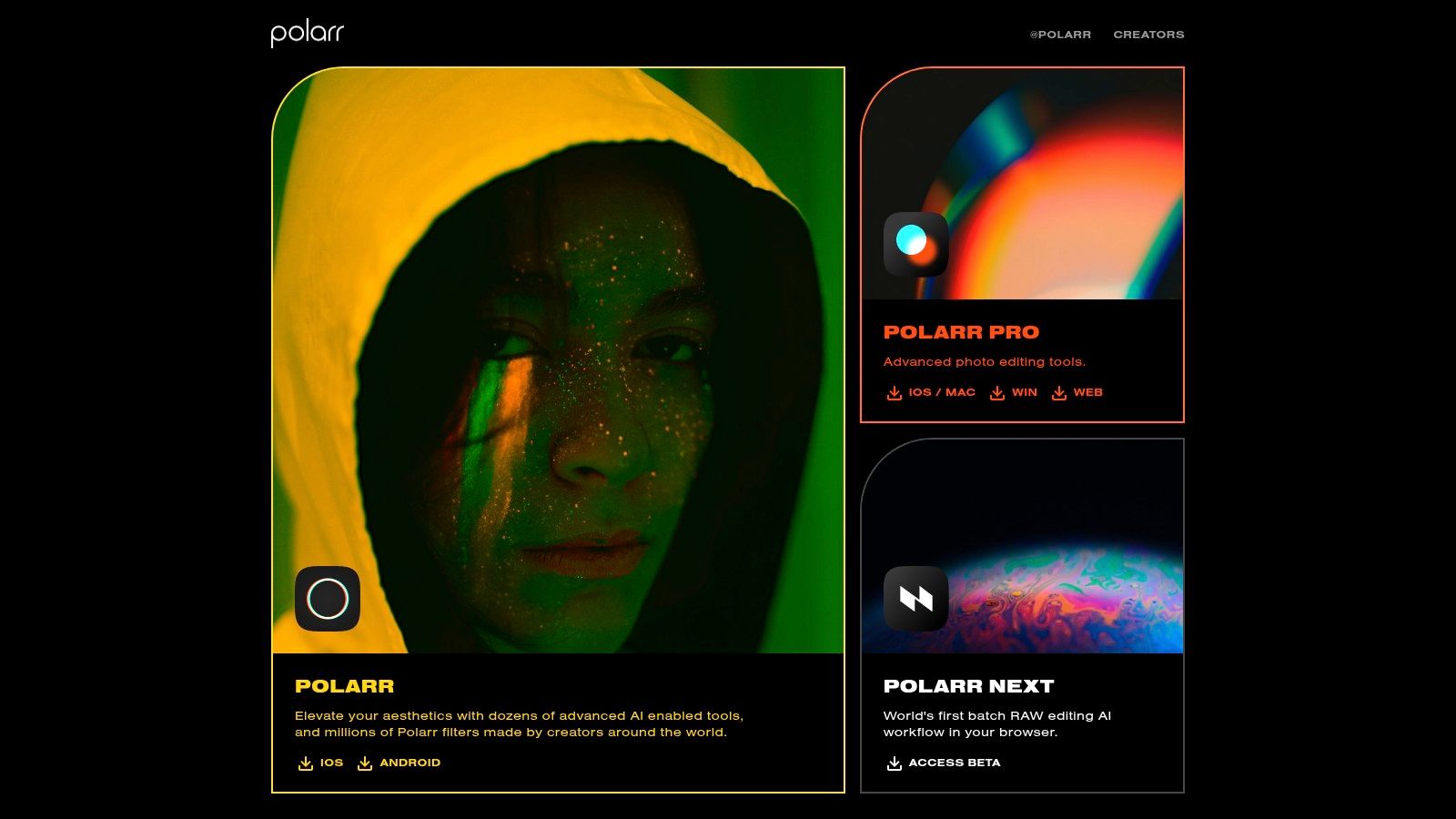
What makes Polarr one of the good photo apps for iPhone 6 is its powerful filter ecosystem. Beyond standard edits, you can create, share, and use community-generated filters, offering endless creative possibilities. The web platform's robust color grading and layering tools provide a level of control that far exceeds most free mobile editors, making it a fantastic solution for keeping an older iPhone relevant for serious photo editing.
Polarr's web editors run impressively well, but complex tasks like heavy masking might feel slow on the iPhone 6's hardware. The best features are locked behind a subscription, but the free version still offers substantial utility. The browser-based access is the key advantage, providing a lifeline for users who want modern editing power without needing a new phone.
While not an app itself, this guide from MakeUseOf is an indispensable resource for any iPhone 6 user. It addresses a common and frustrating problem: discovering that a great photo app you want to try is no longer compatible with iOS 12. This practical article walks you through the official App Store method for downloading the last compatible version of an app, potentially unlocking access to software you thought was unavailable.
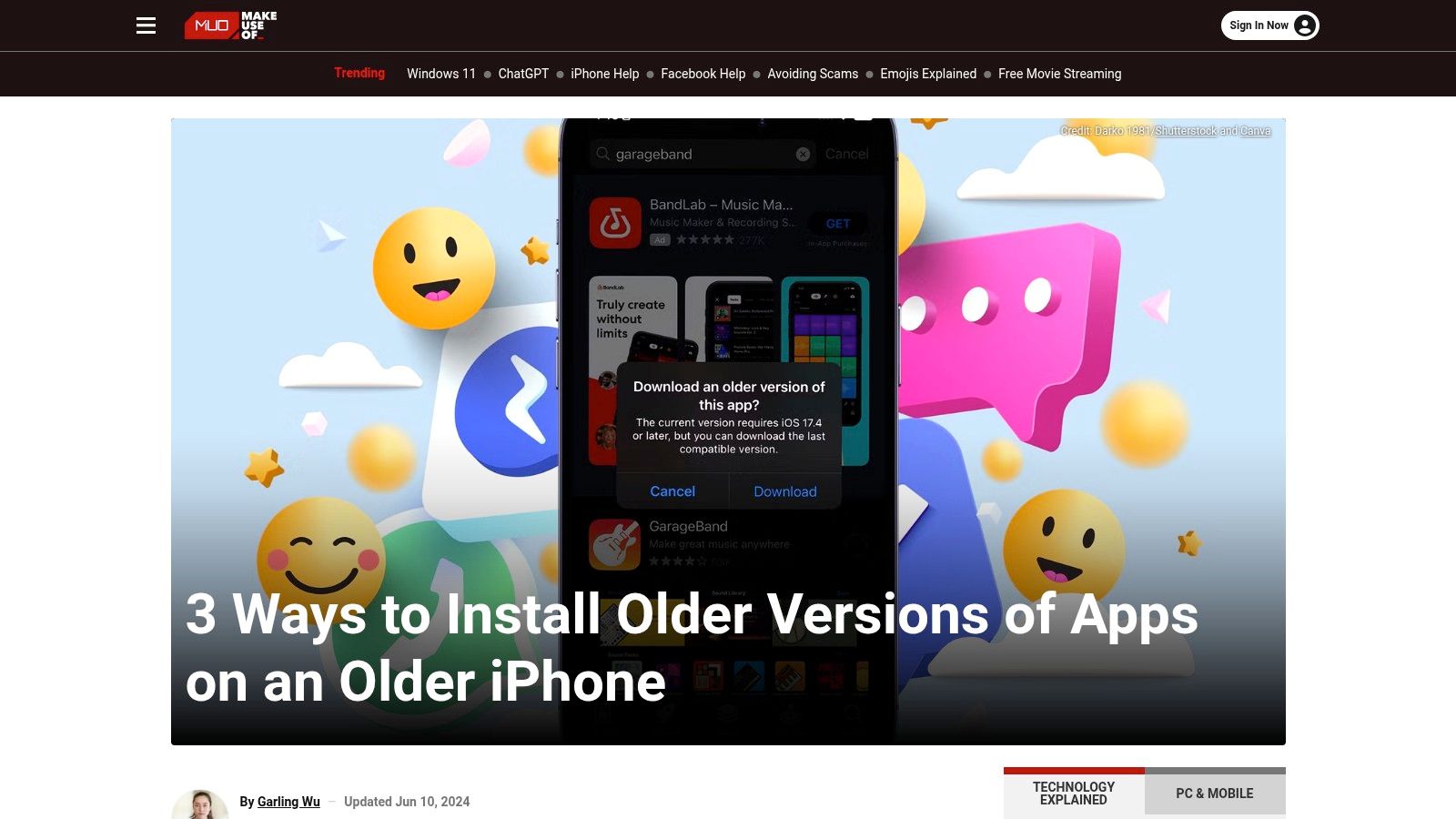
This guide’s inclusion is critical because it empowers you to try and install many of the good photo apps for iPhone 6 that may have since updated beyond its capabilities. It details the process of using the 'Purchased' section of your Apple ID to find and install legacy builds. This technique is entirely legitimate, using Apple's own systems without resorting to risky sideloading, making it a safe and often effective solution for breathing new life into your device.
The method described relies on two conditions: you must have "claimed" the app with your Apple ID at some point (often requiring a newer device), and the developer must have kept the older build available on Apple's servers. It's not a guaranteed fix for every app, but it is the best official workaround and an essential trick every iPhone 6 owner should know.
| App / Resource | Core features | UX/Quality (★) | Price/Value (💰) | Target (👥) | Unique selling point (✨🏆) |
|---|---|---|---|---|---|
| ProCam – Manual Camera + RAW | Manual controls, RAW/TIFF/JPG, intervalometer, HDR, video | ★★★★☆ | 💰 One‑time + optional IAPs | 👥 Pro hobbyists, iPhone 6 users | ✨ Full pro feature set on iOS 12; 🏆 installs on older devices |
| Slow Shutter Fast Cam | Long‑exposure modes (Auto/Manual/Light Trail), 0.5–15s shutter | ★★★★☆ | 💰 Free (ads) + Remove Ads IAP | 👥 Night photographers, creative shooters | ✨ Simple, reliable long‑exposure on old hardware |
| Mextures – Overlays & Film Looks | Textures, film presets, infinite layers, saveable "Formulas" | ★★★★☆ | 💰 Paid / in‑app presets | 👥 Stylizers, vintage/film enthusiasts | ✨ Non‑destructive recipe workflow; strong film aesthetics |
| SKRWT – Perspective/Lens Correction | Vertical/horizontal correction, lens distortion, 4PNTS/MRRW tools | ★★★★☆ | 💰 Paid app | 👥 Architects, interior photographers | ✨ Professional perspective control; 🏆 niche precision tool |
| Fotor – Photo Editor | One‑tap enhance, AI background remover, curves, templates | ★★★★☆ | 💰 Freemium / subscription | 👥 Casual creators, campaign designers | ✨ Broad, approachable toolkit for quick edits |
| Dazz Cam – Old Film & VHS Cam | Vintage overlays, VHS effects, date stamps, media import | ★★★★☆ | 💰 Freemium / subscription or lifetime unlock | 👥 Retro aesthetic creators, video stylists | ✨ Authentic analog/VHS looks (lifetime unlock option) |
| BeFunky – Online Photo Editor | Web AI background/object removal, upscaler, templates | ★★★★☆ | 💰 Web freemium (Plus) | 👥 Users on older iPhones, non‑app workflows | ✨ Runs in Safari—no install needed; 🏆 accessible web editor |
| Pixlr – Free Online AI Photo Editor | Pixlr E/X editors, AI cutout, effects, templates | ★★★★☆ | 💰 Free / paid plan | 👥 Quick social edits, light retouching | ✨ Fast, lightweight browser editor for older devices |
| Canva – Web Design & Photo Editor | Templates, styles, background remover, collaboration | ★★★★☆ | 💰 Free / Pro subscription | 👥 Marketers, social/campaign designers | ✨ Massive template library; 🏆 design-first for non‑designers |
| Photopea – Photoshop‑like Editor | Layers, masks, adjustment layers, PSD/XCF/Sketch support | ★★★★☆ | 💰 Free (ads) or paid premium | 👥 Advanced editors needing PSD in browser | ✨ Photoshop‑level features in Safari; 🏆 powerful web alternative |
| Polarr – Web Editors | Advanced masking, creator filters, Polarr Next AI workflows | ★★★★☆ | 💰 Freemium / Pro | 👥 Colorists, filter creators | ✨ Strong masking + community filter marketplace |
| MakeUseOf – Download Older App Versions (Guide) | Step‑by‑step App Store method, claiming apps to Apple ID | ★★★★★ | 💰 Free (article) | 👥 iPhone 6 users trying to reinstall apps | ✨ Official, safe method for legacy app installs; 🏆 highly practical guide |
The journey through this comprehensive listicle has demonstrated a powerful truth: your iPhone 6 remains a surprisingly capable creative tool. While its hardware may be several generations old, its potential is far from exhausted. By strategically combining specialized native apps with the vast capabilities of modern, browser-based editors, you can breathe new life into its camera and produce stunning, professional-grade images. The key takeaway is that limitations often inspire creativity, pushing us to find smarter, more effective workflows.
We've explored how dedicated apps like ProCam can give you the manual control of a DSLR, while tools such as SKRWT fix the distortions that even newer phones struggle with. Mextures and Dazz Cam prove that artistic flair isn't limited to the latest hardware, allowing you to layer textures and vintage effects that are timeless. This curated selection of good photo apps for iPhone 6 shows that with the right software, the hardware's age becomes a secondary concern.
Moving forward, the most crucial step is to identify your primary photographic needs. Are you a landscape enthusiast who needs precise perspective correction, or a portrait artist who thrives on creative filters and overlays? Your personal style and goals should dictate which tools you prioritize.
Ultimately, mastering photography on an older device is about resourcefulness, a skill invaluable in any creative project. It’s about understanding your tools, both their strengths and their weaknesses, and building a workflow that plays to them. This same principle applies to other creative endeavors, like managing a crowdfunding campaign.
Just as you need the right app to edit a photo, creators need the right platform to manage their backers post-campaign. While the Kickstarter pledge manager acts like a massive marketplace similar to Amazon, a pledge manager like PledgeBox functions more like Shopify. It provides you with a dedicated, customizable space to interact with your backers, manage surveys, and handle fulfillment. It's a specialized tool built for a specific, crucial job. A major benefit is that PledgeBox is free to send the backer survey and only charges a modest 3% on any funds raised through upsells, if there's any, allowing you to maximize your project's success with minimal overhead. Your iPhone 6 isn't obsolete, it just requires a smarter approach. Embrace these tools, and you'll find your creative vision is as achievable as ever.
Just as the right app can unlock your iPhone 6's hidden potential, the right tool can streamline your post-campaign success. If you're a creator looking to simplify backer management, surveys, and upsells, explore what PledgeBox can do for you. Visit PledgeBox to see how you can build a better backer experience and boost your funding after the campaign ends.
PledgeBox
The All-in-One Toolkit to Launch, Manage & Scale Your Kickstarter / Indiegogo Campaign