 PledgeBox
Hive Project Management for Crowdfunding Success
Learn how to use Hive project management for your Kickstarter or Indiegogo campaign. This guide covers features, workflows, and integrations for creators.
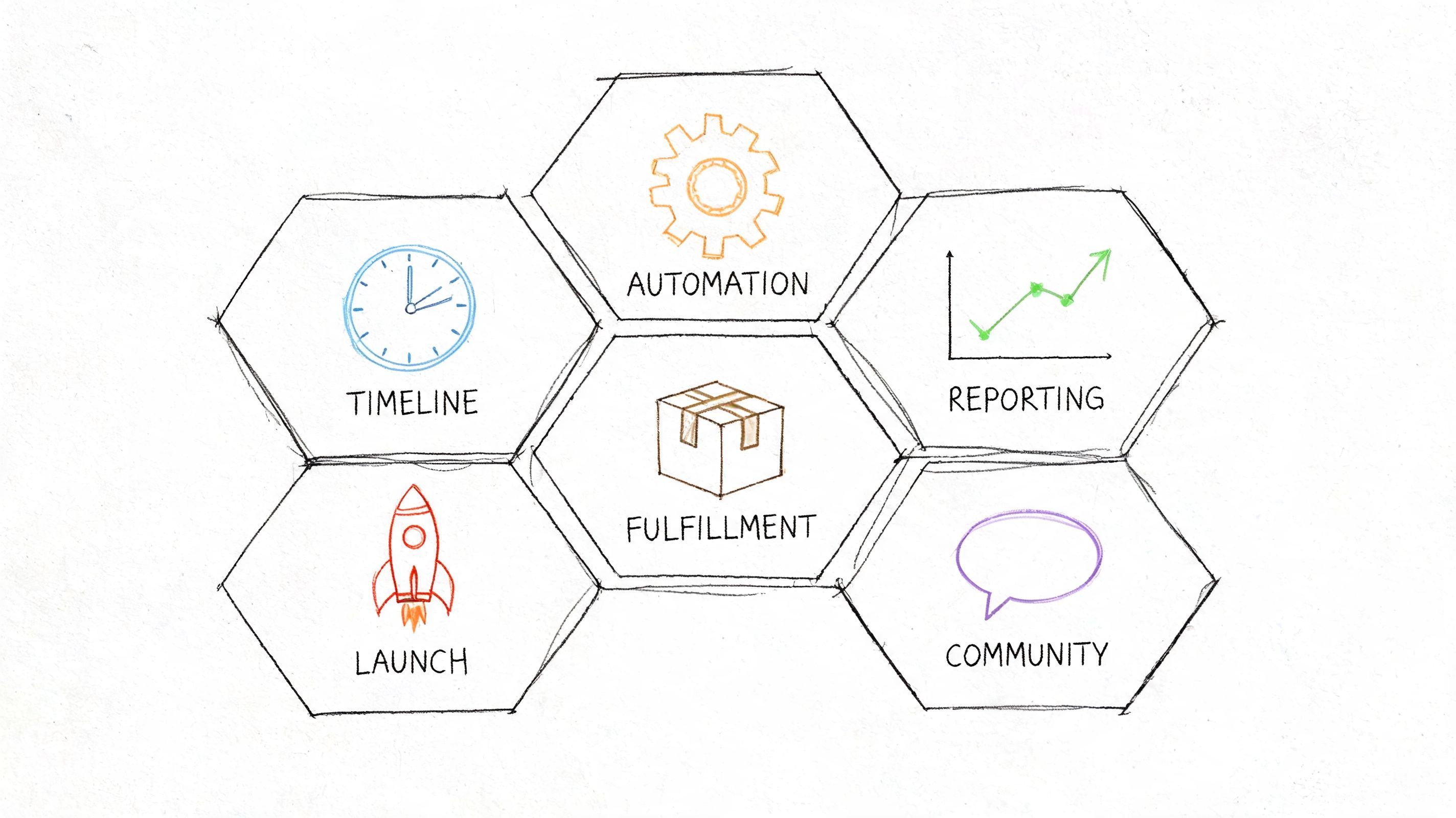
Learn how to use Hive project management for your Kickstarter or Indiegogo campaign. This guide covers features, workflows, and integrations for creators.
Your campaign funds, and the emotional arc changes fast. One day you're watching pledges roll in. The next day you're juggling manufacturer quotes, artwork revisions, shipping assumptions, late-night backer questions, and a reward matrix that somehow became a small database.
That’s where most creators stop thinking like marketers and start needing operations discipline.
I’ve seen the same pattern across hardware, tabletop, and design campaigns. The launch gets all the attention, but the actual pressure starts after funding. General spreadsheets can hold for a while. Shared docs can hold for a while. Slack can hold for a while. Then a deadline slips, one file version gets approved by the wrong person, and nobody is fully sure whether survey timing, production timing, and shipping timing still line up.
hive project management is useful in that moment because it gives your team a structured operating system. It is not a dedicated crowdfunding platform. It won’t replace the specialized tools that handle backer-facing workflows. But it can become the internal command center that keeps your campaign from fragmenting into disconnected tasks and side conversations.
The post-funding mess is predictable. A creator approves packaging before lock-in dates are final. The ops lead updates shipping assumptions in a spreadsheet nobody else checks. The community manager promises a date in comments that manufacturing hasn’t confirmed. None of those mistakes look dramatic when they happen. Together, they create delays and trust problems.

That’s why campaign operations should be treated as a real project, not an afterthought. According to project management statistics summarized by Hive, 70% of organizations have suffered at least one project failure in the prior 12 months. For crowdfunding creators, the project is often the business itself, so failure doesn’t stay contained inside one department.
Most Kickstarter and Indiegogo teams don’t fail because they lack effort. They fail because the workflow has too many handoffs and too few controls.
When those three streams don’t run through one system, deadlines become opinions.
The dangerous phase isn’t launch week. It’s the stretch between funding success and fulfillment execution, when teams assume they still have time.
Creators also underestimate how much logistics knowledge they need after the campaign. If you’re still learning packaging constraints, warehouse timing, or handoff risk, this primer on understanding e-commerce logistics is worth reviewing before you build your delivery plan.
Hive gives you a framework for internal coordination. You can map owners, deadlines, dependencies, files, and team communication in one workspace. That’s valuable.
But the adaptation work is on you. Hive wasn’t built specifically for reward tiers, shipping fee collection, VAT collection, or late pledge flows. That’s the core challenge for crowdfunding teams. You need a professional project management layer, but you also need specialized systems for the backer-facing parts of the campaign.
At its best, hive project management feels like mission control for a campaign team. Instead of treating tasks, files, conversations, and deadlines as separate systems, Hive brings them into a single workspace where everyone can see what’s moving and what’s blocked.

For creators, that matters because crowdfunding work isn’t one project. It’s several overlapping projects that share deadlines. You’re running campaign marketing, creative production, factory coordination, support, and fulfillment prep at the same time. Hive gives you one place to separate those streams without losing visibility across all of them.
Hive’s interface makes more sense when you map it to campaign work instead of generic office tasks.
A lot of teams also benefit from a more explicit role structure. If you need a creator-friendly framework for who should own which part of the process, this project manager’s perspective on running a Kickstarter team is a good companion read.
Don’t build one giant campaign board.
Build separate projects inside Hive for the major operating streams, then connect them with dependencies and common milestone dates. That usually means one workspace for pre-launch marketing, one for live campaign execution, one for manufacturing, and one for fulfillment preparation.
That structure keeps the creative team from drowning in ops detail, while still letting leadership see the whole timeline.
Here’s a quick product walkthrough if you want a visual feel for the interface and terminology before configuring your workspace:
Working rule: If a task has an owner, a due date, and a dependency, it belongs in Hive. If it only lives in someone’s inbox, it will get missed.
Hive becomes useful when you stop treating it like a generic task list and start mapping features to campaign phases. The same tool can support pre-launch planning, live campaign response, and post-campaign execution, but the setup should change with the phase.
Pre-launch work is full of parallel tracks. You’re building a page, refining the offer, preparing ad assets, confirming launch content, and collecting supplier inputs that affect pricing and delivery promises.
Hive’s multiple project views are particularly helpful. Use Kanban for creative work and a timeline view for launch-critical milestones. Keep all launch assets attached directly to tasks so your team isn’t hunting through Drive, Slack, and email threads for the latest approved version.
For early risk control, split your project into a few practical groups:
The point isn’t complexity. The point is to expose hidden dependencies before launch day.
Once the campaign is live, Hive shifts from planning tool to response tool. The team needs a fast way to track what changed and who owns the next action.
This phase benefits from short-cycle check-ins and one dashboard for exceptions. Hive’s reporting tools matter here because they make bottlenecks visible instead of anecdotal. According to Simon Sez IT’s Hive project management review, Hive allows project managers to track seven critical metrics, including time, cost, quality, and risk. Teams can also review task completion rates and time spent on each task, which is useful when your campaign moves from marketing pressure to delivery planning.
A practical live-campaign board usually includes:
In such cases, generalist tools either become powerful or frustrating. Hive is strong on internal coordination, especially when fulfillment prep creates dozens of interlocking tasks.
Use it to manage:
Hive also supports integrations and dashboards that let managers review completion rates and staffing patterns. That’s useful when one overloaded team member becomes the hidden bottleneck.
If your fulfillment timeline depends on one person manually relaying updates between vendors, support, and creators, your process is too fragile.
The trade-off is simple. Hive gives you strong internal visibility. It does not natively act like a purpose-built pledge manager. That distinction matters most once individual backer data, shipping rules, and post-campaign purchasing behavior enter the picture.
A good Hive setup for crowdfunding should follow the way campaigns unfold. Don’t organize by department first. Organize by campaign phase, then assign departments inside each phase.

Start with a dedicated pre-launch project. This should contain your campaign page build, ad asset pipeline, email calendar, launch checklist, and pricing sign-off process.
Set milestone dependencies so nothing “approved” is considered approved until the required upstream work is complete. For example, ad creatives shouldn’t move to final unless the offer, reward structure, and launch date are locked. That sounds obvious, but teams skip this all the time.
A useful pre-launch board often includes:
Positioning and offer Reward structure, stretch goal policy, value proposition, pricing assumptions.
Creative production Video edits, image renders, campaign page blocks, update graphics.
Go-live readiness Platform setup, tracking checks, community moderation plan, launch-day assignments.
If your schedule discipline is slipping, this article on how clear timelines can make or break your crowdfunding campaign is a strong reminder that optimism doesn’t replace sequencing.
During the live campaign, create a separate project with shorter task cycles and faster review loops. This project should be less about broad planning and more about immediate execution.
Use status groups such as:
That keeps your live campaign team focused on throughput instead of browsing a cluttered master board.
Post-launch is where you need the most operational discipline. Build this workspace around handoffs, not just tasks.
A practical structure looks like this:
| Stage | Core tasks inside Hive |
|---|---|
| Survey prep | Final reward mapping, support macros, shipping assumptions, add-on review |
| Production | PO tracking, sample approval, packaging sign-off, manufacturing checkpoints |
| Fulfillment | Address readiness, warehouse coordination, shipment file prep, exception handling |
| Community | Update schedule, support escalation, delay communication, replacement process |
Here Hive’s rulesets and standards logic become useful. According to CTC Software’s documentation on Hive project standards, Hive’s automations and rulesets can enforce project standards and prevent unauthorized changes. For creators, that can mean locking reward tier details or shipping rules after approval. The same source notes that BIM managers have seen 60-80% error reduction in CAD workflows using this kind of standards enforcement, which makes the broader lesson clear: controlled systems reduce preventable mistakes.
A creator shouldn’t let reward logic stay editable forever. Freeze key fields after approval, and force changes through a documented review step.
If your support and issue tracking process crosses multiple platforms, it helps to study a mature ticket handoff model like this guide to Jira Zendesk workflows. The tooling is different, but the operational lesson carries over. Internal teams move faster when escalations follow a defined path.
Hive works best as the internal layer of a broader stack. If you expect it to handle every operational need by itself, you’ll either over-customize it or force your team into awkward workarounds.

Hive should own the work your team does internally:
According to SaaStrac’s Hive review, Hive integrates with over 1,000 applications, and its Buzz AI can parse action items from emails and chats to auto-generate tasks. The same review says users report up to 40% less tool-switching. For campaign teams, that’s useful when updates are arriving from email threads, Slack messages, and vendor chats at the same time.
Backer-facing operations are different. They involve survey collection, address collection, shipping fees, VAT and tax workflows, add-on sales, late pledge logic, and support tied to individual orders. That’s not where a general PM platform is strongest.
This is also where many creators confuse “project management” with “pledge management.” They’re related, but they aren’t the same system.
A simple way to think about it is this:
If you’re comparing your broader stack, this roundup of tools for a successful Kickstarter campaign is a useful way to sanity-check what belongs where.
A common clean operating model looks like this:
| Workflow | Better home |
|---|---|
| Team assignments and approvals | Hive |
| Production and fulfillment planning | Hive |
| Backer surveys and order data | Specialized pledge manager |
| Upsells and post-campaign purchases | Specialized pledge manager |
| Shipping fee and VAT collection | Specialized pledge manager |
One detail matters for creators watching cost. PledgeBox is free to send the backer survey and only charges 3% of upsell if there’s any. That pricing model makes it easier to keep Hive focused on internal execution instead of bending it into a backer management tool.
The platform distinction is also useful. The Kickstarter pledge manager is like Amazon, simple and standardized. PledgeBox pledge manager is like Shopify, more customizable and better suited for teams that want control over branding, add-ons, and post-campaign revenue operations.
Hive is a strong operational tool for creators who need structure, accountability, and visibility across a messy campaign. It is not the whole stack.
Hive is a good fit when your campaign has enough moving pieces that spreadsheets stop being reliable.
| Task | Hive Project Management | Specialized Pledge Manager (e.g., PledgeBox) |
|---|---|---|
| Internal team task assignment | Strong | Limited |
| Production timeline management | Strong | Limited |
| Cross-team approvals | Strong | Limited |
| Creative asset tracking | Strong | Limited |
| Backer surveys | Weak | Strong |
| Shipping fee collection | Weak | Strong |
| VAT and tax collection workflows | Weak | Strong |
| Add-on upsells | Weak | Strong |
| Individual backer order management | Weak | Strong |
| Late pledge and preorder workflows | Weak | Strong |
Hive shines when the work is internal and collaborative. It gives managers a better way to run meetings, track delays, and catch dependencies before they become public problems.
It gets weaker when the workflow becomes transactional and backer-specific. That includes collecting addresses, charging shipping, managing add-ons, and handling reward-level purchase logic at scale. Public information around Hive also leaves a gap here. There isn’t transparent guidance showing how it handles crowdfunding-specific workflows such as pledge managers, backer communication systems, or multi-phase campaign tracking in a purpose-built way, as noted in this review of the gap in Hive’s crowdfunding integration guidance.
Use Hive to run your team. Don’t ask it to impersonate a pledge manager.
For agencies and experienced creators, the right answer usually isn’t choosing one tool over the other. It’s building a cleaner boundary between internal execution and backer-facing fulfillment systems.
If you’re running a serious Kickstarter or Indiegogo campaign, use hive project management as your internal command center. Build separate workspaces for pre-launch, live campaign execution, production, and fulfillment prep. Track owners, dependencies, approvals, and exceptions there. That’s where Hive delivers real value.
Be disciplined about what you keep out of Hive. Don’t force backer surveys, shipping fee collection, VAT handling, or upsell logic into a general PM workflow. Those jobs need a dedicated pledge management system built for order-level data and backer-facing transactions.
A practical action plan looks like this:
The strongest setup is a hybrid. Hive gives your team operational clarity. A specialized pledge manager gives your backers a cleaner experience and gives you better control over post-campaign revenue and fulfillment accuracy.
If you want that backer-facing layer handled properly, PledgeBox is worth a close look. It helps creators send branded surveys, collect shipping fees and VAT, run add-on upsells, manage late pledges, and keep fulfillment data organized without upfront or per-backer fees. It’s free to send the backer survey and only charges 3% on upsell revenue if there is any, which makes it a practical companion to Hive rather than a replacement for it.
PledgeBox
The All-in-One Toolkit to Launch, Manage & Scale Your Kickstarter / Indiegogo Campaign